6
Getting your Computer Ready
The steps to install the Connection Manager depend on your computer’s operating
system (OS). Follow the instructions below for your computer type. It is
recommended you uninstall any existing programs used with a mobile internet key
prior to completing the next steps.
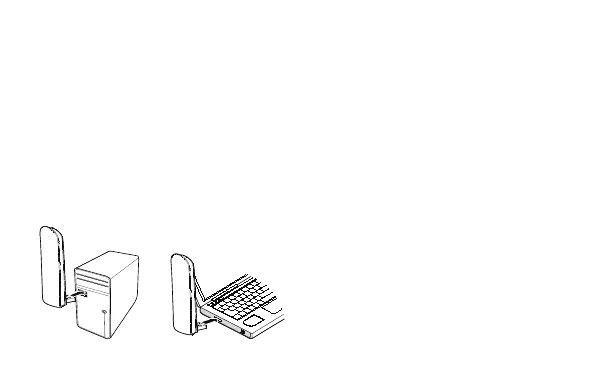
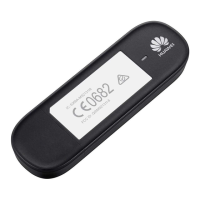
Step 1: Connect the Mobile Internet Key to your computer.
Plug the connector of the Internet Key directly into a USB port of your computer.
Do not use a USB hub.








 To Next Page