11
7
Connecting the KVM
8
Connecting the SMS Modem
A KVM is a purchased device. For details on how to install a KVM, see documents delivered with the KVM.
9
Connecting the Remote Modem
6
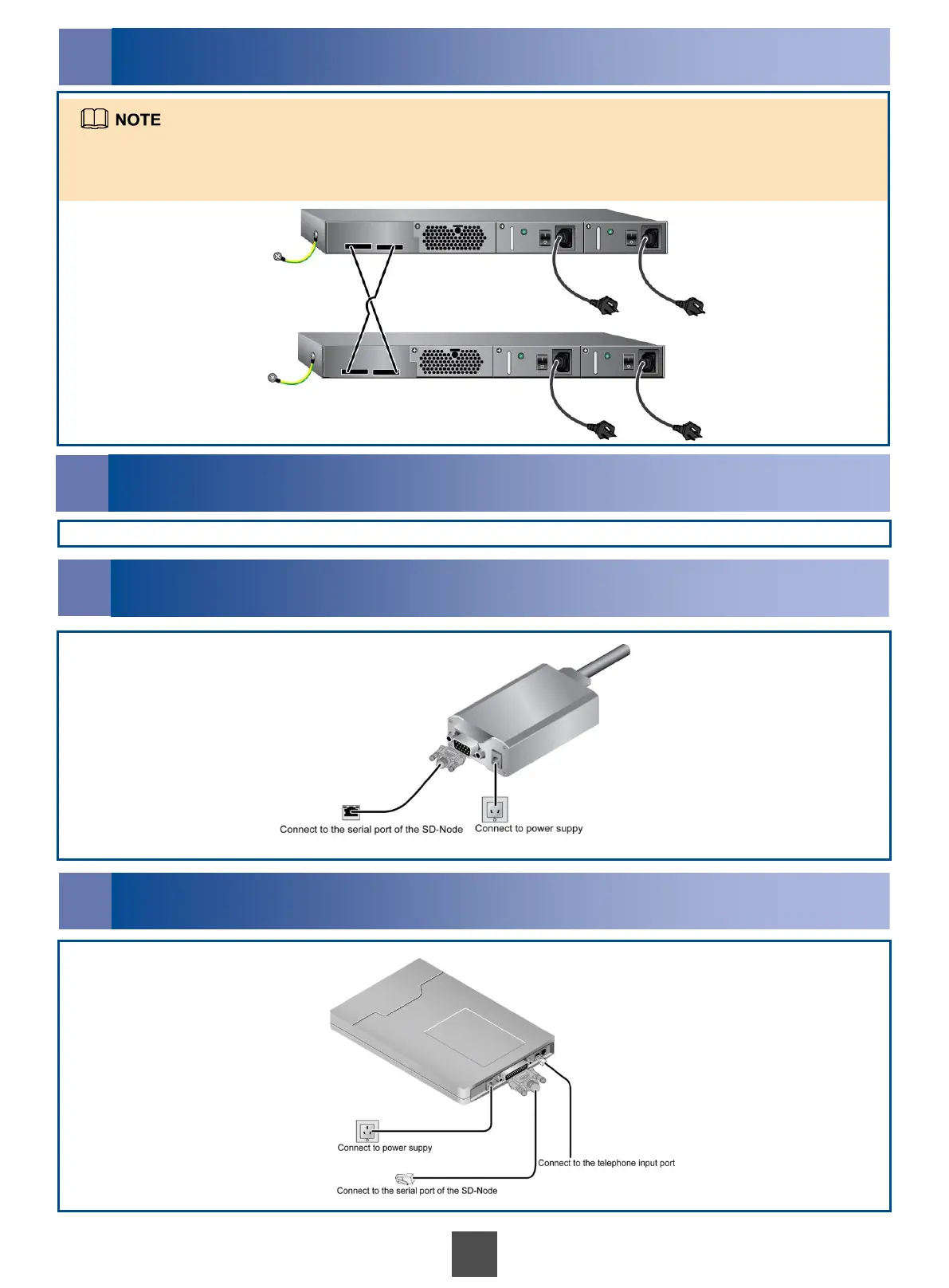
Connecting the LAN Switch
Rear panels of the two switches in a cabinet are connected to each other through two crossed stack cables.
If the CSE has an expansion cabinet, switches in the system cabinet are connected to those in the expansion cabinet
through four network cables.



 To Next Page