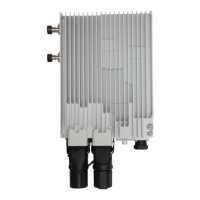
Installing the OAU 2F
Use the Web LCT to configure NE data.
Align antennas.
Check the installation.
Connected to a power
supply device
1
4
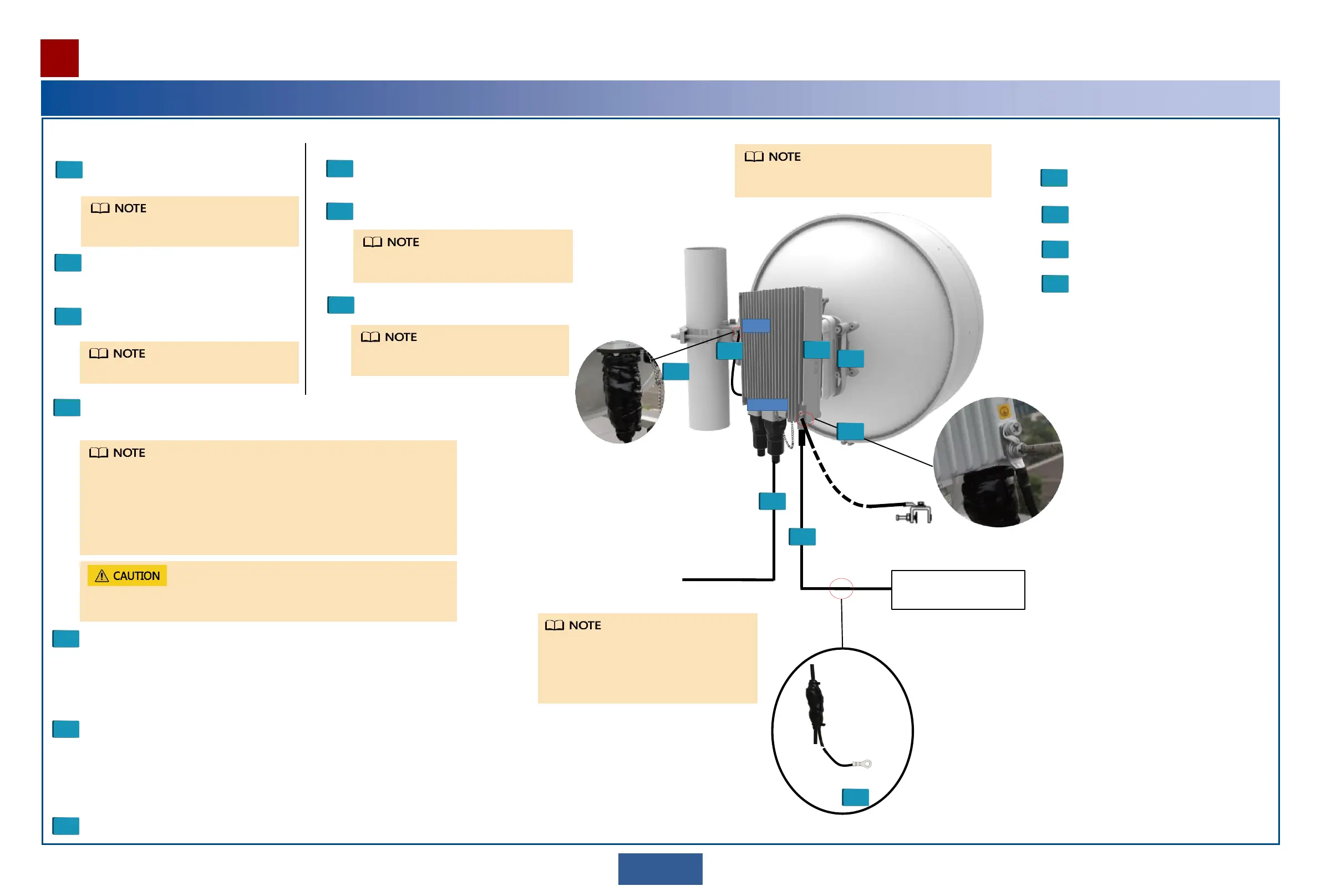
Install an outdoor fiber or network cable.
Connect an outdoor fiber or network cable to a port.
Lay out the outdoor fiber or network cable.
Attach a yellow label to the fiber or network cable, and write a number
on the label according to the plan.
5
Install a DC power cable.
Connect a DC power cable to the DC power port in the maintenance
compartment.
Lay out the DC power cable.
Select ground points for the DC power cable, and install ground clips.
Attach a matte white label to the DC power cable.
6
Install an IF cable. Connect the IF ports of the OAU 2F and XMC ODU
using an IF cable.
7
Power on the OAU 2F.
Installation procedure
Commissioning procedure
1
2
3
4
Waterproof DC power cable, ground clips, and IF cable connectors.
7
3
Install the XMC ODU on the OAU 2F.
Install the joining kit on the XMC ODU.
Install the XMC ODU on the OAU 2F.
Install the joining modules of the XMC
ODU and OAU 2F on the antenna.
2
3
Install the XMC ODU on the antenna.
2
Install the OAU 2F on a pole or wall.
Integrated installation
Split installation
IF1
6
10GE1(o)
7
1
2
3
4
5
Connected to one 10GE
(optical) service
Grounded through
the ground clip
7
DC
power
cable
DC
power
cable
Connect to a
ground bar
1Installation at a 1+0 Site
Integrated installation is used as an example.
For details about how to install the XMC ODU,
see RTN XMC ODU Quick Installation Guide.
The IF1 port is enabled for the device by default. You are advised to
preferentially use the IF1 port at a 1+0 site.
When the OAU 2F and XMC-5D ODU are configured with the 1+0, they must
be connected to the IF1 port on the XMC-5D ODU.
For the method of making and laying out an IF cable, see the RTN XMC ODU
Quick Installation Guide.
Do not remove or insert an IF cable connector from or to the OAU 2F with power
on. Otherwise, human injuries may be caused.
The GE1(e) or GE2(e) port can be used to
transmit/receive electrical services, and the
10GE1(o) or 10GE2(o) port can be used to
transmit/receive optical services. In this
example, the 10GE1(o) port is used.
For the method of installing an antenna, follow the
antenna installation guide delivered with the antenna.
1
Install a ground cables of the OAU 2F and
XMC ODU .
Install the device-side ground cable before
you climb up the tower.
1
Install a ground cable of the OAU 2F.
Install the device-side ground cable before
you climb up the tower.


 To Next Page
 Loading...