15
Installation Scenarios of the Transmission Equipment
1
Cabinet Sharing
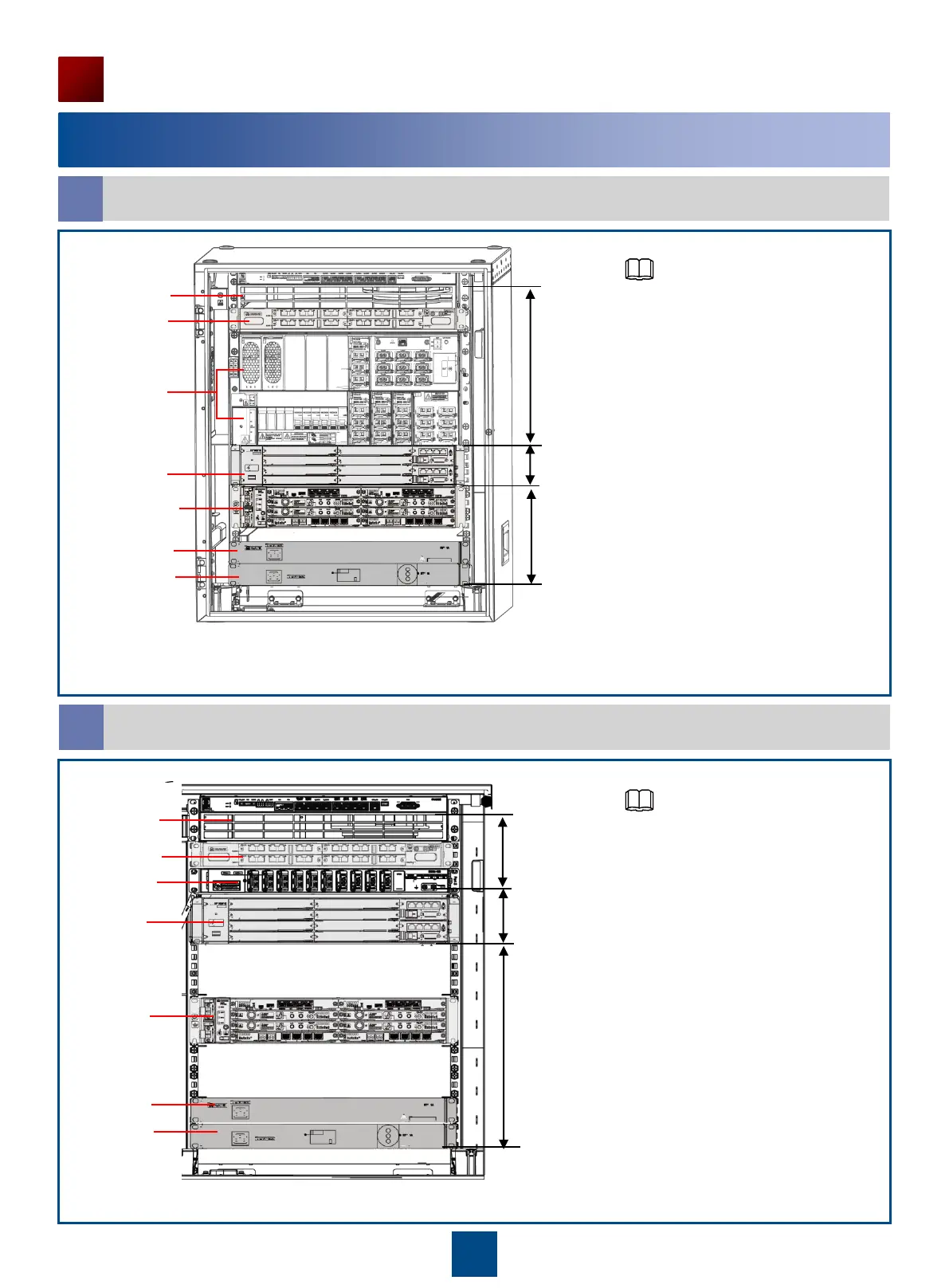
Installing the RTN 900 in the APM30H Cabinet (AC Power Supply)
a
Installing the RTN 900 in the TMC11H Cabinet (DC Power Supply)
b
5U (Available)
2U
7U
Fan unit
(Mandatory)
SLPU
(Optional)
EPU frame
(Mandatory)
BBU
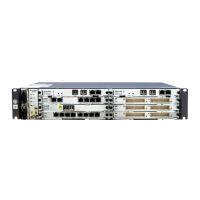
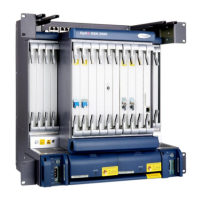
RTN 950
Heater
(Optional)
SOU
(Optional)
BBU
RTN 950
DCDU-12B
(Mandatory)
8U (Available)
2U
4U
Fan unit
(Mandatory)
SLPU
(Optional)
Heater
(Optional)
SOU
(Optional)
• In this installation scenario, a
maximum of 5 U space is
available for installing the RTN
900, optional AC heater,
maintenance socket, and other
devices.
• The RTN 980 cannot be installed
in this installation scenario.
• When two or more RTN 900
devices are installed in a cabinet,
install from top to bottom.
• Reserve 1 U space between the
RTN 900 and the heater.
• If no maintenance socket is
installed, install the heater
(optional) at the bottom of the
cabinet by default.
• In this installation scenario, a
maximum of 8 U space is
available for installing the RTN
900, optional AC heater,
maintenance socket, and other
devices.
• When two or more RTN 900
devices are installed in a cabinet,
install from top to bottom.
• Reserve 1 U space between the
RTN 900 and the heater.
• If no maintenance socket is
installed, install the heater
(optional) at the bottom of the
cabinet by default.
NOTE
NOTE



 To Next Page