
 Need help?
Do you have a question about the Huawei OptiXstar EN8245X6s-8N and is the answer not in the manual?
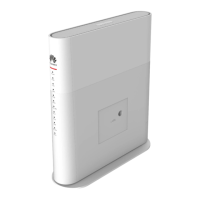
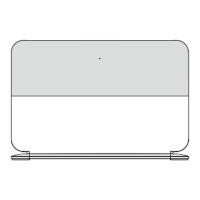
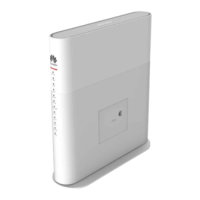
Figure shows an ONT horizontally placed on a desk, with clearance recommendations.
Provides steps for logging into the ONT web page via wireless or wired connection.
Steps to change the Wi-Fi password via the ONT web page.
Steps to recover Wi-Fi password by logging into the ONT web page.
Troubleshooting steps for Wi-Fi connection issues.
Tips to enhance Wi-Fi speed and coverage.
Troubleshooting steps for slow network speed.
Explains a phone ringing issue related to voltage.
Instructions for resetting the ONT to factory defaults.
Guidance on obtaining correct ONT firmware or software.
 General
| Model | EN8245X6s-8N |
|---|---|
| Uplink Port | 1 x GPON |
| Wi-Fi | Yes |
| Wi-Fi Standards | IEEE 802.11a/b/g/n/ac/ax |
| Wi-Fi Frequency Bands | 2.4 GHz and 5 GHz |
| Antenna Gain | 5 dBi |
| USB | 1 x USB 3.0 |
| Storage Temperature | -40°C to 70°C |
| Operating Humidity | 5% to 95% (non-condensing) |
| Product Type | Optical Network Terminal |
| Power Supply | 12V DC |
| Operating Temperature | 0°C to 40°C (32°F to 104°F) |
| Weight | Approx. 500 g |
| Management | Web |
| Downlink Ports | 4 x Gigabit Ethernet, 2 x POTS |




 To Next Page