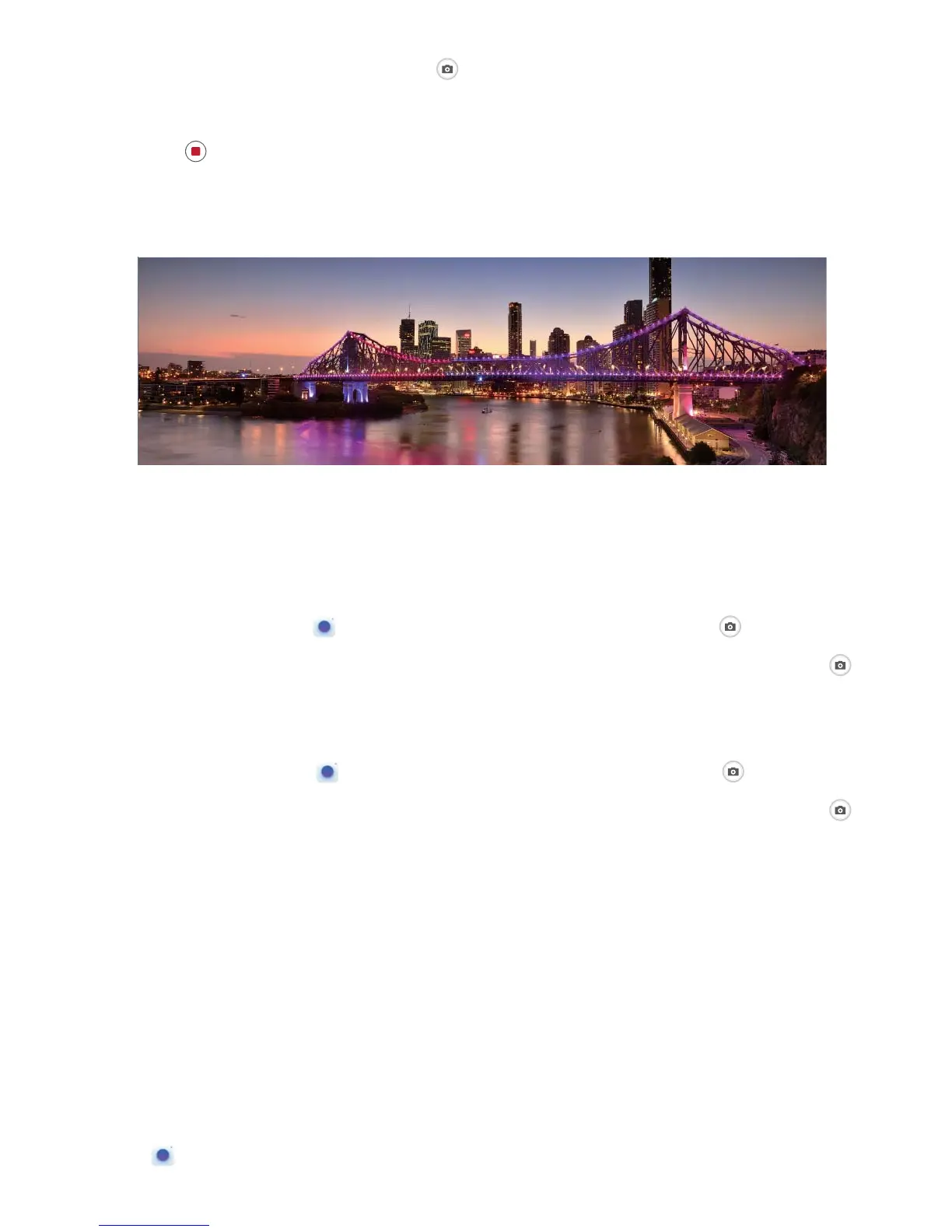
3 Hold your Phone steady, and then touch to start shooting. Slowly move the Phone in the
direction indicated, holding the device steady and ensuring that the arrow stays level with the
center line.
4 Touch when you are nished. The camera will automatically stitch the photos together to
create a panorama.
Use 3D Panorama to Take 360-degree Photos
Try the 3D panorama function to capture a 360-degree view of a scene or person.
l Shooting objects: Go to
Camera > More > 3D panorama. Touch and hold , then follow
the onscreen prompts to slowly move your Phone around your subject in one direction. Release
to stop shooting. After shooting, touch the camera thumbnail, and then touch
above the
photo to generate a 3D panoramic photo.
l Shooting scenery: Go to Camera > More > 3D panorama. Touch and hold , then follow
the onscreen prompts to slowly move your Phone around your subject in one direction. Release
to stop shooting. After shooting, touch the camera thumbnail, and then touch
above the
photo to generate a 3D panoramic photo.
After a 3D panorama has been generated, you can tilt your Phone or drag the photo to view the 3D
effect.
Pro Mode
Use Pro Mode to Take Scenic Photos
Want to make your scenic photos more vibrant and interesting? Use Pro mode to take unique and
personalized scenic photos.
Open Camera > More > Pro to enter Pro mode.
Camera
44



 To Next Page