Adjust focus: To make your subject stand out, it is recommended that you use manual focus (MF)
when shooting portraits. When taking a close-up shot, touch the focus on the shot in the viewnder
to adjust the focus accordingly.
l Some parameters in Pro mode affect each other, so adjusting one may cause some unwanted
changes. Keep this in mind when setting up for your perfect shot.
l The recommended settings above are for reference only. You should adjust them based on the
actual scene for best shot.
Light Painting Mode
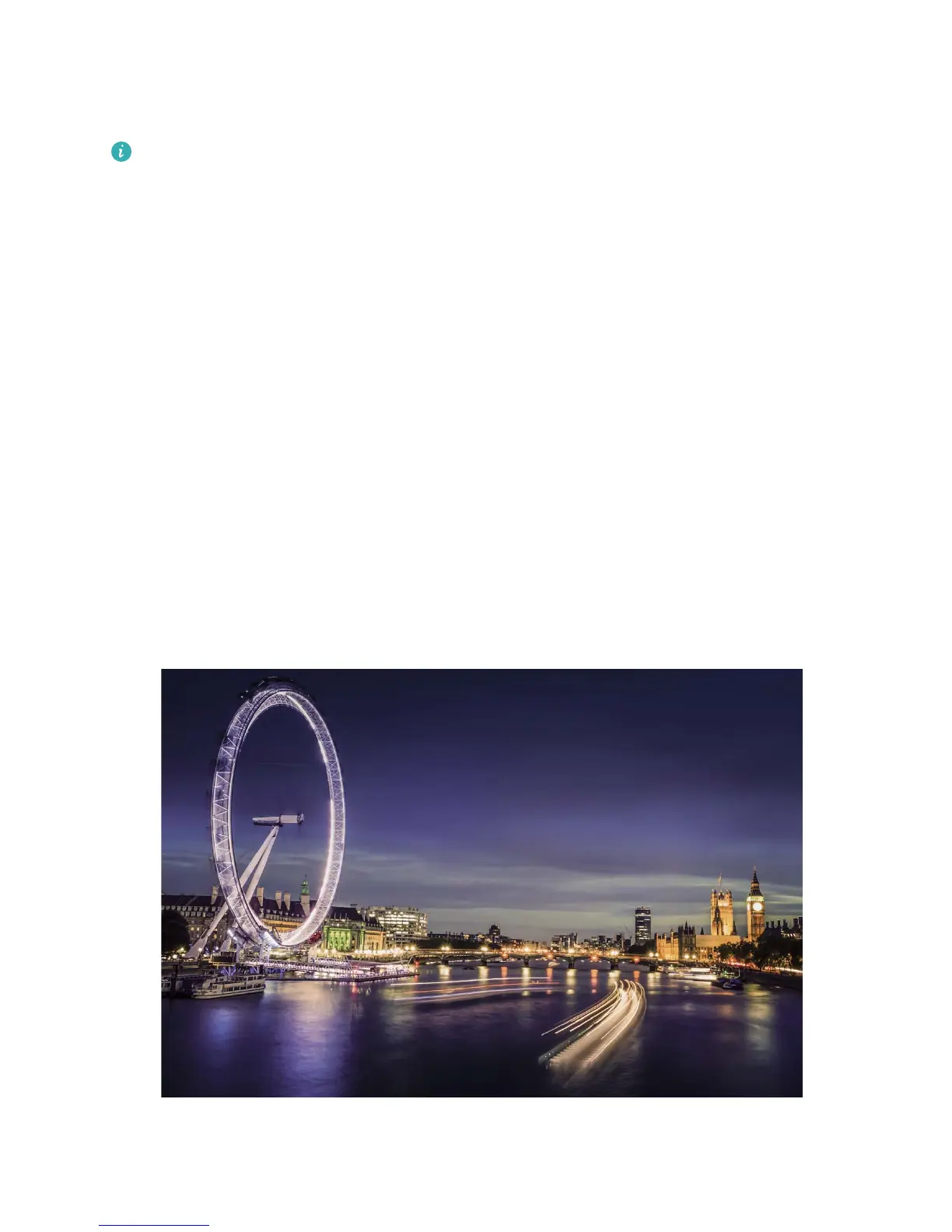
Light Painting: Shoot Light Trails
Light painting mode automatically sets a slow shutter speed to take long-exposure shots of light trails.
This mode produces stunning photos that have an ethereal quality.
Light painting mode offers four creative shooting modes for different subjects and light conditions:
l Trafc trails: Captures light trails created by cars at night.
l Light grafti: Captures trails created by a moving light source in low-light conditions.
l Silky water: Captures silky-smooth photos of waterfalls and
owing water.
l Star trails: Captures stunning photos of star trails in the night sky.
Camera
47



 To Next Page