Connecting using mobile data
Before using mobile data, ensure that you have a data plan with your carrier to avoid incurring
excessive data charges.
1 Swipe down from the status bar to open the notication panel.
2 Touch to enable mobile data.
To save battery power and reduce data usage, disable your mobile data connection when you
don't need it.
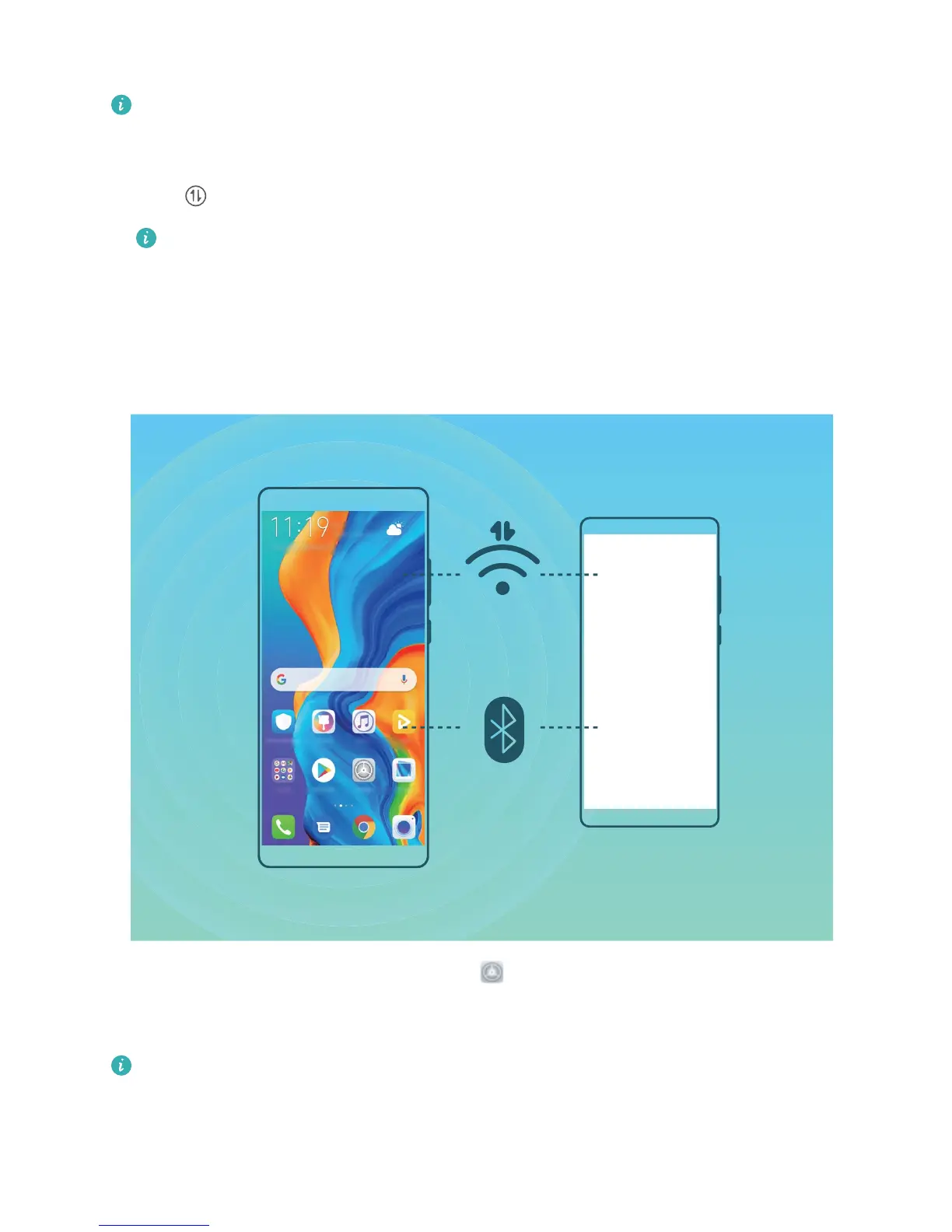
Share Your Mobile Network with Other Devices
You can share your mobile data with your friends.
Use Wi-Fi hotspot to share mobile data: Open Settings and go to Wireless & networks >
Tethering & portable hotspot > Portable Wi-Fi hotspot > Congure hotspot. Set the Wi-Fi
hotspot name, encryption type, and password, then touch Save and enable the hotspot to use it.
Set data limit for shared mobile data
: Go to Settings > Wireless & networks > Portable
Wi-Fi hotspot, and touch Data limit to set the data limit for a single session. When this limit is
reached, your device will automatically disable the hotspot.
Wi-Fi and Network
92



 To Next Page