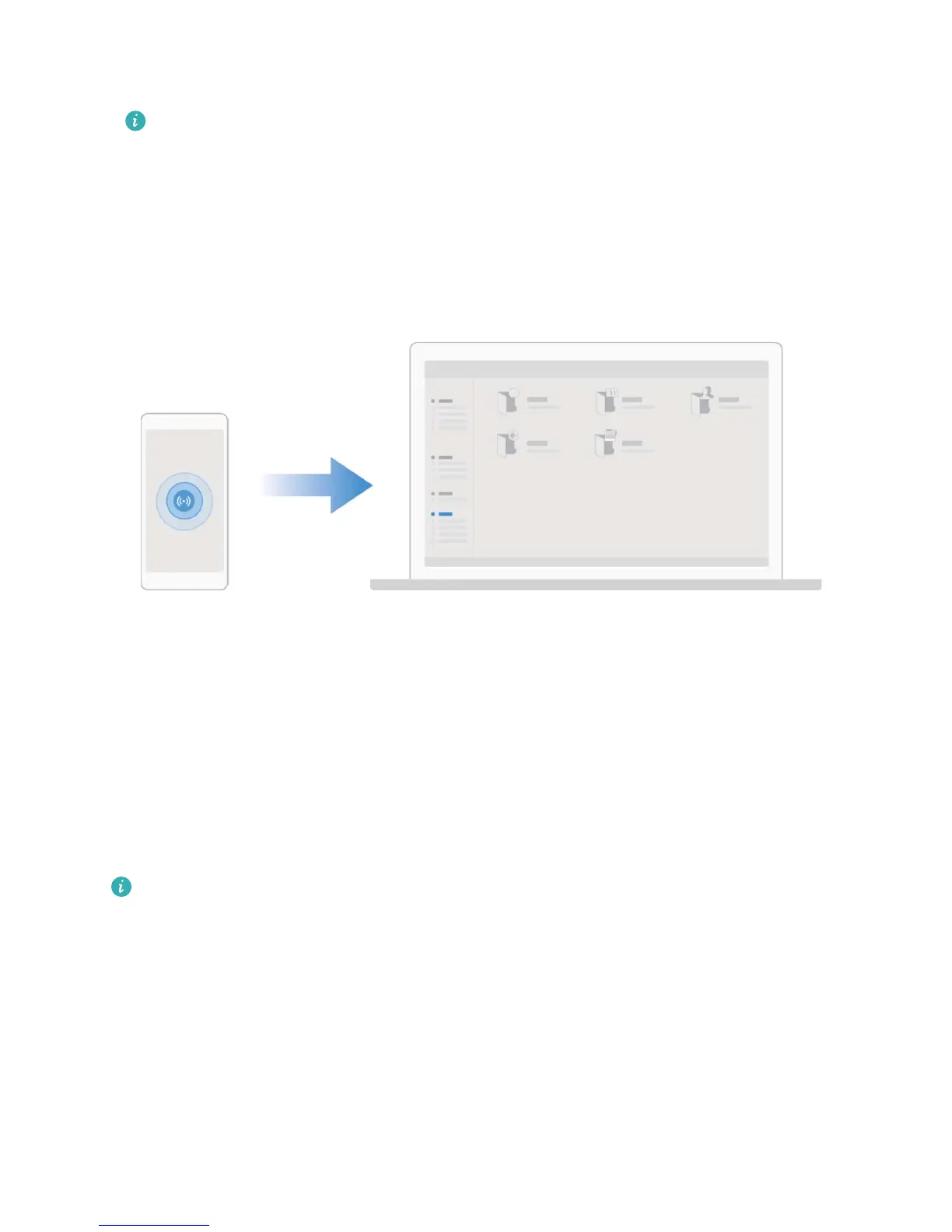
Thanks to Huawei Share, you don't even need a USB cable for data transfer between your Phone
and computer.
l Both your Phone and computer must be connected to the same network (for example, to the
same Wi-Fi network).
Use Huawei Share to Quickly Share Files Between Huawei Devices
You can use Huawei Share to quickly transfer photos, videos and other les between Huawei devices.
Huawei Share uses Bluetooth to detect other nearby Huawei devices and then uses Wi-Fi Direct to
quickly transfer les without using mobile data.
Huawei Share uses Wi-Fi and Bluetooth to transfer data. When Huawei Share is enabled, both Wi-
Fi and Bluetooth are automatically enabled.
Device Connection
75



 To Next Page