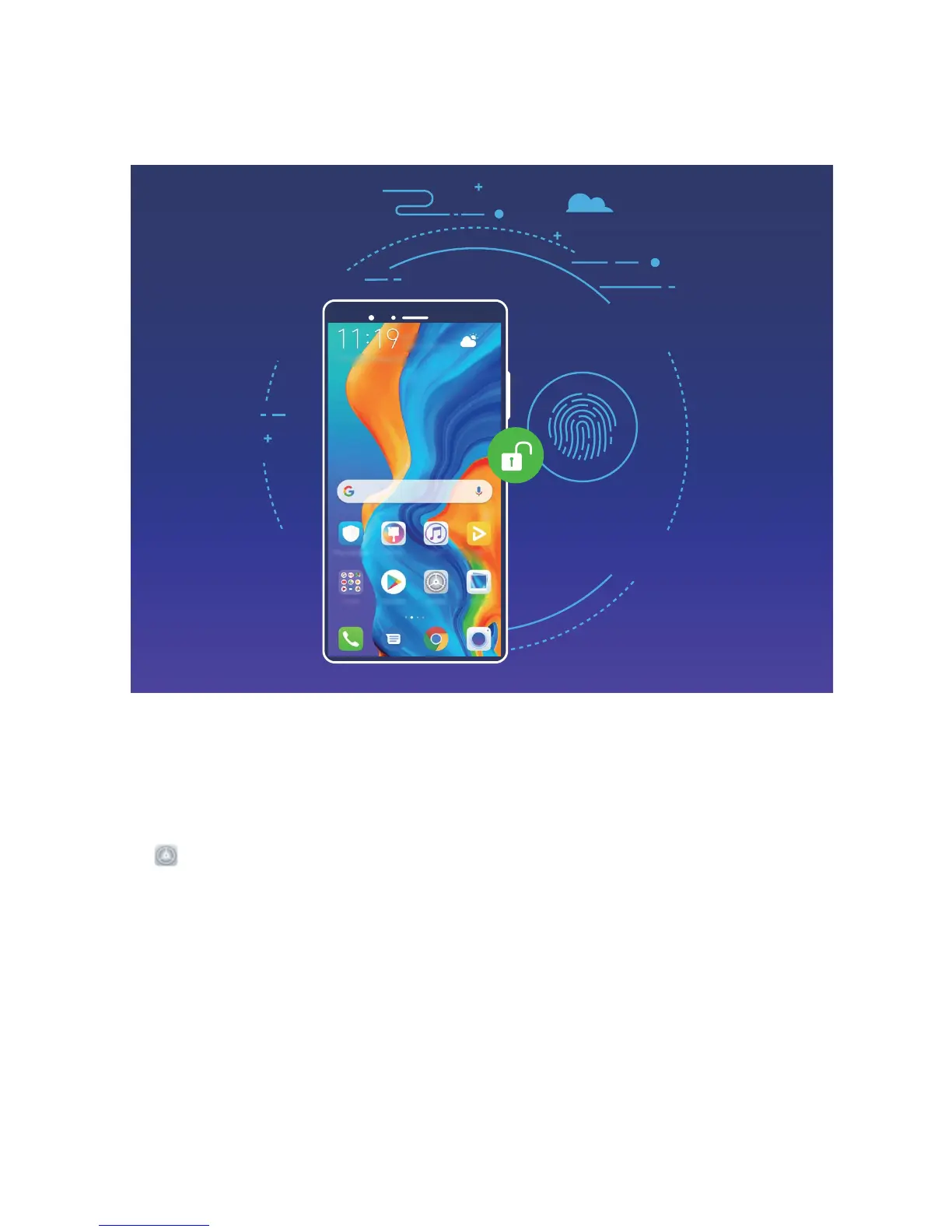
l Access your private les: Afraid of forgetting your password for the Safe or app lock, or having it
fall into the hands of someone you don't trust? Set ngerprint access for the Safe and app lock to
keep your les and apps secure and accessible by only you.
Use Fingerprint Shortcuts for Faster Device Operation
Can't reach the shutter button to take a photo, or want a faster way to answer a call or turn off an
alarm? You can use any of your ngertips to quickly take photos and answer calls with the ngerprint
sensor. No ngerprint verication is required.
Open Settings, and go to Security & privacy > Fingerprint ID. From here, you can enable
ngerprint shortcuts for the following features:
l Take a photo or video: From the viewnder screen of Camera, touch and hold the ngerprint
sensor to take a photo or video.
l Answer a call: Touch and hold the ngerprint sensor to answer a call.
l Turn off an alarm: Touch and hold the ngerprint sensor to turn off an alarm.
l Show the notication panel: When your screen is in portrait mode, swipe down on the
ngerprint sensor to display the notication panel, touch twice to clear notications, and swipe up
to close the notication panel.
l Browse pictures: When viewing pictures in full-screen mode, swipe left or right on the ngerprint
sensor to browse through your pictures.
Security and Privacy
80



 To Next Page