2
Buttons
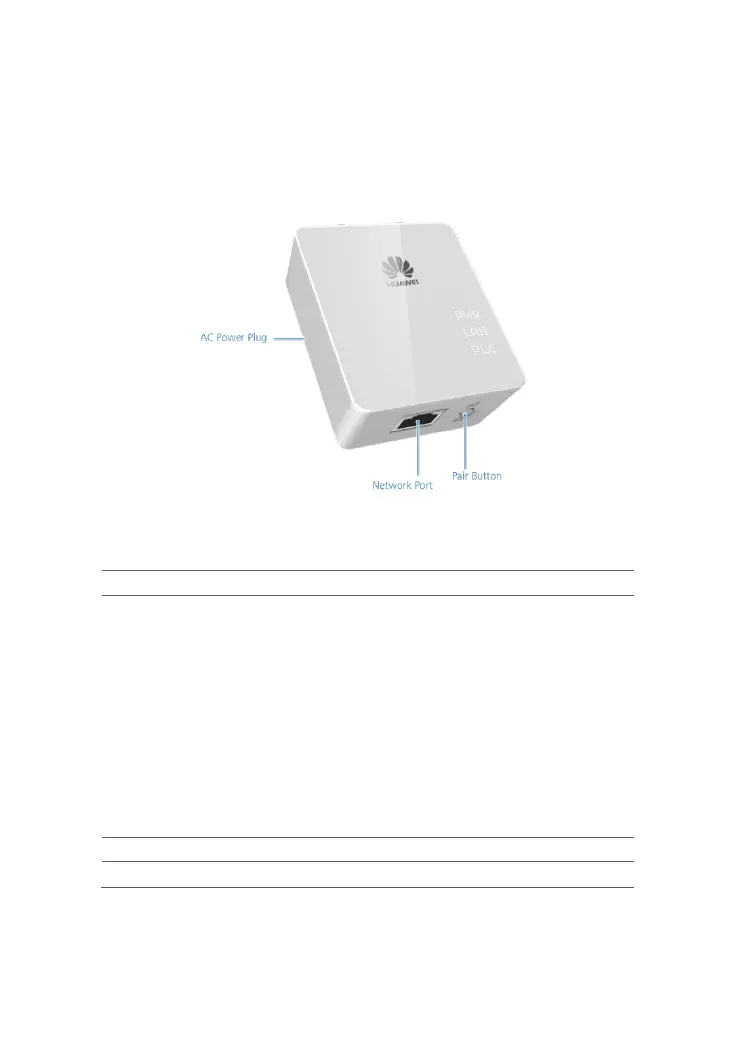
Figure 1-2 shows the buttons on the PT500 shell.
Figure 1-2 Buttons on the PT500 shell
Table 1-1 describes the buttons on the PT500.
Table 1-1 Buttons on the PT500
Button Description
Pair Button Connects the PT500 to a safety network or restores the PT500
to its default settings.
Press and hold the Pair button on a PT500 (no more than 4
seconds), and repeat the operation on the other PT500 within
2 minutes. The two adapters are then connected and a LAN is
set up. After paired successfully, the two PT500 can be
plugged in or out at any time and you don’t need to pair them
again.
The PT500 is restored to its default settings when you push
and hold the Reset button for 8 seconds in running mode.
AC power plug Can be plugged into a power socket.
Network Port Connects the PT500 to a network device.



 To Next Page