Huawei Proprietary and Confidential
Copyright © Huawei Technologies Co., Ltd.
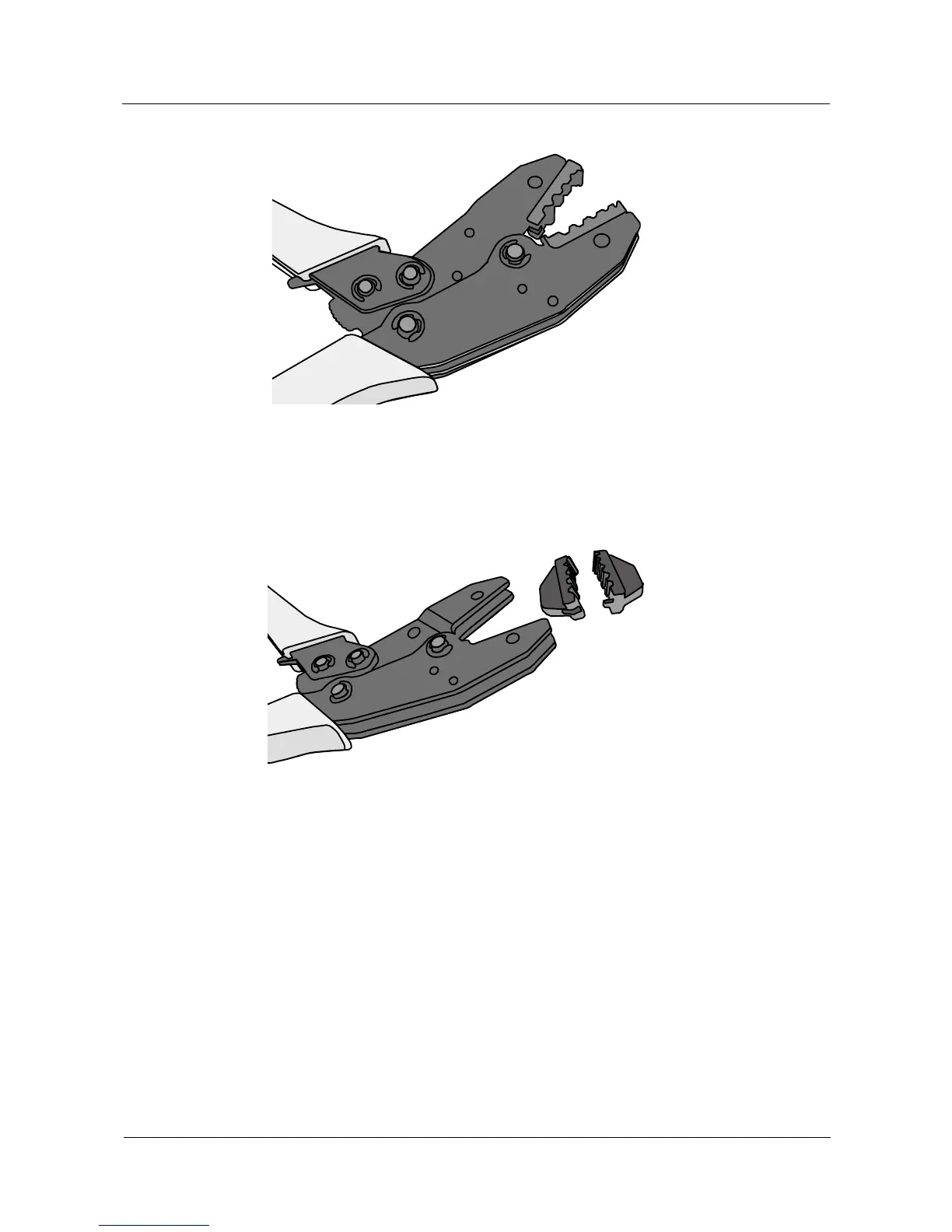
Figure 5-73 Pliers jaw opening automatically
Step 3 Remove the mold from the COAX crimping tools, as shown in Figure 5-74.
Figure 5-74 Removing the mold from the COAX crimping tools
Step 4 Place the mold to be installed into the jaw of the COAX crimping tools and align the screw
holes, as shown in Figure 5-75.



 To Next Page