Huawei Proprietary and Confidential
Copyright © Huawei Technologies Co., Ltd.
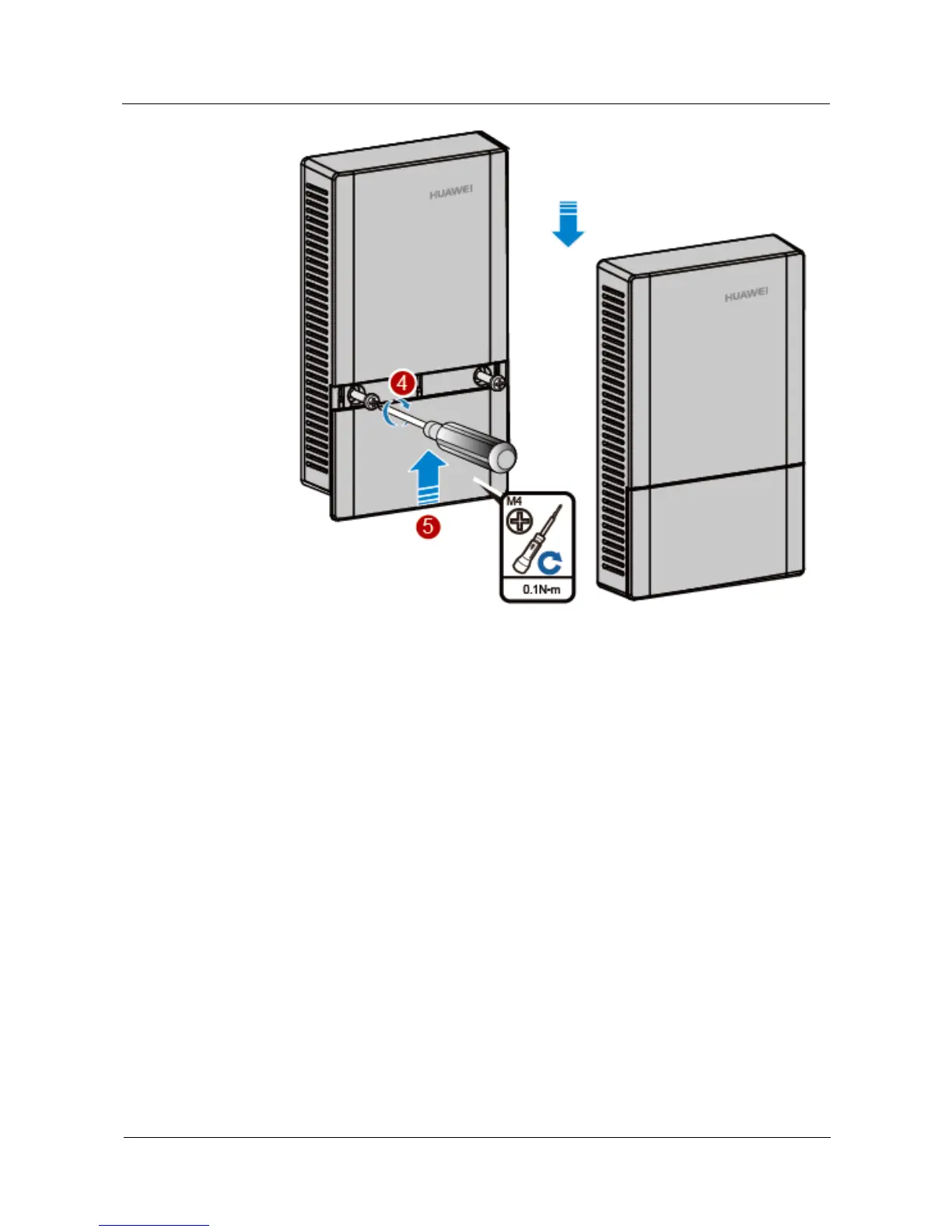
2.5.2 Installing the Device into Other Junction Boxes
Installing the device into a junction box (excluding an 86-type box) requires sheet metal
mounting brackets (delivered with screws), which need to be purchased separately. The
procedure is as follows:
1. Determine locations of mounting holes on the sheet metal mounting bracket based on the
distance between screw holes on the junction box. (In the following example, the screw
holes on the junction box are 83.5 mm distant from each other.)



 To Next Page