1
1. Charging
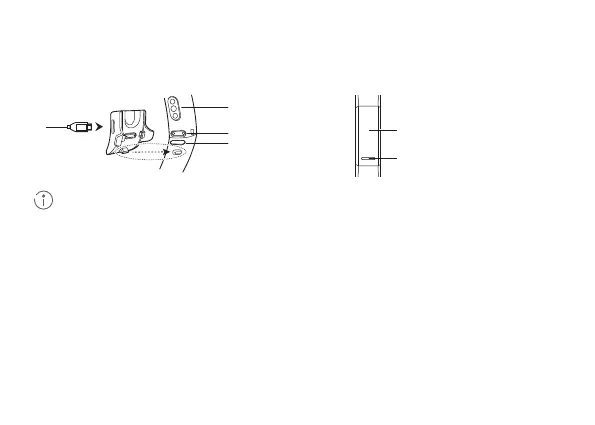
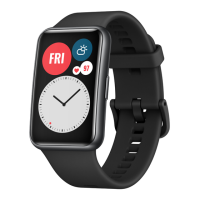
Insert the protruding part of the charging cradle into the positioning hole of the band strap, then fasten
the buckle. The battery level will be displayed on the screen.
• Wipe the charging port dry before charging.
• Use the dedicated charging cable that comes with your band to charge it.
• The band automatically powers on after being charged. To power o your band, swipe the screen
and go to More > System > Power o.
Heart rate sensor
Touch-sensitive
button
Screen
Charging port
2. Downloading Huawei Health
Search for "Huawei Health" in your app store, then download and install the Huawei Health app.
3. Pairing your band with your phone
4. Getting help
From the device list in the Huawei Health app, select the band and follow the onscreen instructions to
complete the pairing.
View the online help in the Huawei Health app for more information about connection and functions, as
well as usage tips.
Band slot
Quick Start Guide


 To Next Page