12
Operations During a Call
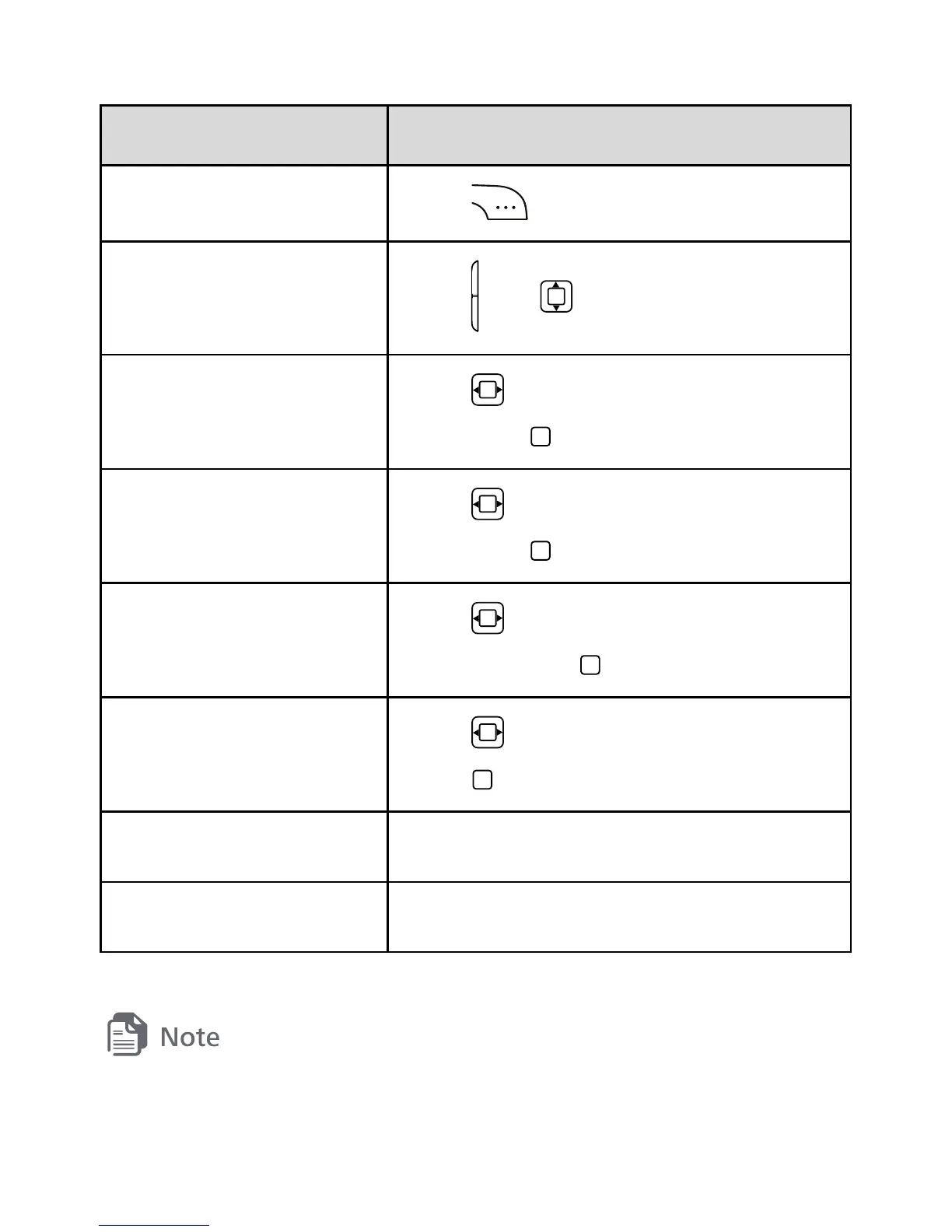
To Do
Toggle speaker mode.
Press
.
Adjust the volume.
Press
or .
Access Contacts.
Press to select Contacts, and
then press
.
Access Messaging.
Press to select Messaging, and
then press
.
Mute or unmute the
microphone.
Press
to select Mute or Unmute,
and then press
.
Create a memo.
Press to select Memo, and then
press
.
Hold or resume a call. Select Options > Hold or Resume.
Set the TTY. Select Options > TTY Settings.
For details about the TTY, see section 10 "TTY Operation."



 To Next Page