8
Press To
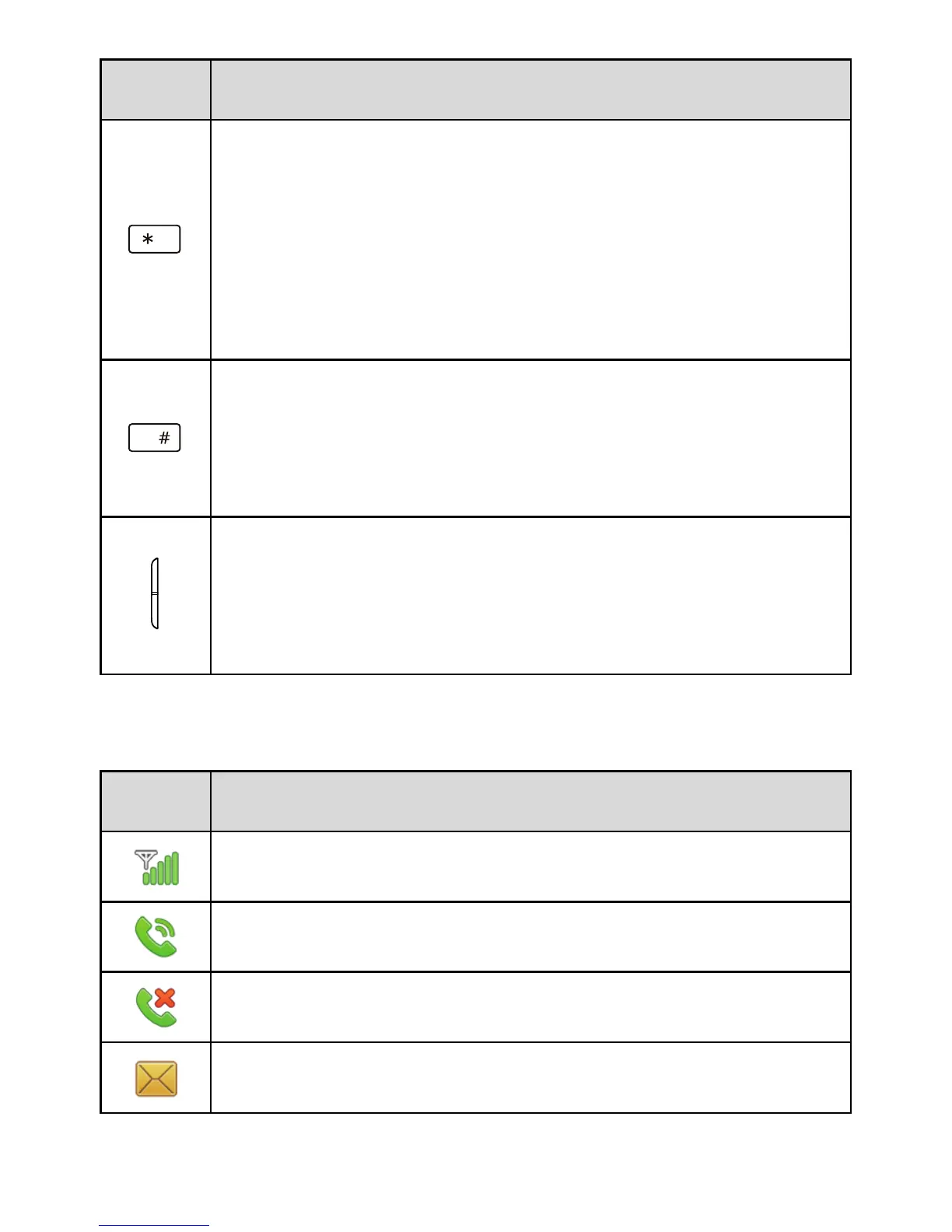
Enter *, +, P or W when entering phone numbers.
Enable or disable the Vibration profile in standby
mode (press and hold the key for 3 or more
seconds). To configure the profile, select Menu >
Settings > Phone > Sound > Ringer Type.
Enter #.
Lock the keypad (press and hold the key for 3 or
more seconds).
Adjust the volume.
Turn the external screen on when the clamshell is
closed and the external screen is off.
Status Icons
Icon Indicates...
Signal strength.
Call in progress.
Missed calls.
New text messages.



 To Next Page