5
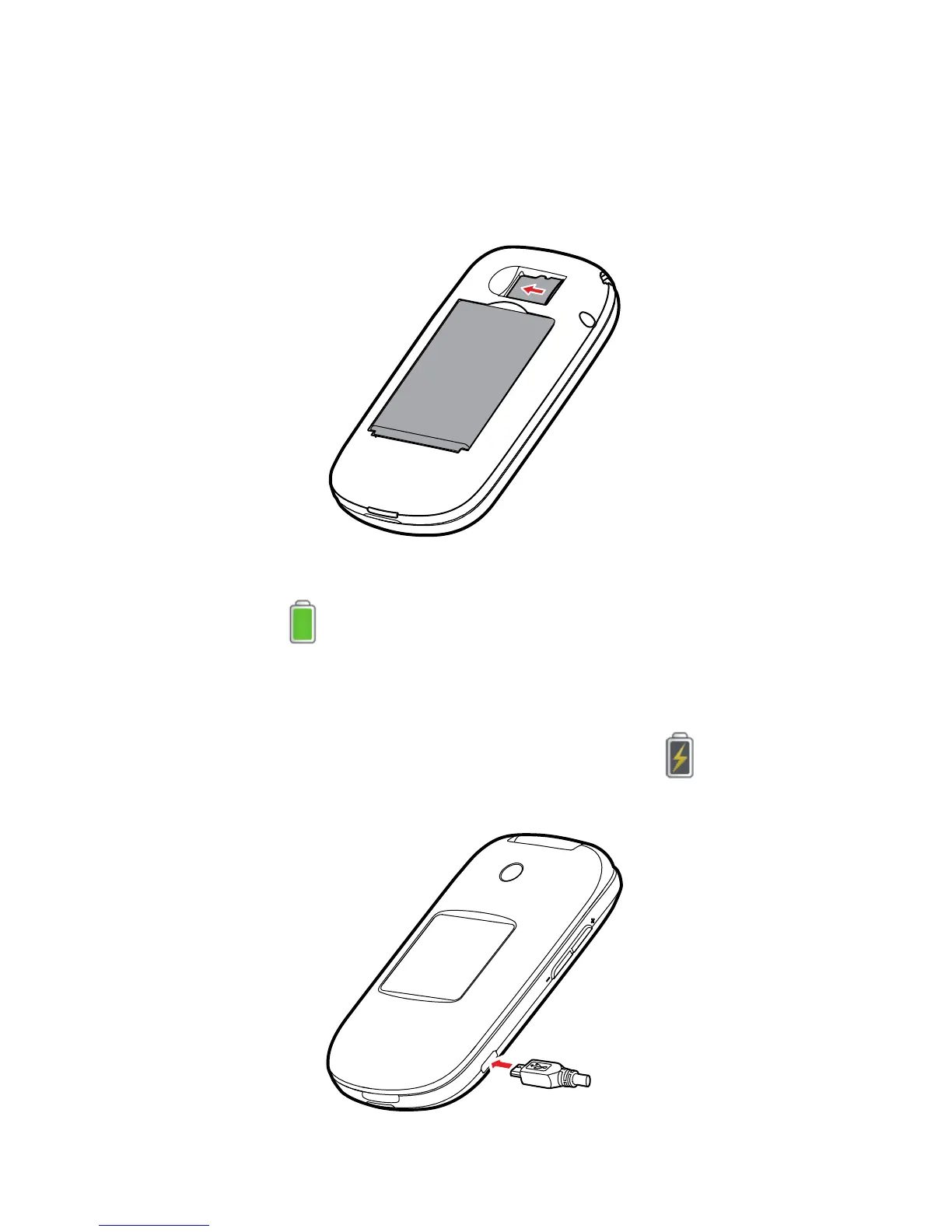
Inserting the microSD Card
Your phone supports a microSD card of up to 32 GB.
No microSD cards are included in the product package. You can
purchase one separately.
Charging the Battery
When the icon is displayed or the charging icon stops
blinking, the battery is fully charged.
If the battery has not been used for a long time or if the battery
power is completely depleted, the charging icon
may take
several minutes to appear after you start charging.



 To Next Page