35
Transferring Data
Select Search for devices to search for available Bluetooth devices,
and then connect your phone with the desired device. Then you
can transfer data between your phone and the Bluetooth device.
When you pair your phone with the device for the first time, a
password is required.
14 Troubleshooting
If you encounter any problem when using your phone, try to solve
the problem according to the following table. If the problem still
occurs, contact your service provider or vendor.
Problem Ensure that…
The battery cannot
be charged.
The charger is properly connected to
your phone and the power socket.
The phone cannot
be powered on.
The battery power is enough.
The battery is properly installed.
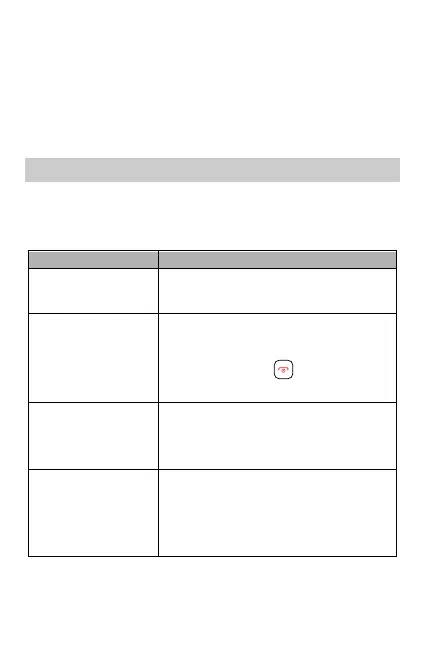
Press and hold for about 3
seconds.
Cannot make a call
except an
emergency call.
You are in the network service area.
The call restriction function is not
enabled.
Bad call quality.
The signal strength is strong
enough.
If you are indoors, move near a
window for better reception.



 To Next Page