5
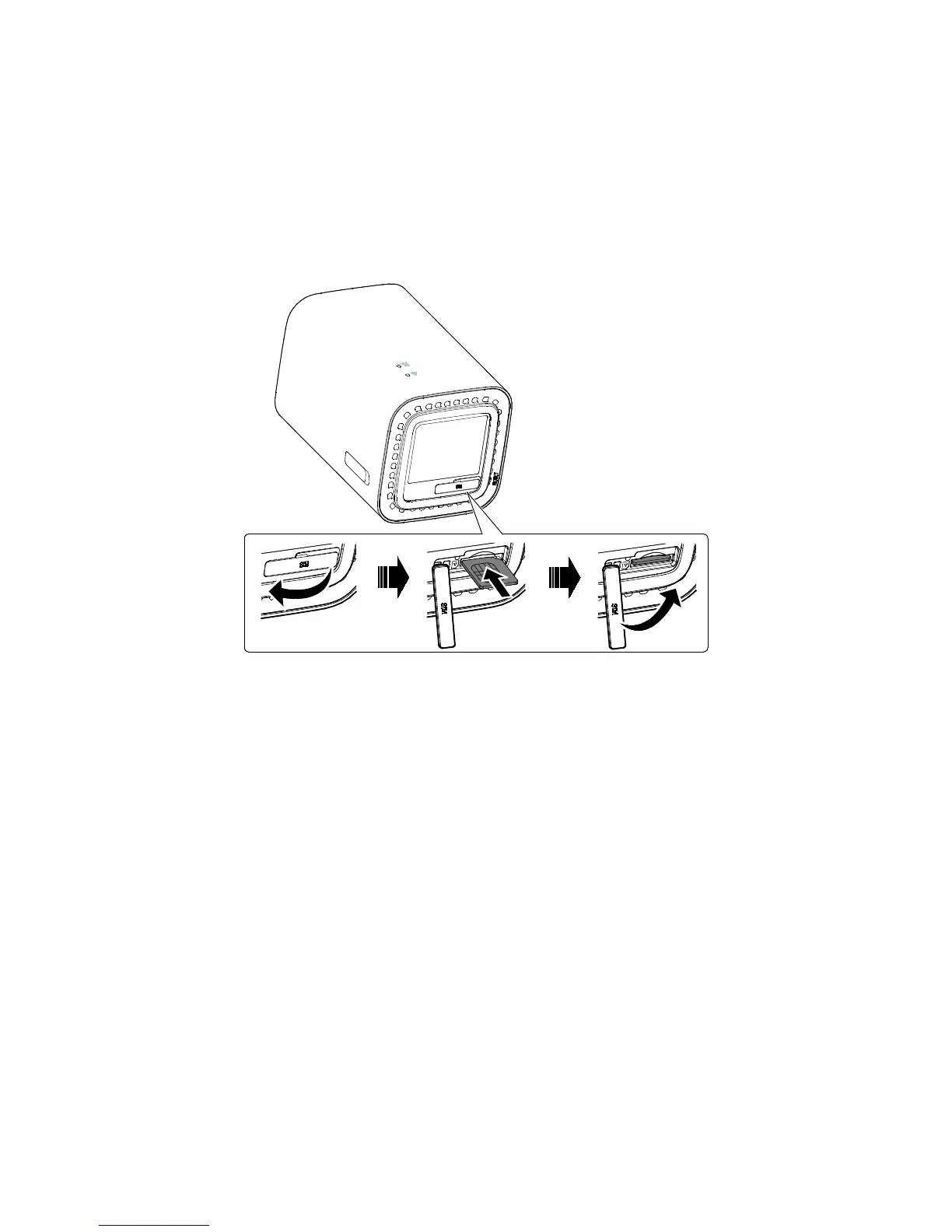
Installing the micro SIM card:
Please ensure you follow this diagram when installing your micro SIM card.
RESET
SIM
SIM
SIM
SIM
Note:
When removing your micro SIM card, gently press the SIM card in, then
release it. The card will automatically pop out.
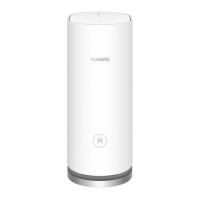
Do not remove the SIM card when the WiFi Cube is turning on. Doing so
will affect the performance of your device, and the data stored on the
SIM card may be lost.



 To Next Page
 Loading...