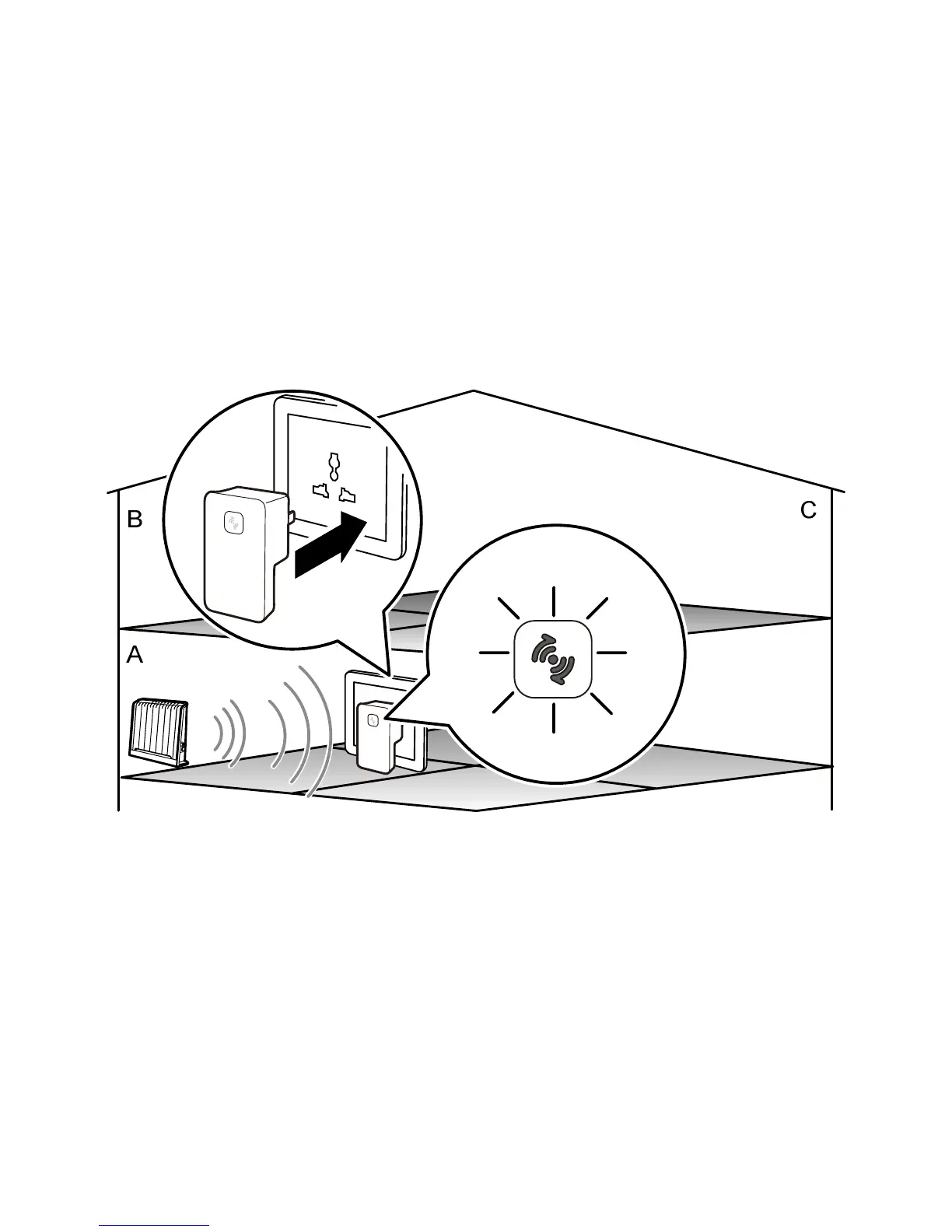
Step 2
In Room A, connect the WS320 to a power socket near the wireless
router.
After the WS320 is powered on, the indicator on the panel turns red,
indicating that the WS320 is being started. Wait for about one minute.
Then the indicator of the WS320 turns solid yellow, indicating that the
WS320 has been started but not connected to the wireless router.
12



 To Next Page