Step 3
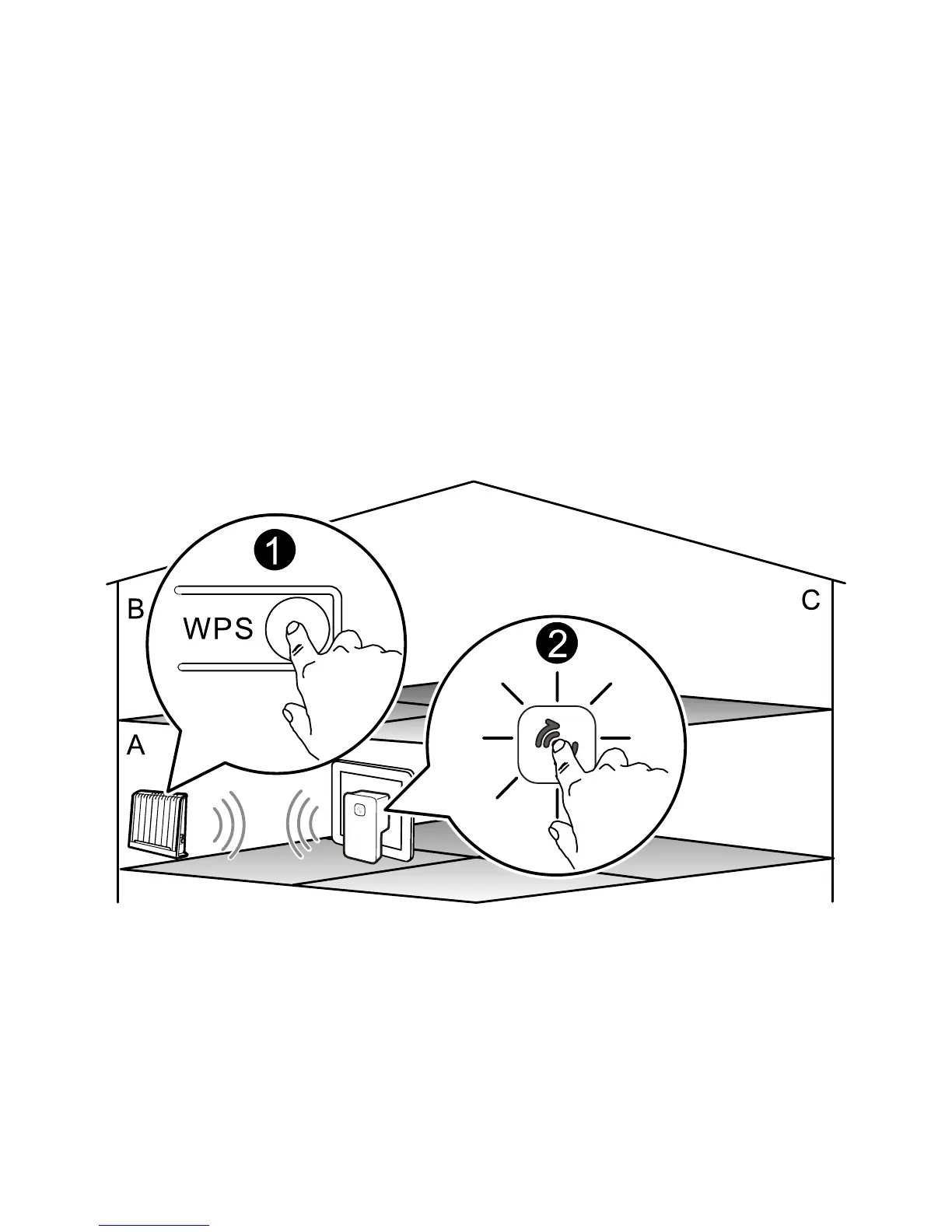
Press the WPS button of the wireless router to start the WPS negotiation
of the router. Press and hold the WPS button of the WS320 for over 1s
within two minutes, and then release the button.
At this time, the indicator of the WS320 blinks in yellow, indicating that
the WS320 is trying to connect to the wireless router through the WPS
function. Wait for a moment (generally about 20s and less than 120s).
When the indicator of the WS320 turns solid green, it indicates that the
WS320 successfully connects to the wireless router through the wireless
network.
13



 To Next Page