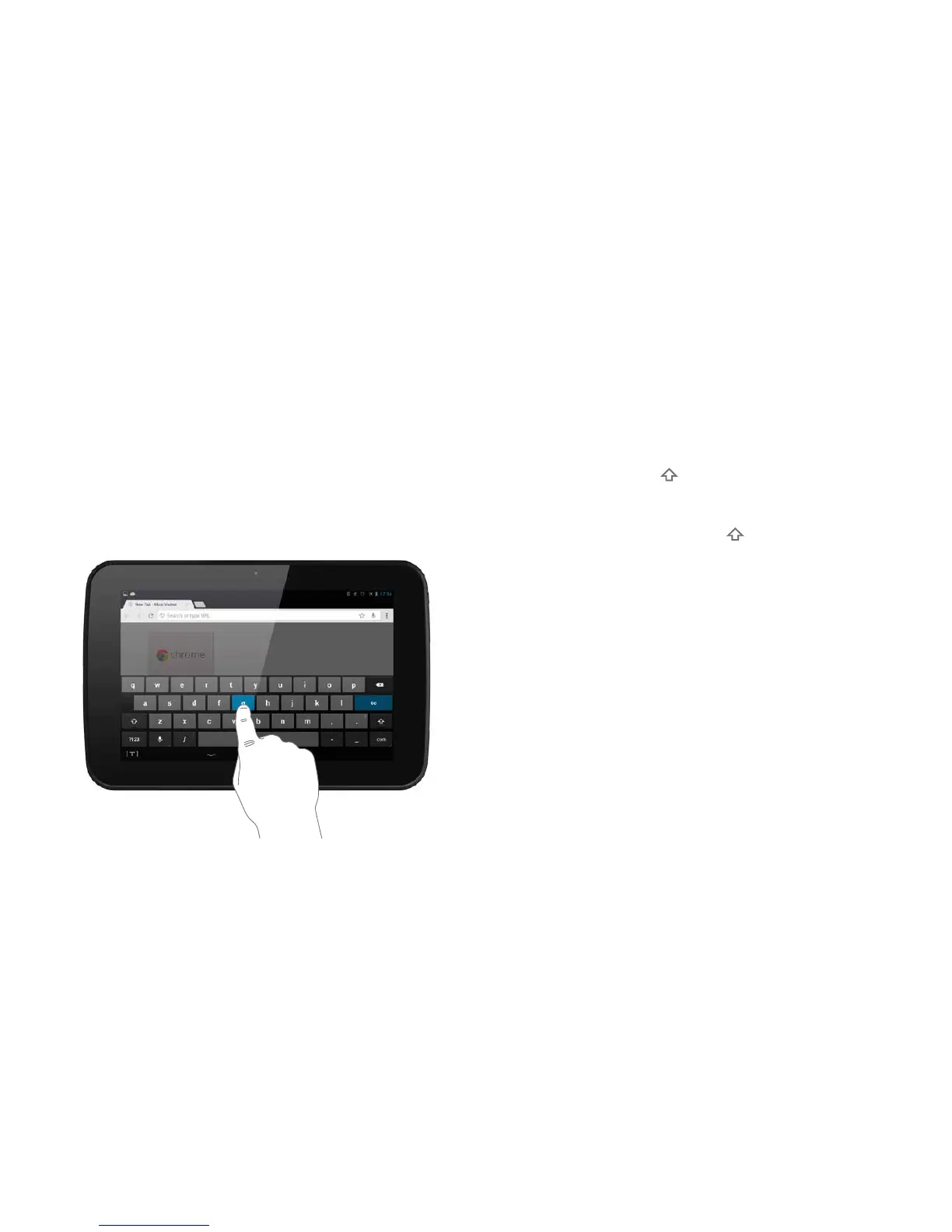
Enteringtextornumbers
When you need to enter text or numbers a
keyboard will appear on screen.
Typing
— You can touch type on the keyboard.
Upper and lower case
— Touch the Shi key on the keyboard to type a
single capital letter.
— Touch and hold the Shi key to turn on capslock,
this allows you to type all capital letters.
Switching between the text and numeric keypads
There are three keypads: qwerty, numeric/punctuation
and additional punctuation.
— From the text keyboard, touch the ?123 key to switch
to the numeric/punctuation keyboard.
— From the numeric/punctuation keyboard, touch the
~/{ key to switch to the additional punctuation
keyboard or…
… touch the ABC key to return to the qwerty keyboard.
12



 To Next Page