Firstuse
When you first turn on your Hudl, you will be guided
through the set up process. This will help get you
started and ensure the soware on your Hudl is up
to date.
The setup process explained.
Turn on your Hudl by holding down the smaller
of the two buttons on the side of your Hudl
until the star appears.
Be aware you may need to hold down the
power button for a few seconds.
Select a Wi-Fi network
Hudl will list all available Wi-Fi networks.
Choose your network and enter your Wi-Fi
password.
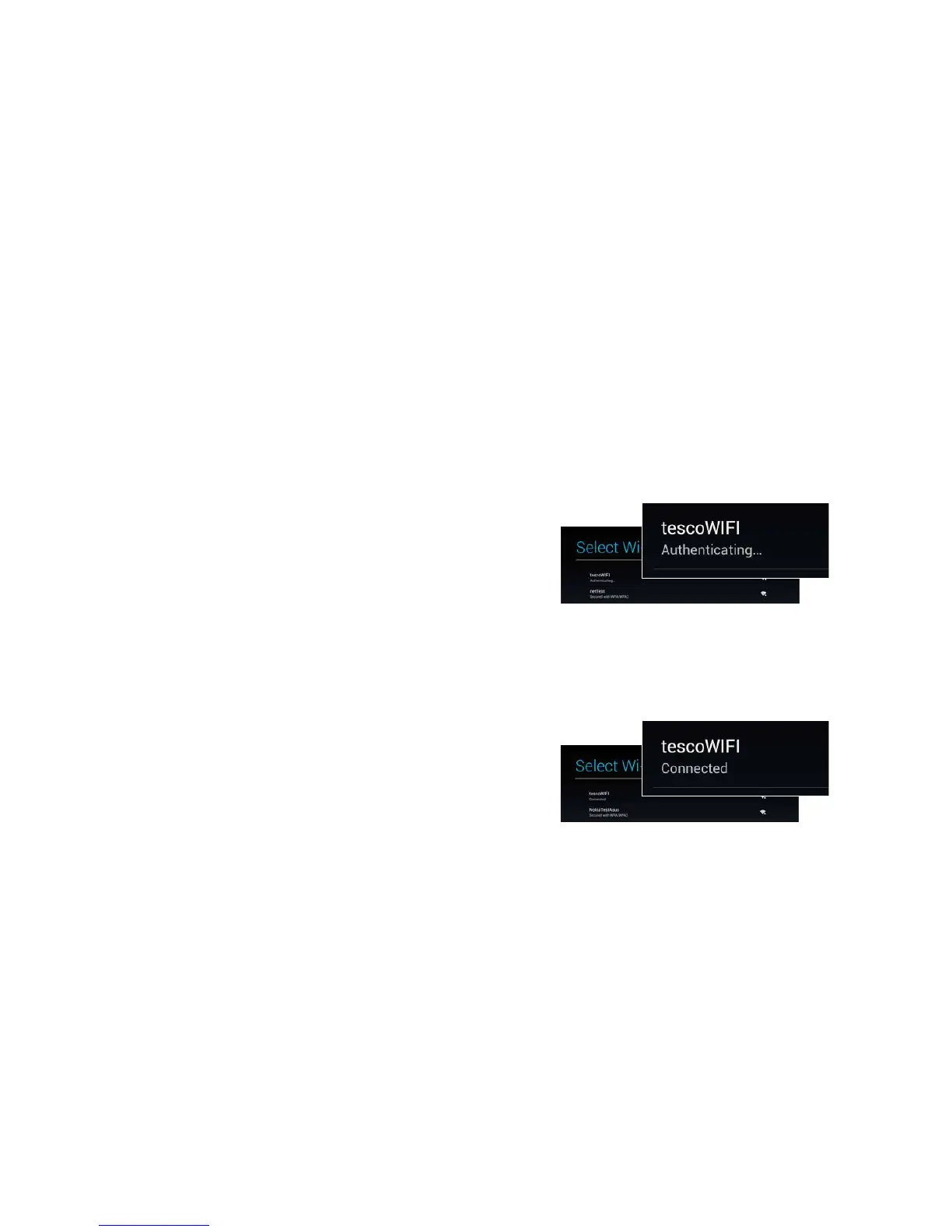
If you see ‘Authenticating...’ below your network your
password is incorrect. Tap on your network and try
again. Note that your password is case sensitive.
If you see ‘Connected’ below your network tap on the
3 dots in the top right and tap scan. This will refresh
your network list and take you to the next stage of
the set up process.
7



 To Next Page