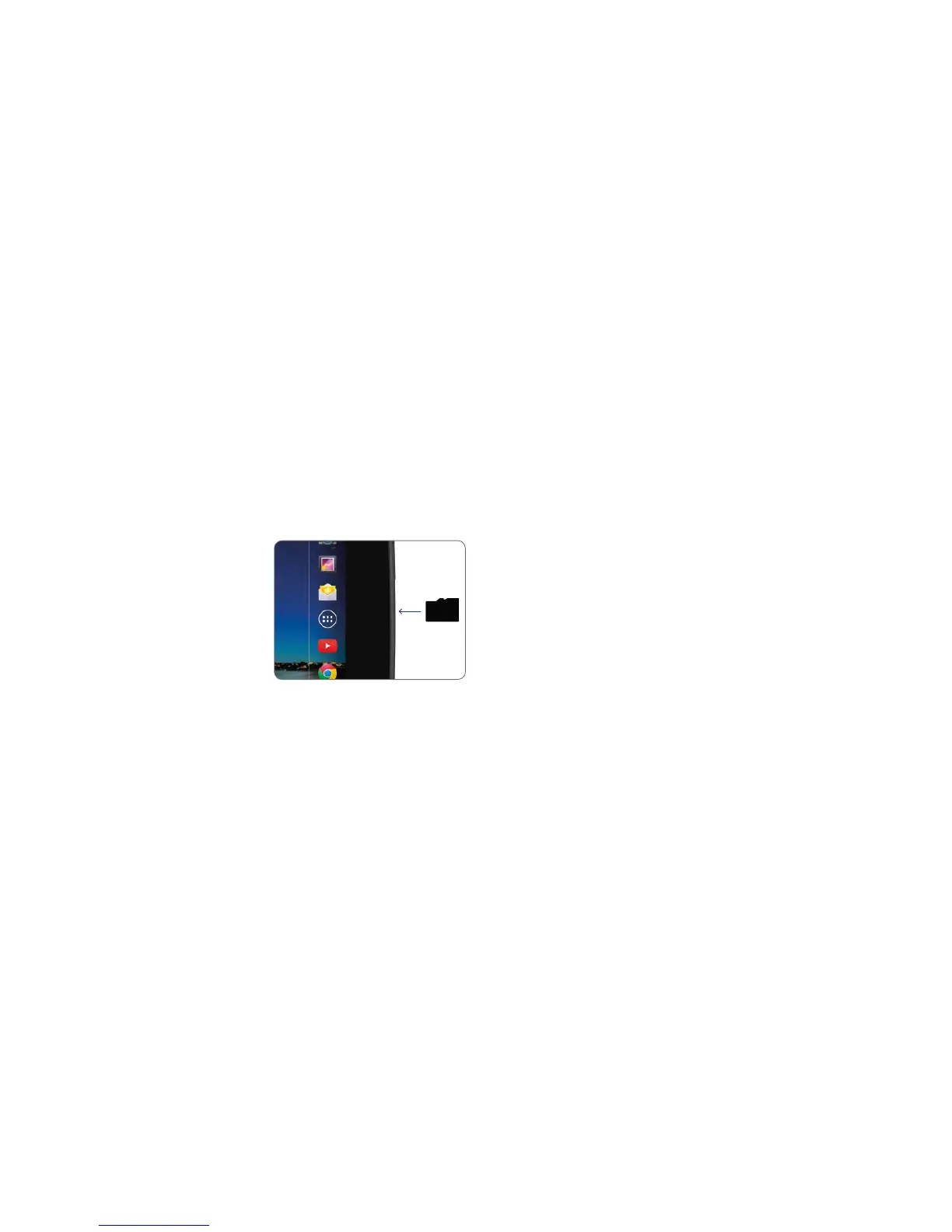
DockingamicroSDcard
You can dock a micro-SD card to add up to
additional memory storage to Hudl.
Before docking the card, switch the power off
as described in the previous section.
Insert the micro-SD
card into the port.
The micro-SD card is
polarised so must only
be inserted as shown in
the diagram.
Press the micro-SD card into the port until it
clicks into place.
Switch on the power.
You can now use the expanded memory on
your micro-SD card.
Removing a docked micro-SD card:
Caution You may have applications, data and
media files stored on a micro-SD card.
These will not be available for if you
remove the card.
Before removing the card, switch the power off.
Press the tip of the micro-SD card.
The micro-SD card will pop out of the dock
slightly.
Remove the card from the dock.
Switch on the power.
59



 To Next Page