Sound
Hudl includes stereo sound from
speakers on the back panel.
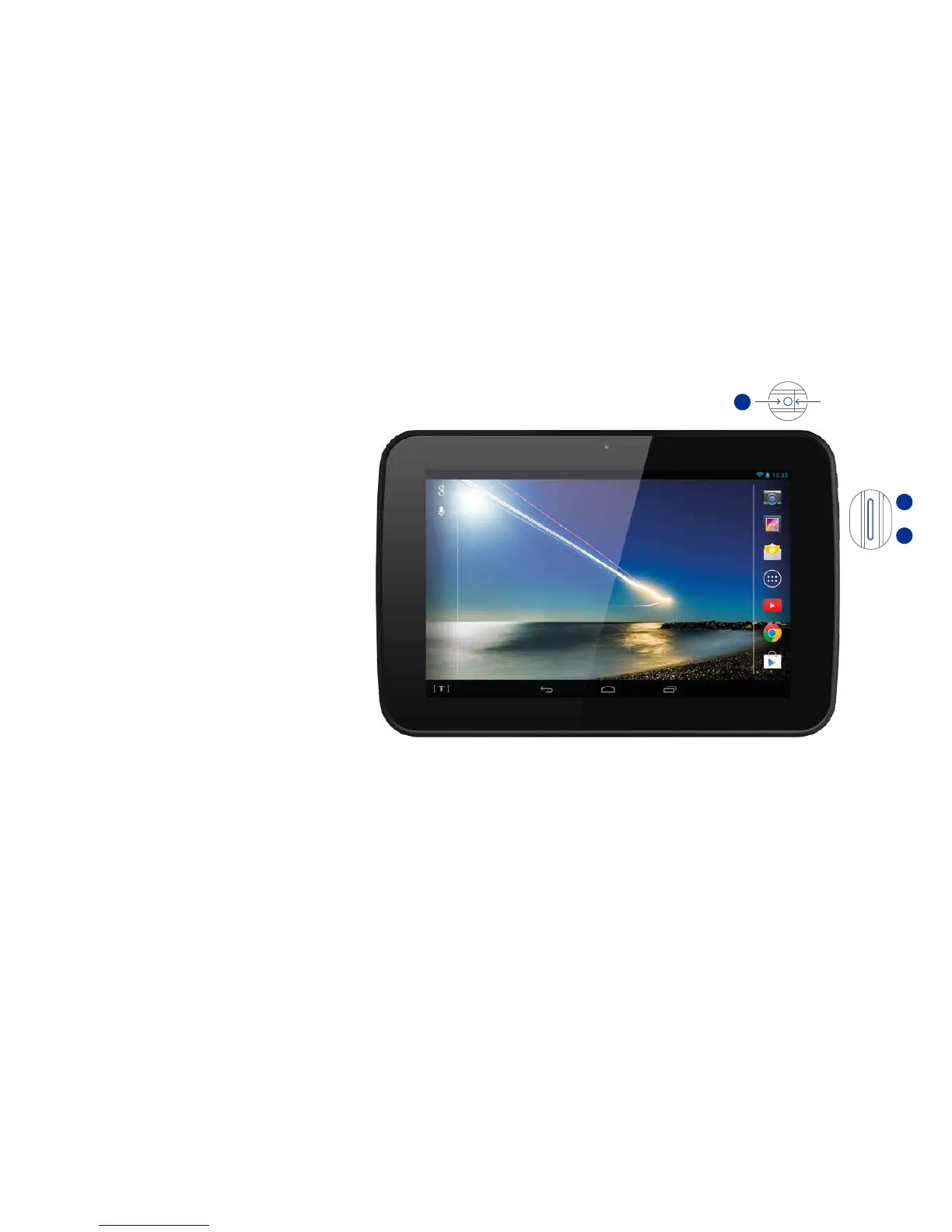
Volume control
— Set the volume by adjusting the
volume control on the right side,
below the Sleep/Power button.
Press the top of the control to
increase the volume, press the
bottom to reduce the volume.
Headphone listening
— Connect headphones to the
headphone socket on the top edge.
When headphones are connected
for private listening, the sound
from the speakers will be muted.
Headphone socket
Increase volume
Reduce volume
58



 To Next Page