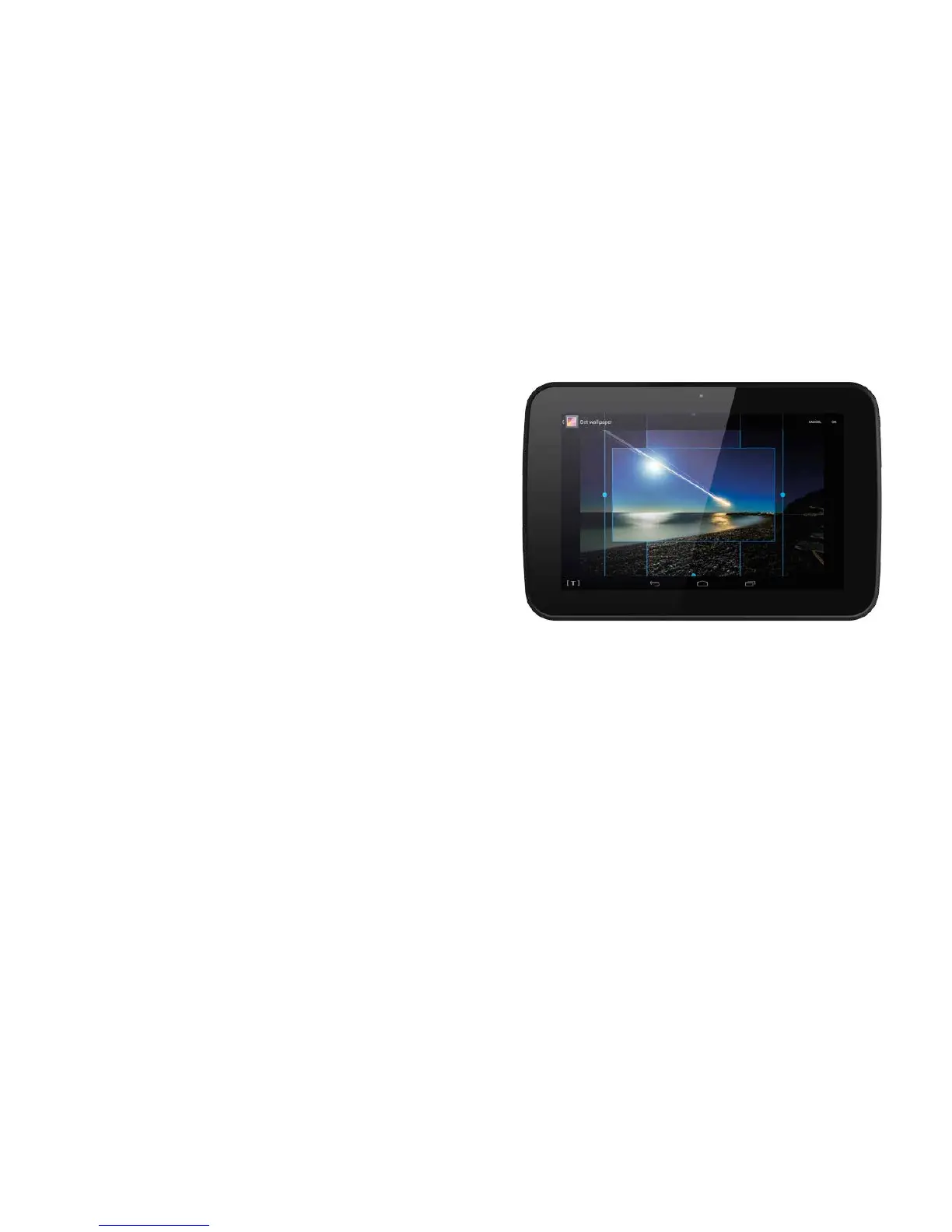
Homescreenwallpaper
A wallpaper is the picture displayed in the
background of your home screen. You can change
the wallpaper to an image of your choice, one of
your own photographs or one of the preloaded
wallpapers.
To change the wallpaper
Touch and hold the screen in an area where
there are no app icons.
The Choose wallpaper pane will open.
Choose either Gallery to use one of your
own images, Live Wallpaper gently moving,
preloaded wallpapers or Wallpaper static,
preloaded wallpapers.
Select a new wallpaper.
If you selected Gallery, two blue rectangles will
appear, marking the areas of the photo that will
be used for portrait and landscape wallpaper.
You can resize and reposition the template using
the handles shown on each side of the template.
Once you are happy with your new wallpaper,
touch OK in the top right corner of the screen.
The picture will now be set as your wallpaper.
21



 To Next Page