Set up complete
Help overlays
We recommend reading the help overlays
presented aer set up, in particular if you
are planning on letting children use Hudl.
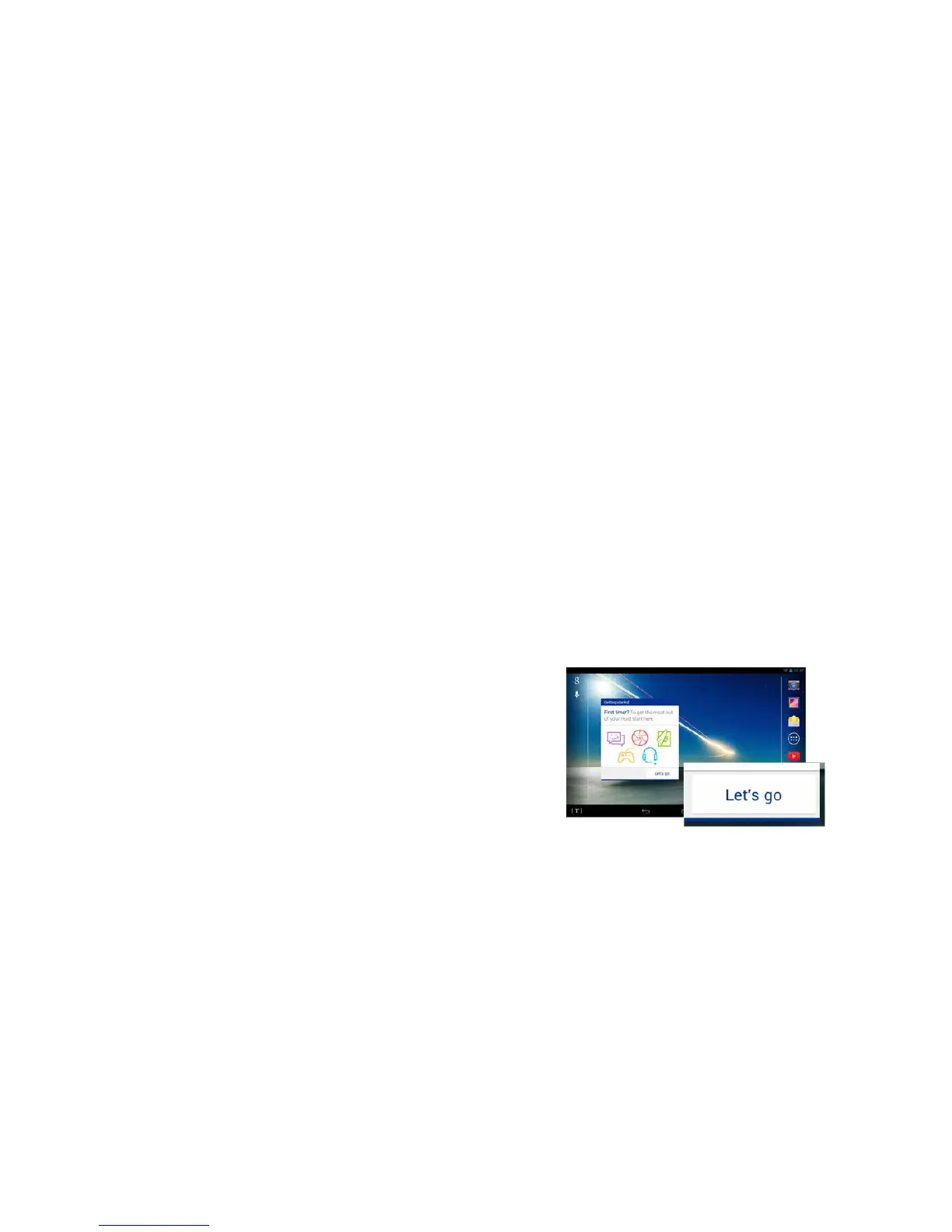
For more tips and tricks on using your Hudl check
out the Getting Started app by tapping on the
‘Let’s go’ button on your homescreen.
Firstuse
Google account
Sign in to your Google account or create one.
Google & location
Choose to enable apps to use your location.
Add a Tesco account
Sign in to your Tesco account or create one.
Hudl updates
At this point your Hudl will be updated to
ensure it has all the latest soware. Note this
may take a few minutes.
8



 To Next Page