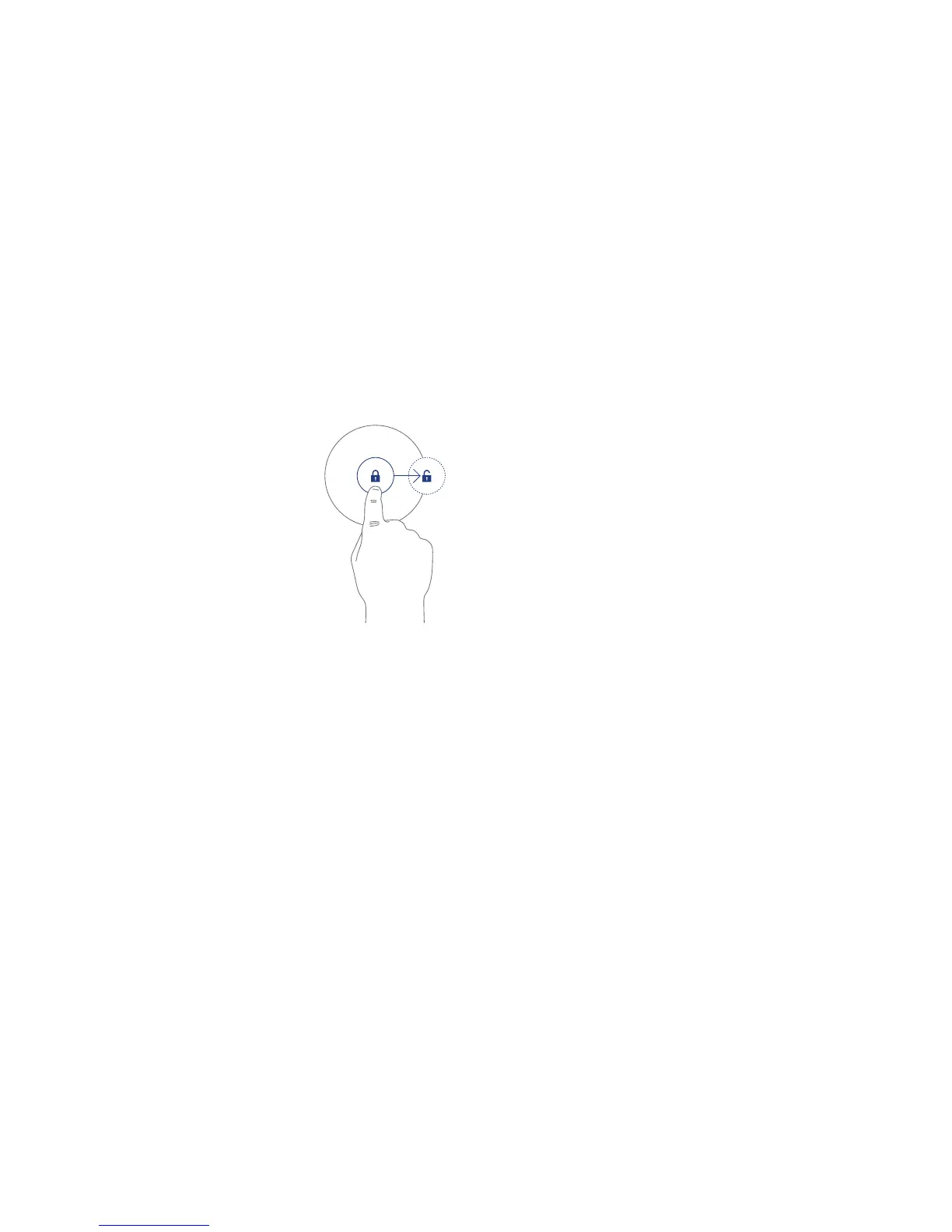
Unlocking
— Touch the lock icon and
slide the circle across to
the unlock icon.
Hudl will unlock and the
display will show the last
screen you used.
Security
You can set a security setting to protect Hudl from
unauthorised access. Choose from face recognition,
a password, a , or a pattern. Once you have
familiarised yourself with the operation of Hudl,
refer to Personal > Security > Screen Security in
the security settings section of these guides on for
moredetailsaboutsettingupsecurity
Sleeping
When set to sleep, Hudl will start up again quickly when
needed.
— Press the Sleep/Power button briefly to put the
tablet into sleep mode.
Switchingoff
If the power is switched off completely, Hudl will save
battery power, but will take longer to start up.
Press and hold the Sleep/Power button to switch off.
Choose Power off to switch off and save power.
Choose Aeroplane mode to keep running, but switch
off wireless network and bluetooth communication.
Choose Silent mode to keep running, but with the
sound muted,
9



 To Next Page