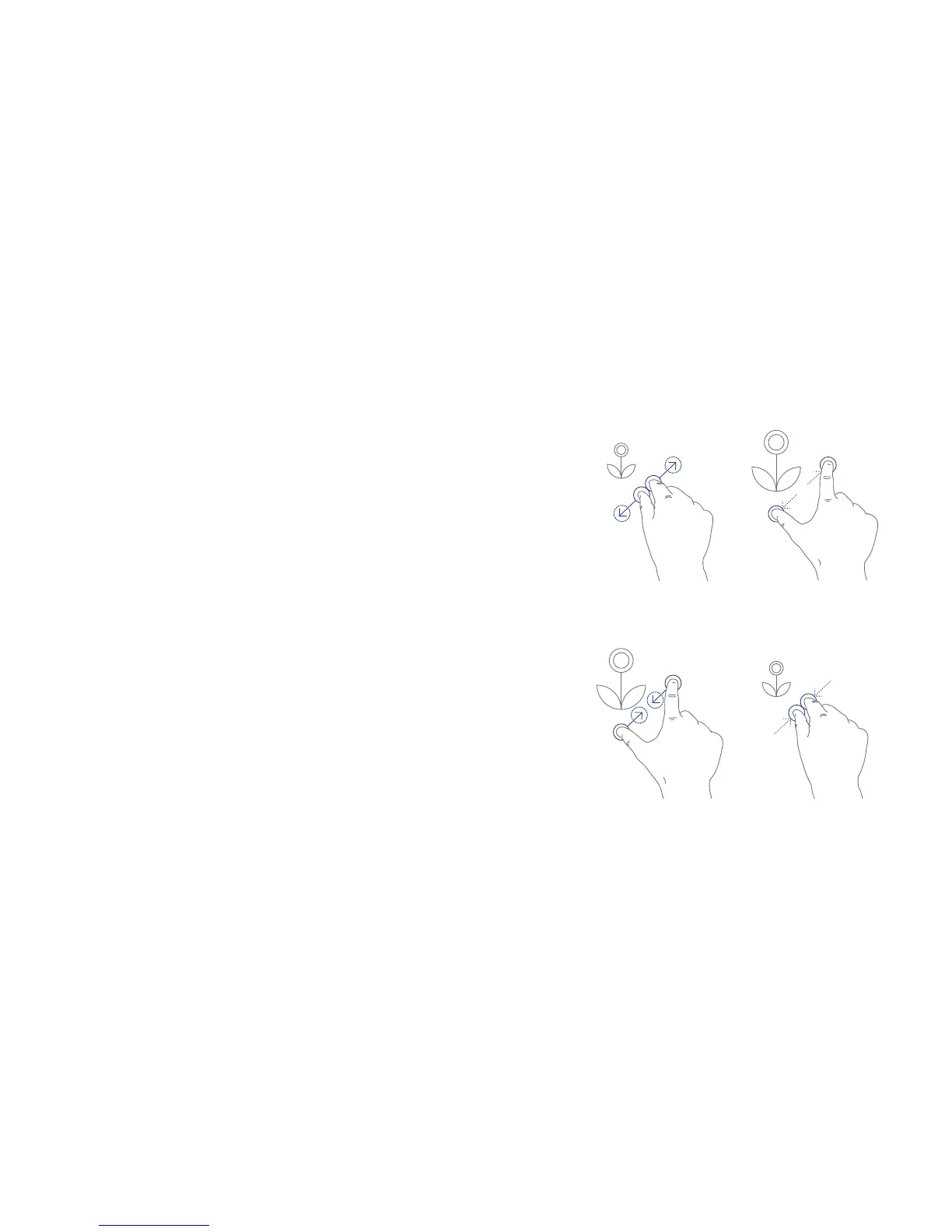
Zoom
When using certain apps, for e.g. Chrome for
internet browsing or Gallery for viewing your
photographs, you can enlarge or shrink the contents
of the screen using a single gesture, this is useful if
you’d like to view details within the content.
Zoom in
Place two fingers on the screen and
spread them apart to zoom in.
Zoom out
Place two fingers on the screen and
pinch them together to zoom out.
15



 To Next Page