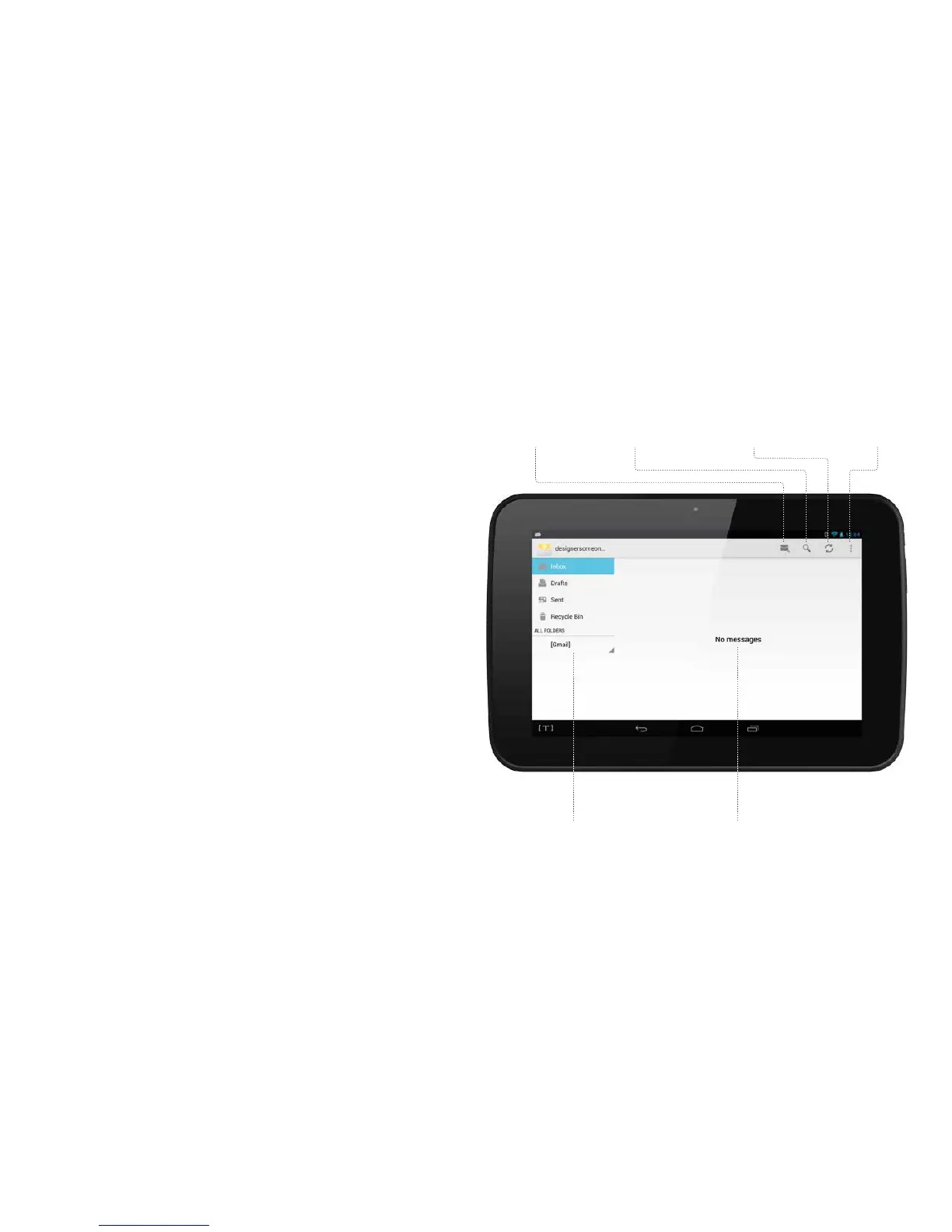
Sendingandreceivingemail
Once you have set up your email account you are
ready to receive or send email.
Navigate to the Home Page.
Touch the Email app icon. If your email
accounts are live you will now see the email
Inbox summary of messages you have received.
Reading a message
— Touch the message you want to read in the
message list. The message will open.
Sending a message
Touch the New message icon.
Fill in the recipients, subject and message text.
Touch the SEND icon at the top of the screen
when your message is ready to go.
Check for new mailSearchNew message
Mail folders Message list
Options
39



 To Next Page