79
IwanttomakesurethatmyHudlhasthelatestsoware
It’s always sensible to make sure your Hudl
has the latest and greatest soware updates
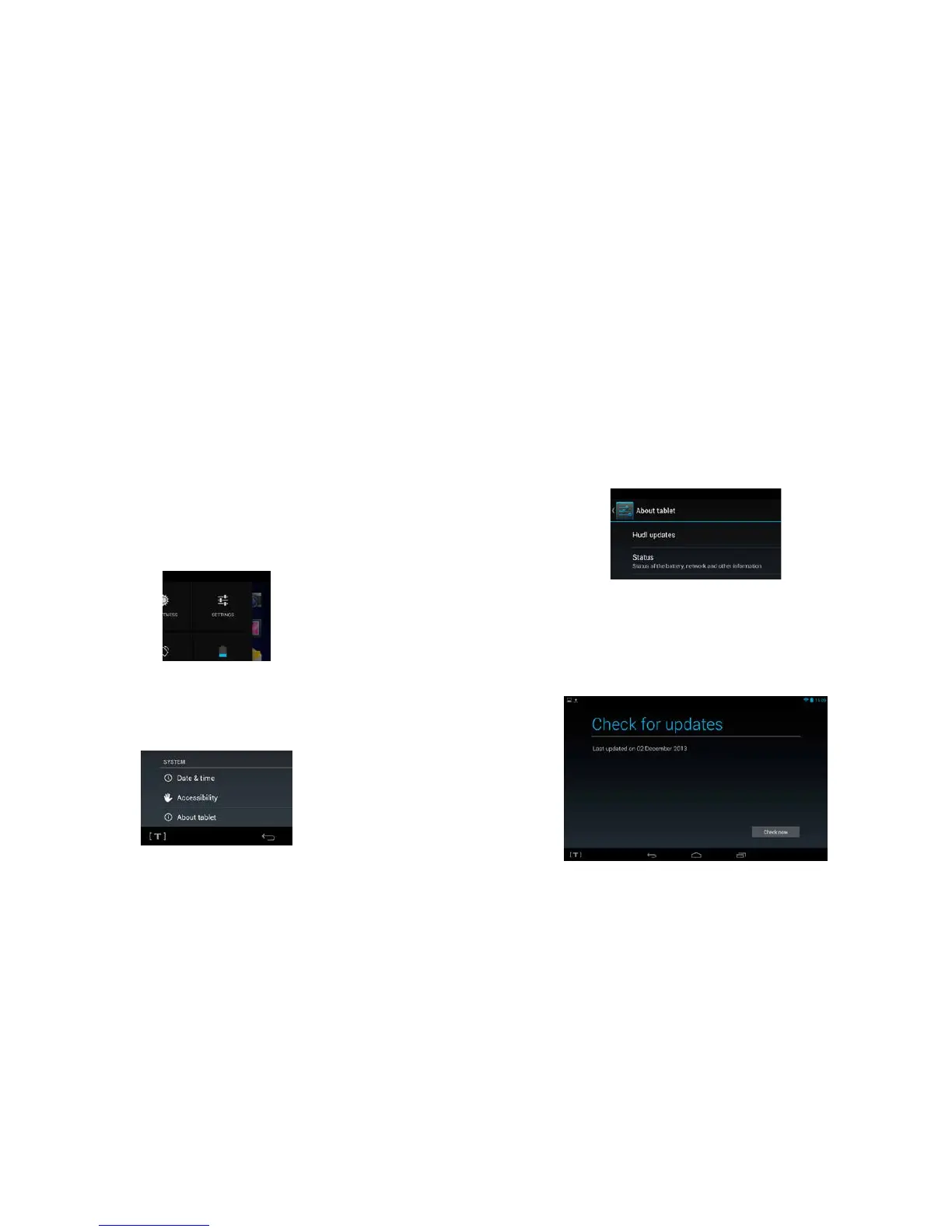
installed. To do this, start by swiping your finger
downwards from the top right of your Hudl’s
screen and tapping on ‘Settings’ to open the
settings menu.
2 Next, scroll all the way down the list of options
to the heading ‘About tablet’, and tap here.
3 Once you’re on the ‘About tablet’ screen, tap on ‘Hudl
updates’, which is right at the top of the list.
Once on the ‘Hudl updates’ screen, you can see if
your Hudl’s soware is up to date by simply tapping
on ‘Check now’. If not, then follow the instructions
that will appear to help you update your Hudl.



 To Next Page