www.huehd.com 3
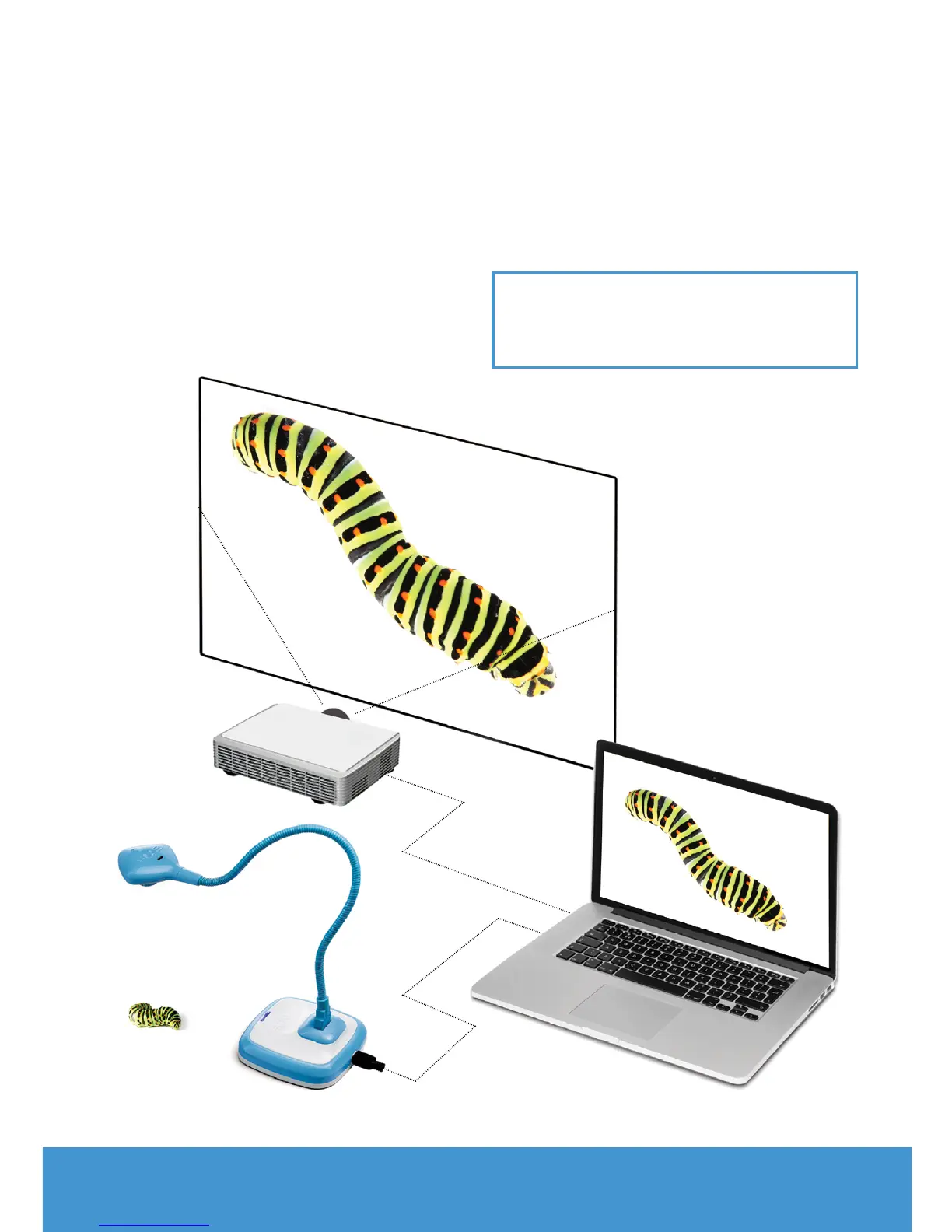
PROJECTOR
HUE HD
PRO CAMERA
USB
IMAGE PROJECTED ONTO
A LARGE SCREEN
MAC OR PC
Simply connect the flexible neck to the
base, plug in the USB cable to the rear
of the camera and you’re ready to go.
You can connect the camera base to the
computer by the USB cable, or unplug
the camera from its base and connect
it directly to a USB port by its flexible
neck – great for laptops!
The base is simply an easy way to have
the camera stand upright on its own on
a desktop or other flat surface.
Once plugged into your computer the
base light will be visible on the base
unit, this confirms that the camera is
receiving power from your computer.
This camera should be recognised by
your operating system without the need
for installing any extra software.
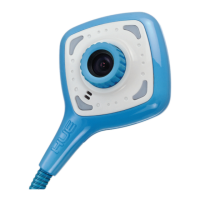
TIP: to turn on the lights just tap the
back of the camera head gently. To
turn the lights o, tap the head again.


 To Next Page