4 support@huehd.com
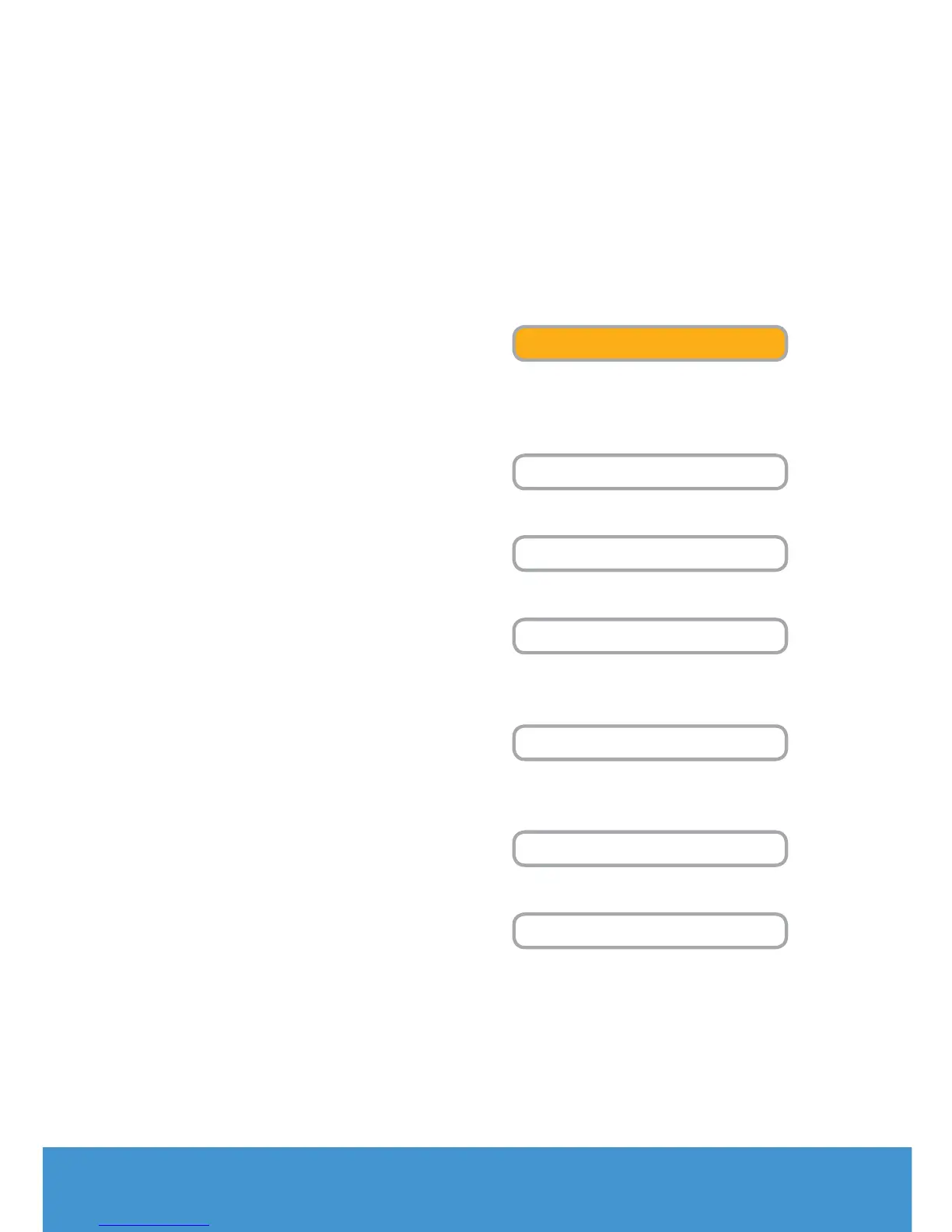
There are seven buttons on the right
side of the HUE Intuition interface.
These buttons each correspond to
a dierent function.
• Video mode is for recording video
and taking snapshots. The main menu
button will change to orange when
that window is in use.
• The Playback tab is where you can
review, save and share your video.
• Scan mode is optimised for
scanning documents.
• Ideal for presentations, the Document
Camera tab will let you annotate and
manipulate the live video stream.
• Designed for monitoring, Image
Capture lets you take still pictures
automatically.
• HUE Intuition can be configured
in the Settings tab.
• The Skype™ button disengages
the camera and launches Skype™.
Using HUE Intuition
VIDEO
PLAYBACK
SCAN
DOCUMENT CAMERA
IMAGE CAPTURE
SETTINGS
SKYPE


 To Next Page