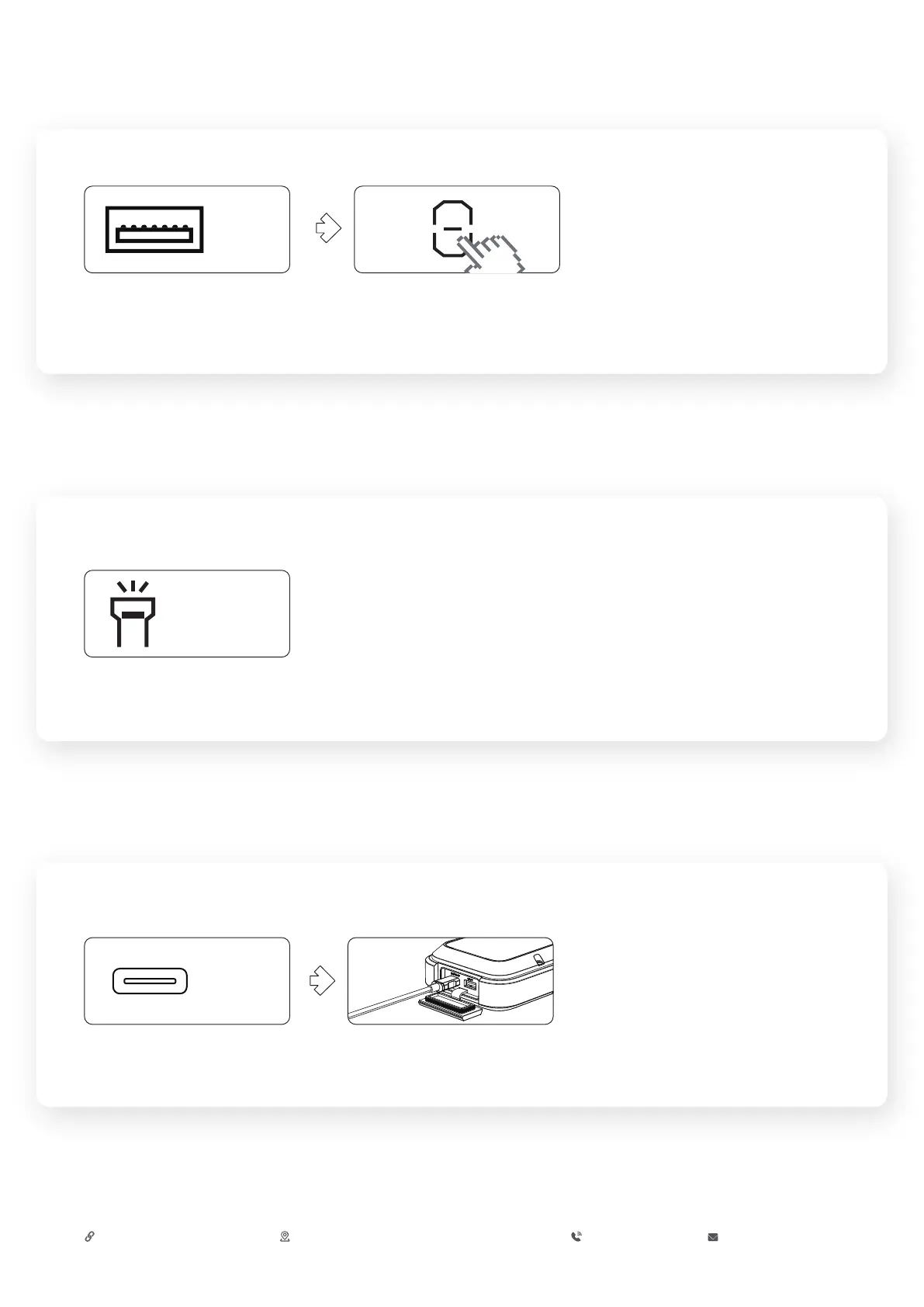
ABOUT USB-A OUTPUT PORT
USB-A
1.Plug the cable into the USB-A
output port.
IN/OUT
Plug the cable into the USB-C
output port to charge your device.
THE CHARGER INCLUDED IN THE BOX IS A 10W WALL CHARGER. NOTE: 65W WALL CHARGER CAN BE PURCHASED SEPARATELY.
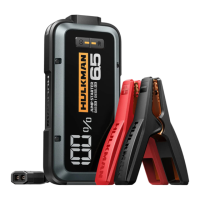
Fully charge your Alpha 65 jump starter in 45 minutes with our patented 65W recharge technology.
2.Press the Power Button.
ABOUT LED FLASHLIGHT
CHARGER YOU ALPHA 65 JUMP STARTER
1.Hold the Flashlight Button for 1-2s.
2.Press briefly to switch the light modes.•50% Lumen Light → 100% Lumen Light → White
Strobe Light → White SOS Light
Flashlight
Button
CONTACT US
https://support.hulkman.com 46 Smith Alley, Suite 200 Pasadena, CA 91103 +1 (877) 892-9703 service@hulkman.com


 To Previous Page