7
humantouch.com
6
ENGLISH
PRO
take a seat
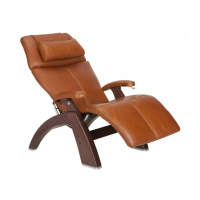
Using your Human Touch Perfect Chair is easy. Just take a seat and
adjust the chair to the desired position. The Perfect Chair cradles you
in zero-gravity comfort, with your feet above your heart—the ultimate
neutral-posture position for back and spine relief.
Plug it in
Plug the chair into an appropriate power source.
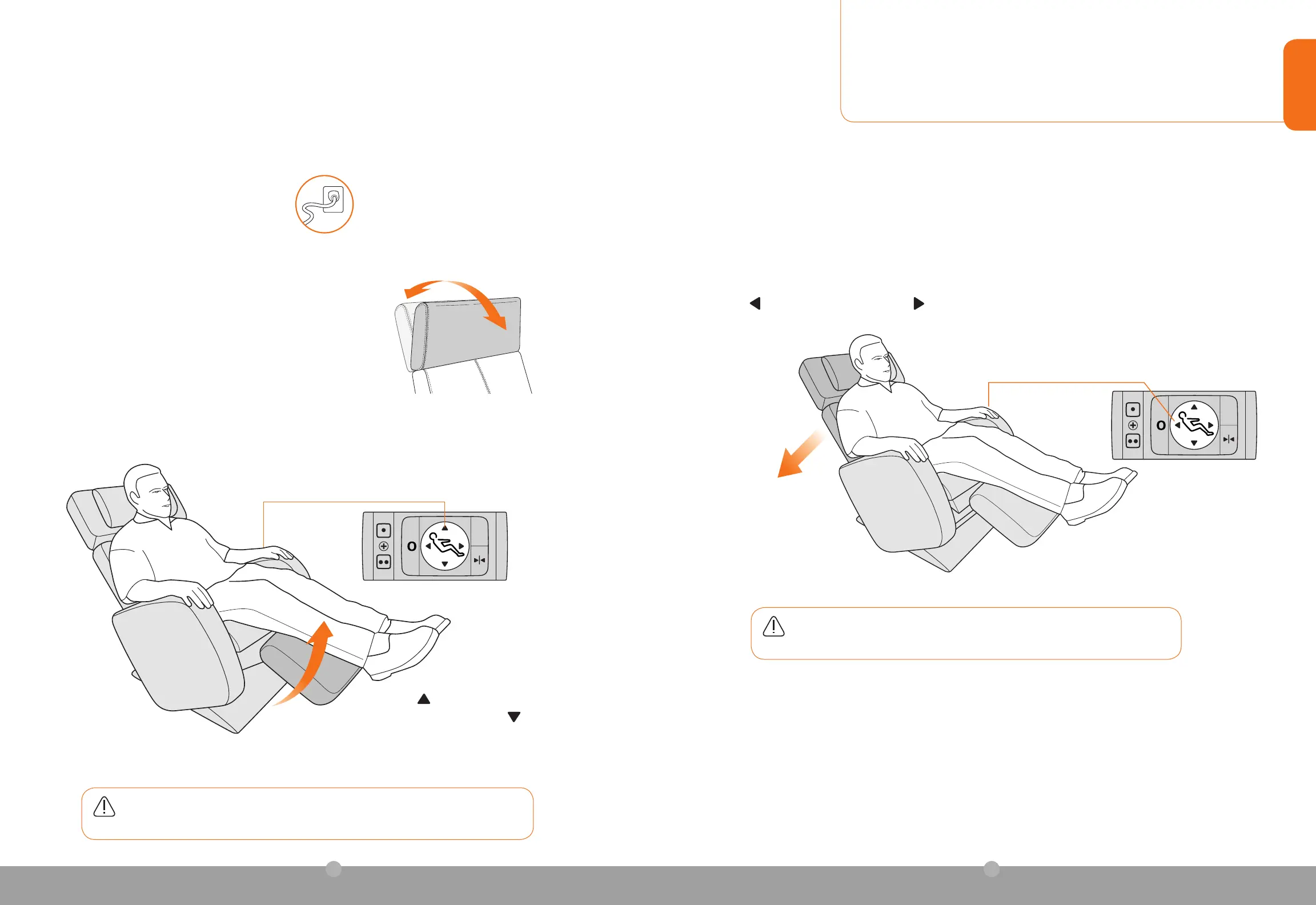
Adjust the headrest
While seated, reach up with both hands and grasp both sides
of the headrest, then tilt the headrest forward or backward for
maximum comfort. The headrest remains in this position until you
adjust it again.
WARNING:Donotsitorstandonthedeployedfootrest,asthiswillpermanentlydamage
your chair and void your warranty.
PRO
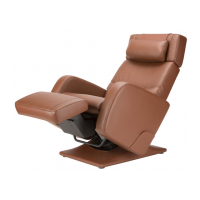
Raise the footrest
Press the button to deploy and raise the footrest to
the desired position; press the button to to lower or
fully retract it.
Before adjusting the recline angle, be sure there is nothing located directly behind or beneath the chair.
Press
to recline the backrest; press the to incline.
Recline the backrest
WARNING: Be sure the area underneath the chair is clear before inclining the chair,
to prevent injury to children and pets.


 To Next Page