8
17
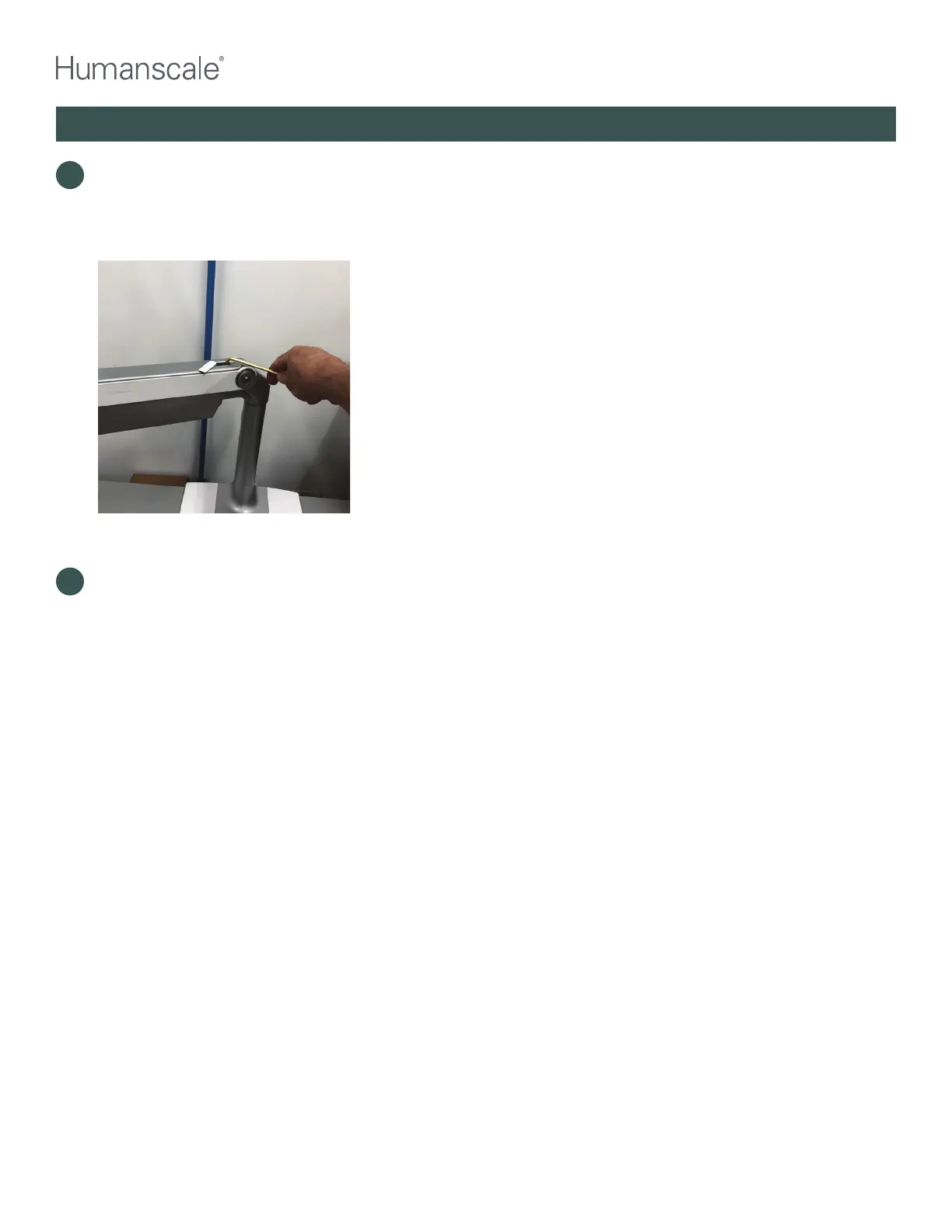
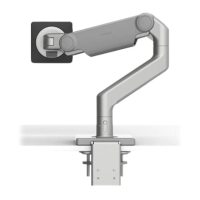
Reinstall the monitor(s) and adjust the monitor arm tension to balance the monitor(s). Using the 5mm
hex key, turn the tension screw clockwise to increase lift of arm and reduce tension. Turn screw
counterclockwise to reduce lift and add tension. QSL with monitors and keyboard on platform should stay
in position without sinking down or rising up when tension is properly adjusted.
19
Replace all cables and plastic covers as they were before.
Cover on dynamic arm
popped off to access
tensioning screw
QUICKSTAND LITE REWORK INSTRUCTIONS



 To Previous Page