36
7. SET UP THE LIGHTNING FUNCTIONS
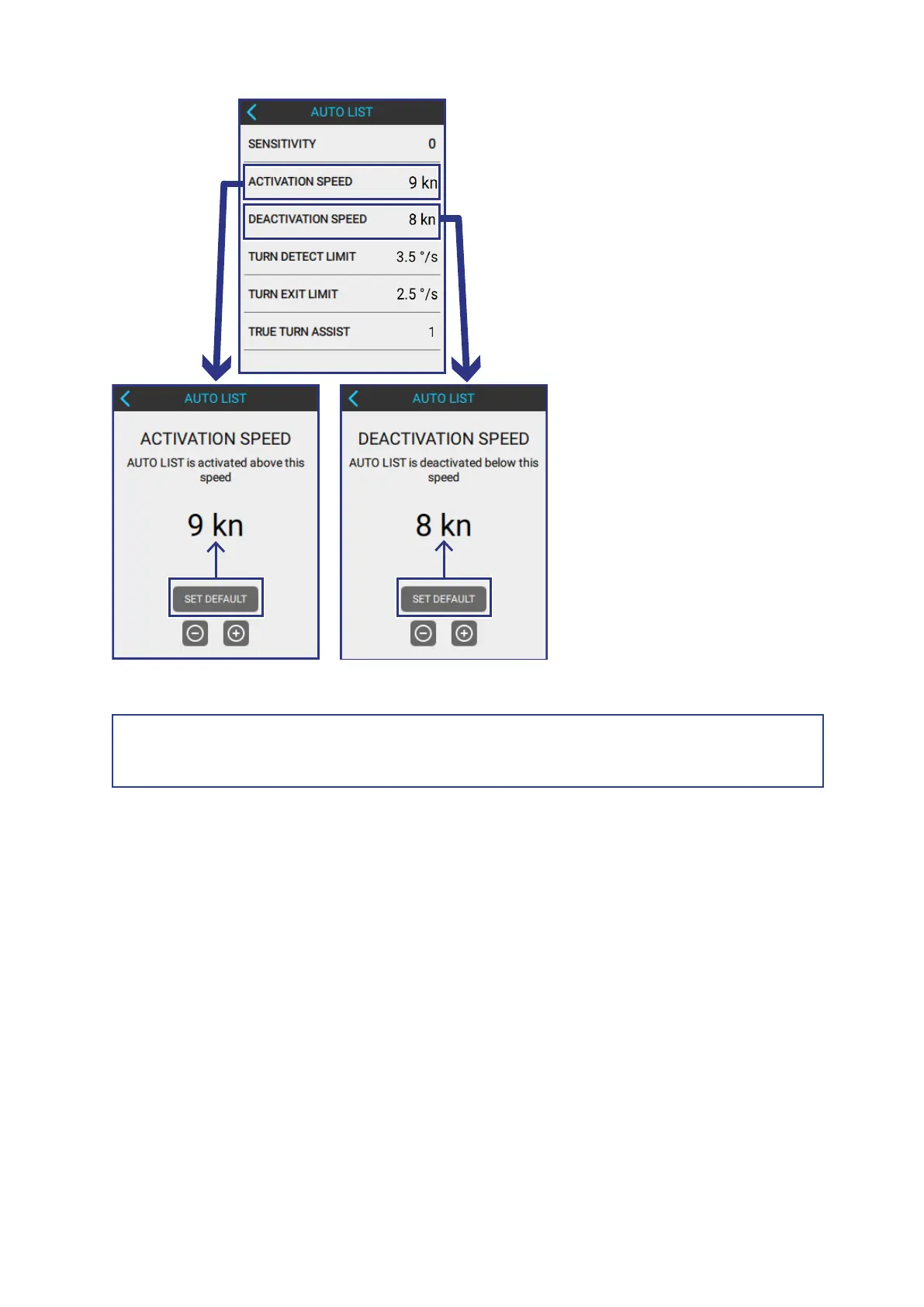
Default Speed Values (Recommended)
NOTE!
Always set the Deactivation Speed to 1 or 2 knots below the Activation Speed!
7.2.3 SET THE TURN DETECT AND TURN EXIT LIMITS
Lightning uses the Turn Detect Limit to sense when the boat is turning, to allow the
boat to heel inwards on tight turns.
Turn Exit Limit is used to sense when the boat is no longer turning.
To adjust the Turn Detect and Turn Exit Limits, do the following:
AUTO LIST > TURN DETECT LIMIT
AUTO LIST > TURN EXIST LIMIT



 To Next Page