35
7. SET UP THE LIGHTNING FUNCTIONS
NOTE!
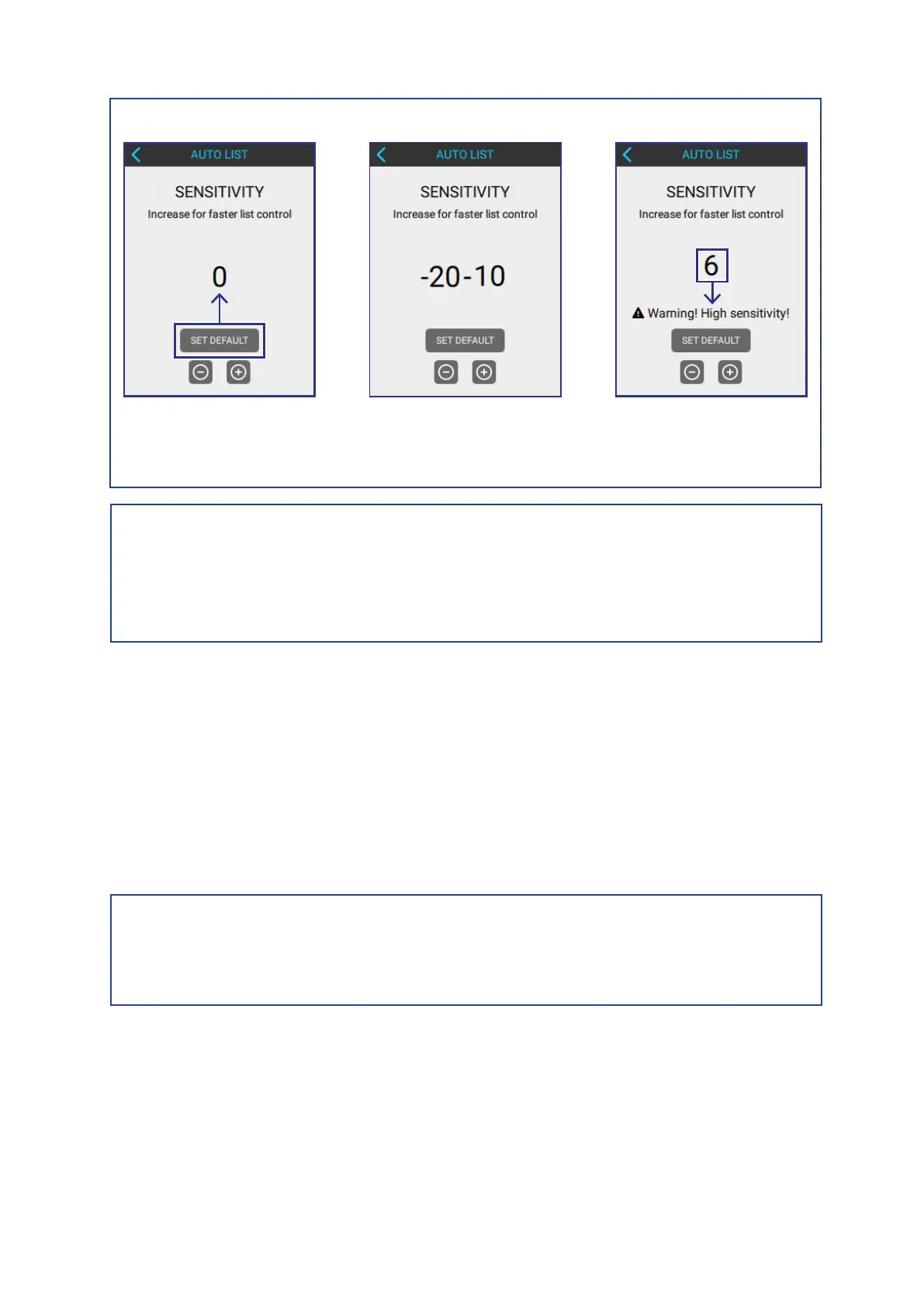
Default Value Sensitivity Range
If sensitivity is over 5
a warning appears!
NOTE!
The Auto List Sensitivity can interfere with auto-pilot systems!
To solve auto-pilot issues, reduce the sensitivity until the auto-pilot starts
working again.
7.2.2 SET THE LIST ACTIVATION AND DEACTIVATION SPEED
The Activation Speed is the speed at which the Auto List function starts to
automatically activates list compensation.
The Dectivation Speed is the speed at which the Auto List function deactivates.
To adjust the Activation Speed or the Deactivation Speed, do one the following:
AUTO LIST > ACTIVATION SPEED
AUTO LIST > DEACTIVATION SPEED
NOTE!
Humphree does not recommend changing the default values for the Activation
and Deactivation Speeds, unless it is done by an experienced technician.



 To Next Page