©2012 Hunter Fan Company
5
1. Turn air purier OFF and unplug from outlet.
2. Clean unit with a moistened soft cloth only. DO NOT pour or splash water on the unit or
use any abrasive-type cleaner on it. Clean all external surfaces, especially the air intake
grills and air outlet.
3. DO NOT attempt to clean the lter; it IS NOT washable and washing it will damage it.
4. Plug the air purier into power outlet and turn ON.
Using Your Air Purifier (continued)
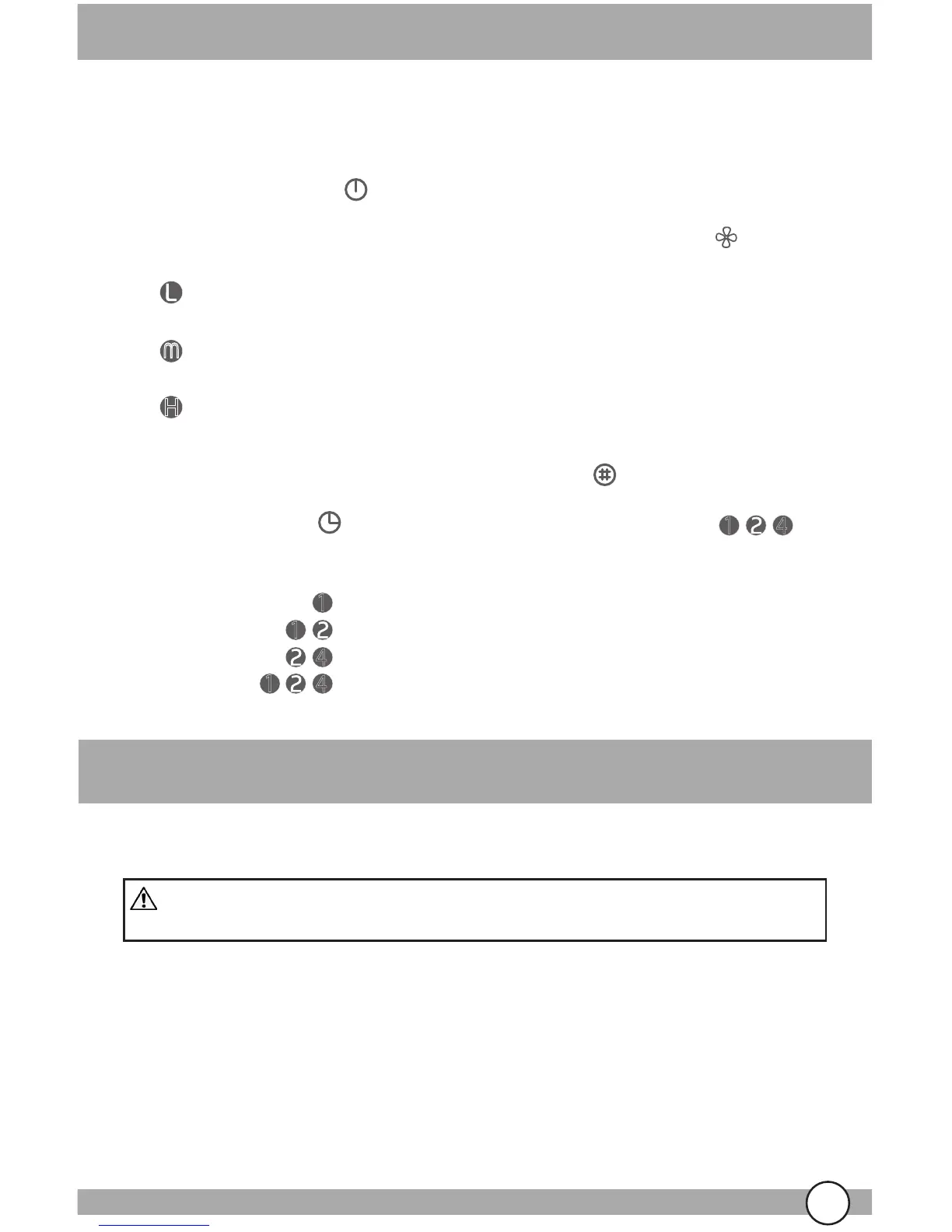
This air purier is equipped with a pre-lter and a HEPAtech
lter. Room air is drawn into the
air purier through the air intake grill and passes through the lter. The ltered air is released
from the top of the unit and is dispersed upwards into the room.
Off/On- Touch power icon on the sensor pad. This will turn the unit OFF or ON.
Filter Reset- After changing the lter, touch the lter reset icon to reset the lter usage timer.
CLEANING:
Low - Recommended for use when soft
background noise is unwanted.
Medium - Typical usage setting. Soft
background noise is not an issue.
High - Use when quick, efficient results to a
room’s air quality are desired.
H
U
U
Fan Speed- The fan speed can be adjusted at any time by touching the fan icon on the
top of the unit.
WARNING! To avoid serious injury from electric shock ALWAYS turn the
air purier OFF and disconnect the plug from the outlet BEFORE cleaning.
Maintenance
Timer- Touch timer icon on the sensor pad. Each of the three timer lights
represents a number of hours. Any combination of timer lights may be used at one time.
For example:
1
4
1
4
1
1
1
4
4
= 1 hour
= 3 hours
= 6 hours
= 7 hours



 To Next Page