EasyManua.ls Logo

Hunter 44550 - User Manual

Hunter 44550
38 pages
Print Icon
To Next Page IconTo Next Page
Loading...
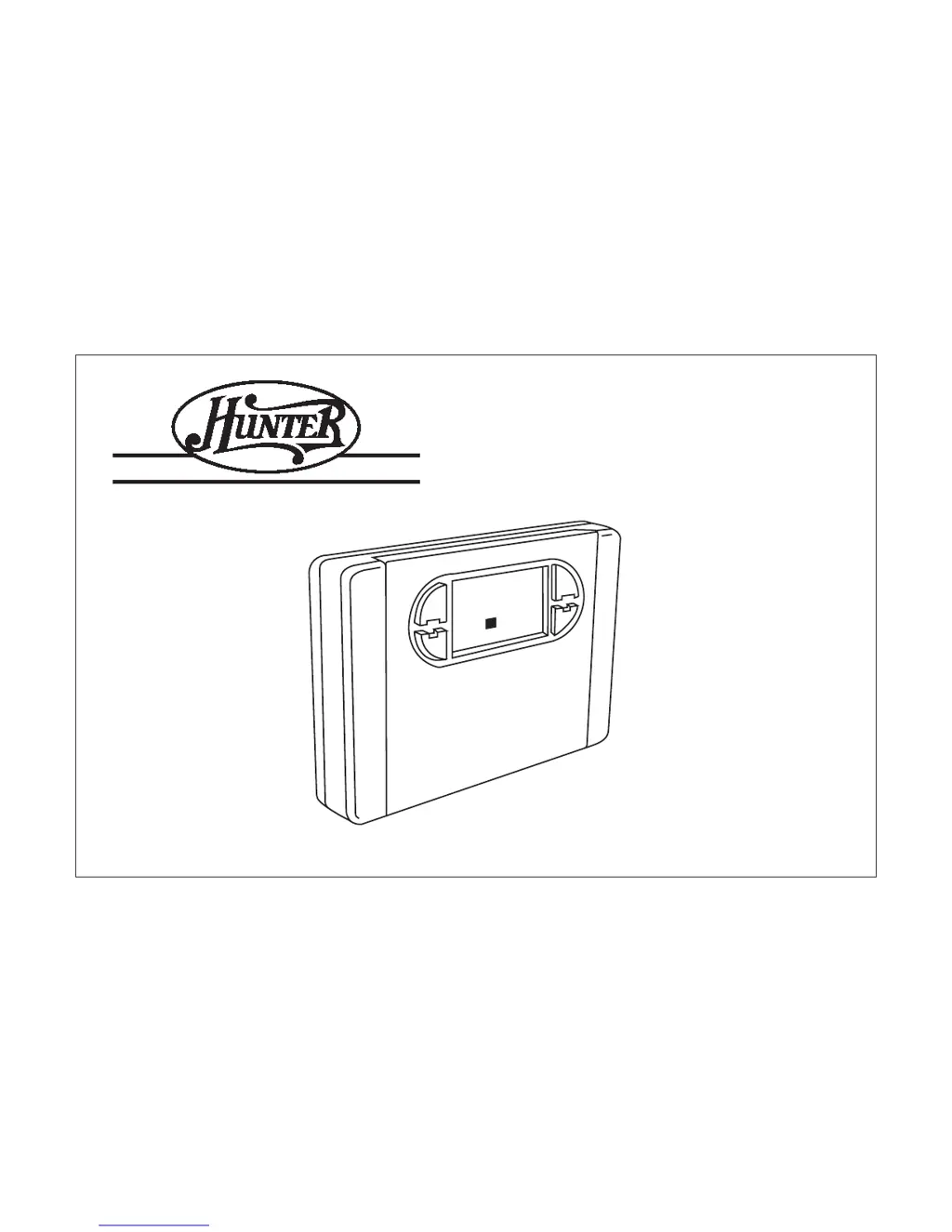
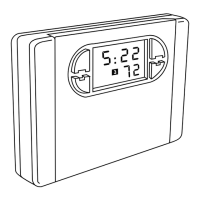
OwnerÕs Manual Model 44550
SINCE 1 8 8 6
®
AUTO SAVER 550
5:
7
2
2
2
3

Questions and Answers

  • T
    Tiffany WeeksAug 12, 2025
    How to fix Hunter 44550 Thermostat if program does not change at desired setting?
    • D
      dfigueroaAug 12, 2025
      If the program on your Hunter Thermostat isn't changing at the desired setting: * Check that the time is set properly to “AM” or “PM”. * Make sure the thermostat is not in “HOLD” or “Home Today” modes. * Verify the correct day setting.
  • K
    Kari ReillyAug 16, 2025
    What to do if Hunter 44550 Thermostat permanently reads “HI,” “LO,” OR “ERR-” after pressing reset button?
    • J
      jacqueline93Aug 16, 2025
      If your Hunter Thermostat permanently reads “HI,” “LO,” or “ERR-” after pressing the reset button, the suggested solution is to replace the unit.
  • T
    Teresa Miller MDAug 20, 2025
    What to do if heating or cooling does not go on or off on Hunter Thermostat?
    • A
      Andrew AdamsAug 20, 2025
      If your heating or cooling system isn't turning on or off, try these steps: * Ensure the system selector switch is in the correct position (HEAT, COOL, or AUTO). * If in AUTO mode (look for “AUTO” on the display), the thermostat might need a larger room temperature change before switching between Heat and Cool. * Wait for up to 4 minutes for the system to turn on (compressor protection delay). * Check circuit breakers and switches to ensure the system has power. * Replace the batteries. * Ensure your furnace blower door is properly closed. * If your system uses only 4 wires, ensure the jumper wire is installed between the RC and RH terminals. * Check the position of the Furnace or Heat Pump selector switch: Normal / O / B.
  • L
    Lisa KingAug 23, 2025
    What to do if Hunter 44550 has no display?
    • P
      Patricia FinleyAug 23, 2025
      If your Hunter Thermostat has no display: * Check the battery connections and the batteries themselves. * Press the RESET button with a small pin and hold it in for two seconds.
  • F
    fjosephAug 27, 2025
    Why does the entire display dim on my Hunter 44550 Thermostat?
    • H
      Henry JordanAug 27, 2025
      If the entire display on your Hunter Thermostat dims, the suggested solution is to replace the batteries.
  • N
    nramirezAug 31, 2025
    How to fix erratic display on Hunter 44550?
    • M
      Matthew SmithSep 1, 2025
      To fix an erratic display on your Hunter Thermostat, press the RESET button once with a small pin and hold it for two seconds.
  • M
    michaelleonardSep 4, 2025
    How to fix scrambled or double display on Hunter Thermostat?
    • E
      Edward HansonSep 4, 2025
      To fix a scrambled or double display on your Hunter Thermostat, remove the clear mylar sticker (numbers over numbers).
  • J
    josephleSep 7, 2025
    What to do if Hunter Thermostat continues to operate in the off position?
    • R
      Rebecca JohnsonSep 7, 2025
      If your Hunter Thermostat continues to operate in the off position, the suggested solution is to replace the unit.

Summary

Before Installing Thermostat

Compressor Protection

Explains the 3.5-minute delay to prevent compressor damage from rapid cycling.

Before Installing Thermostat (cont.)

Battery Warning System

Details the two-stage warnings for low battery levels and replacement recommendations.

Installation Guide (cont.)

Wire Labeling Procedure

Instructs on correctly labeling wires before disconnecting them from the old thermostat.

Connecting Wires to Terminals

Guides on matching and connecting labeled wires to the correct terminal screws.

System Selector Switches

Explains the function of system selector switches for heating and heat pump types.

Feature Selector Switches

Details configuration options for Fahrenheit/Celsius, 12/24 hour, span, and auto recovery.

Programming Your Thermostat (cont.)

Auto Programming

Describes pre-programmed energy-saving settings and their benefits.

Thermostat Operation Modes

Temporary Manual Override

Explains how to temporarily change the set temperature without altering the program.

Thermostat Operation Modes (cont.)

Permanent Manual (Vacation) Override

Details how to set a hold temperature for extended periods like vacations.

Safety and Error Handling

Low Battery Warning System

Details the two-stage warnings for low battery levels and replacement recommendations.

Safety and Error Handling (cont.)

Error Mode and System Shutdown

Explains conditions triggering Error Mode, flashing "ERR-", and system shutdown.

Auto Cut-Off Functionality

Describes automatic system cutoff in Heat mode above 95°F and Cool mode below 40°F.

Troubleshooting Common Issues

Programming and Control System Faults

Covers problems with program changes, AUTO/FAN operation, and heating/cooling control.

Troubleshooting Common Issues (cont.)

Persistent Error States and Unit Malfunctions

Details how to resolve permanent "HI," "LO," "ERR-" displays and unit malfunctions.

Wiring Diagrams and System Connections

Wiring Diagrams and System Connections (cont.)

Hunter 44550 Specifications

General IconGeneral
DisplayLCD
Hold FeatureYes
Battery IndicatorYes
Power SourceBattery
CompatibilitySingle Stage Heating and Cooling Systems
Stages1

Related product manuals