EasyManua.ls Logo

Hunter 44459 - User Manual

Hunter 44459
40 pages
Print Icon
To Next Page IconTo Next Page
Loading...
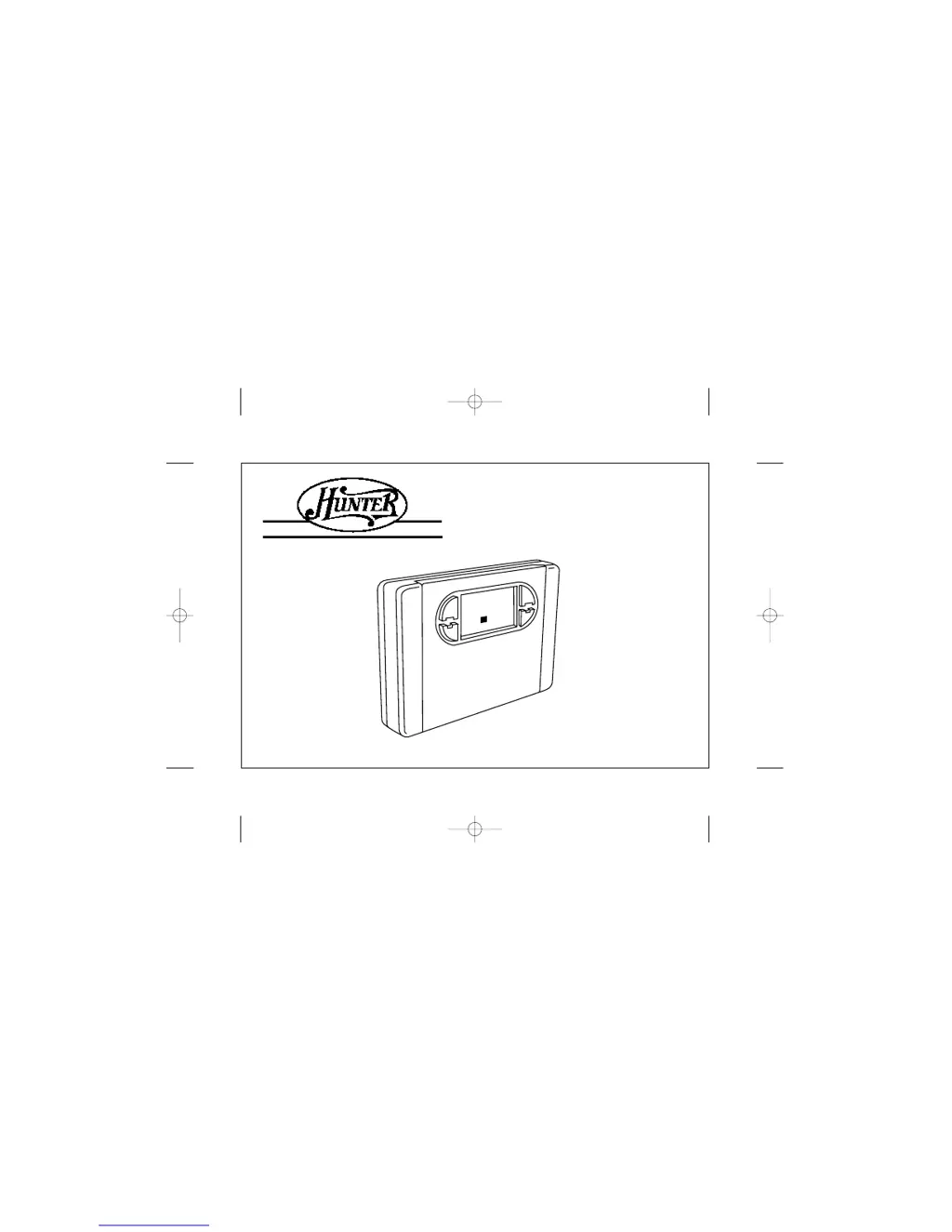
Owner’s Manual Model 44459
File: AJ570/41383 book p. 1-19/art Created: 9-28-98 db
Folder: AJ570/Hunter/41383 Alt: 2-2-99 db
Prints black
SINCE 1 8 8 6
®
AUTO SAVER 459
PAGE 1
5:
7
2
2
2
3
B99A p1-19 2/7/03 9:58 AM Page 1

Questions and Answers

  • J
    Jamie CrawfordJul 29, 2025
    Why program does not change at my desired setting on Hunter 44459?
    • M
      Mark MccallJul 29, 2025
      If the program on your Hunter Thermostat isn't changing at the desired setting, consider these possible causes: * The time may not be set properly to “AM” or “PM.” * The thermostat might be in “HOLD” or “Home Today” modes. * The day setting may be incorrect.
  • H
    Holly PooleAug 3, 2025
    What to do if auto/fan does not turn on Hunter 44459 Thermostat?
    • D
      Daniel BauerAug 3, 2025
      If the AUTO or FAN function isn't turning on, try moving the HG/HE selector to the opposite position.
  • J
    Jennifer BeltranAug 8, 2025
    What to do if heating or cooling does not go on or off on my Hunter 44459 Thermostat?
    • M
      millermitchellAug 8, 2025
      If your heating or cooling system isn't turning on or off, there are several things to check: 1. Ensure the system selector switch is in the correct position: “HEAT,” “COOL,” or “AUTO.” 2. If the thermostat is in AUTO mode, a larger room temperature change may be needed for it to switch from Heat to Cool, or vice versa. 3. There may be a delay of up to 4 minutes before the system turns on due to compressor protection. 4. Check your circuit breakers and switches to ensure the system has power. 5. Try replacing the batteries. 6. Make sure the furnace blower door is closed properly. 7. If your system uses only 4 wires, ensure the jumper wire is installed between the RC and RH terminals. 8. Check the position of the Furnace or Heat Pump selector switch: Normal / O / B.
  • D
    Daniel ReillyAug 13, 2025
    How to fix no display on Hunter 44459 Thermostat?
    • S
      Scott Maldonado PhDAug 13, 2025
      If there is no display on your Hunter Thermostat, try the following: * Check the battery connections and the batteries themselves. * Press the RESET button with a small pin and hold it for two seconds.
  • R
    Richard JarvisAug 18, 2025
    What to do if entire display dims on Hunter 44459 Thermostat?
    • J
      Joseph MaysAug 19, 2025
      If the entire display on your Hunter Thermostat dims, the suggested solution is to replace the batteries.
  • M
    Maria BautistaAug 23, 2025
    How to fix scrambled or double display on Hunter Thermostat?
    • S
      Sheri WatsonAug 23, 2025
      If you are experiencing a scrambled or double display on your Hunter Thermostat, remove the clear mylar sticker (numbers over numbers).

Summary

Before Installation

Compressor Protection

Provides a delay to prevent damage to your compressor from rapid cycling.

Installation Preparations

Battery Warning System

Alerts for weak batteries and potential system shutdown.

Installation Guide

Removing the Old Thermostat

Instructions for safely removing the existing thermostat unit.

Wiring Installation

Wire Labeling Procedure

Procedure for labeling wires before disconnecting from the old thermostat.

Mounting the Thermostat

Wallplate Mounting

Instructions for drilling holes, securing the wallplate, and wire routing.

Jumper Wire Configuration

Guidance on the jumper wire between RH and RC terminals for different systems.

Connecting and Finalizing Installation

Wire Terminal Connections

Matching labeled wires to appropriate terminal screws on the mounting plate.

Attaching Thermostat Cover

Steps for snapping the thermostat body onto the wallplate and inserting batteries.

Selector Switch Configuration

Heating System Selector (HG;HE)

Configures the thermostat for gas/oil or electric heating systems.

Feature Selector Switches

Setting Time and Day

Auto Programming Function

Manual Programming Guide

Thermostat Operation Modes

Temporary Manual Override

Allows temporary adjustment of the set temperature without affecting programs.

Manual Temperature Overrides

Permanent Manual (Vacation) Override

Holds a manual temperature setting for extended periods or vacations.

Advanced Operation Features

Energy Usage Monitoring

Filter Maintenance Monitoring

Auto Recovery Function Details

Safety Features - Battery Warnings

First Stage Low Battery Warning

Alerts for weak batteries, indicated by 'BATT' flashing on LCD.

Second Stage Low Battery Warning

System shutdown due to critically low batteries.

Safety Features - System Protection

Error Mode Operation

Indicates system control failure and requires battery replacement and reset.

Troubleshooting Common Issues

Troubleshooting Advanced Issues

Wiring Diagrams - Heat;Cool Systems

Wiring Diagrams - Specific Systems

Wiring Diagrams - Single Function Systems

Hunter 44459 Specifications

General IconGeneral
Power SourceBattery
Stages1 Heat/1 Cool
DisplayDigital
BacklightYes
Hold FunctionYes
BatteryAA (2)
CompatibilitySingle Stage Systems
Fan ControlYes

Related product manuals