EasyManua.ls Logo

Hunter 44360 - User Manual

Hunter 44360
58 pages
Print Icon
To Next Page IconTo Next Page
Loading...
Form# 42710-02
20091204
©2009 Hunter Fan Co.
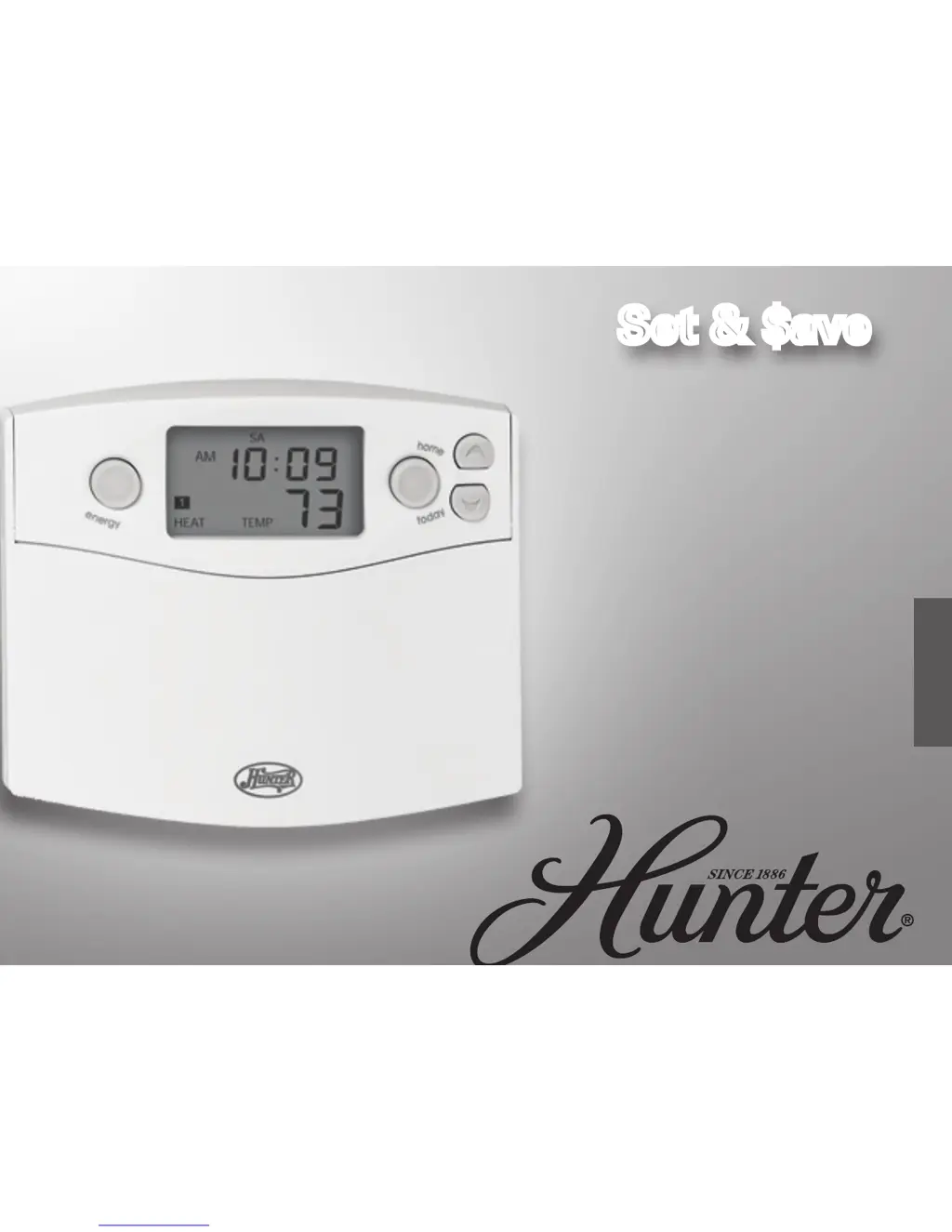
Set & $aveSet & $aveSet & $ave
Modelo
44360
Español
Termostato
programable
manual de instalación
y operación

Questions and Answers

  • N
    nrobinsonAug 14, 2025
    What to do if my Hunter 44360 has no display?
    • B
      Brett SchneiderAug 14, 2025
      If your Hunter Thermostat has no display, check the battery connections and the batteries themselves. If that doesn't work, press the RESET button with a small pin and hold it in for two seconds.
  • P
    Paul ShawAug 18, 2025
    How to fix an erratic display on Hunter Thermostat?
    • H
      Heidi JohnstonAug 18, 2025
      If your Hunter Thermostat display is erratic, press the RESET button once with a small pin and hold for two seconds. Note that the thermostat will need to be re-programmed after doing this.
  • K
    kimberly29Aug 21, 2025
    How to resolve a scrambled or double display on a Hunter Thermostat?
    • S
      stephenselizabethAug 21, 2025
      If your Hunter Thermostat display is scrambled or shows a double image, remove the clear mylar sticker.
  • K
    Kelly JensenAug 25, 2025
    What does it mean if Hunter 44360 Thermostat reads 'HI', 'LO', or 'ERR' after reset?
    • L
      Laura AyersAug 26, 2025
      If your Hunter Thermostat permanently reads “HI,” “LO,” or “ERR-” after pressing the reset button, replace the unit.
  • H
    hudsonjanetAug 27, 2025
    Why is my Hunter 44360 heating or cooling not going on or off?
    • K
      Katie EdwardsAug 28, 2025
      If your Hunter thermostat isn't turning the heating or cooling on or off, there could be several reasons. First, make sure the system selector switch is in the correct position (“HEAT,” “COOL”). There might be a compressor protection delay of up to 4 minutes before the system activates, so wait and check. Also, check your circuit breakers and switches to ensure the system has power. Replace the batteries, and ensure your furnace blower door is closed properly. If your system uses only 4 wires, ensure the jumper wire is installed between the RC and RH terminals. Lastly, check the position of the Furnace or Heat Pump selector switch: STD - HP.
  • R
    Raymond StarkAug 31, 2025
    How to fix a Hunter 44360 that doesn't change at the desired setting?
    • V
      vadamsAug 31, 2025
      If your Hunter Thermostat program isn't changing at the desired setting, ensure the time is set correctly to “AM” or “PM.” Also, check that the thermostat is not in “HOLD” or “Home Today” modes, and verify that the day setting is correct.
  • W
    williamhodgesSep 3, 2025
    What to do if Auto / Fan on Hunter 44360 does not turn on?
    • C
      cmacdonaldSep 4, 2025
      If the Auto/Fan on your Hunter Thermostat does not turn on, try moving the HG/HE selector to the opposite position.
  • T
    Tammy JohnsonSep 6, 2025
    Why does the entire display on my Hunter Thermostat dim?
    • D
      Daniel RobinsonSep 7, 2025
      If the entire display on your Hunter Thermostat dims, try replacing the batteries.
  • T
    Teresa RogersSep 10, 2025
    What to do if Hunter 44360 continues to operate in the Off position?
    • B
      Brian PowersSep 10, 2025
      If your Hunter Thermostat continues to operate in the Off position, replace the unit.

Hunter 44360 Specifications

General IconGeneral
Product colorBeige

Related product manuals