www.P yleUSA.com
9
Vehicle Fans Mom ents MeDiscoverVehi cle Fan s M omen ts MeDi scove r
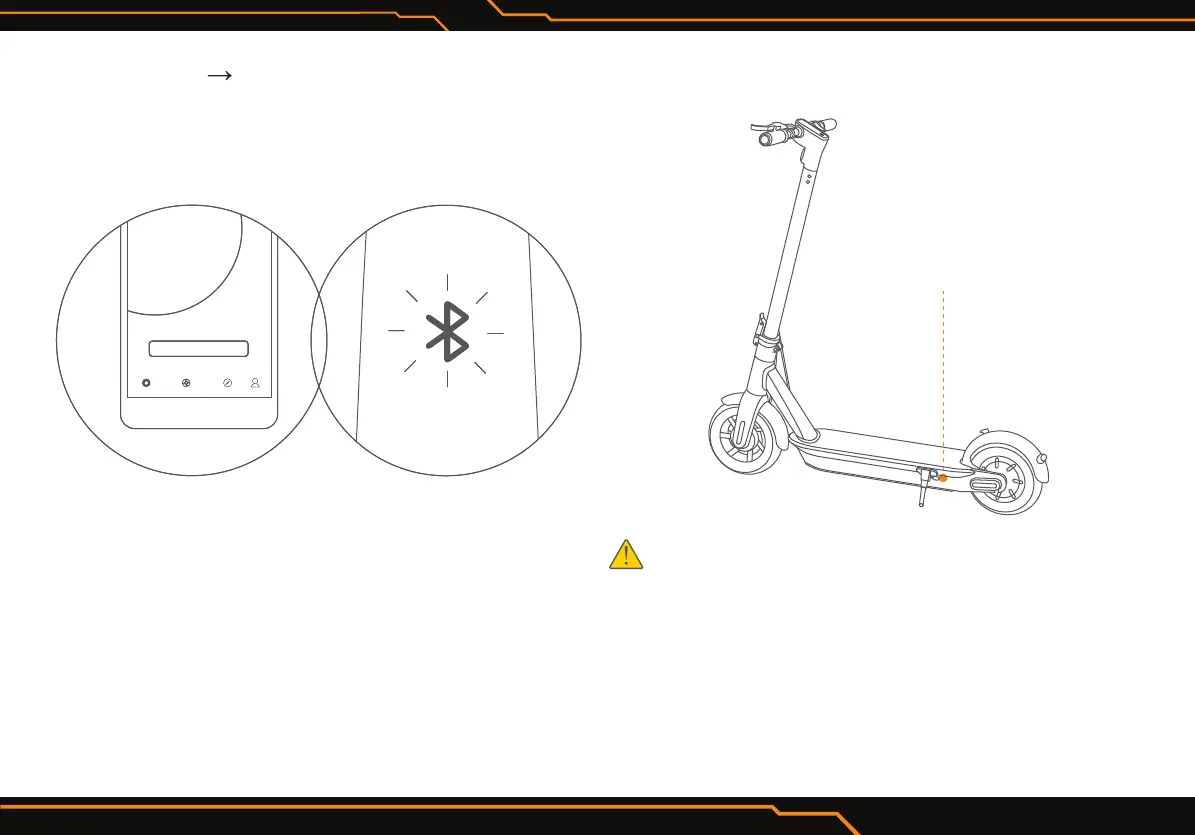
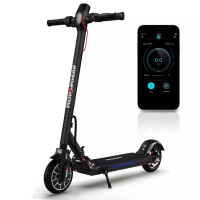
3. Click “Vehicle “ Scan for Vehicle” to connect to your
Electric Scooter. The Electric Scooter will beep when
the connection is successful. The BT icon will stop
blinking and remain illuminated.
4. Follow the App instructions to active the Electric
Scooter and learn how to ride safely.
You can now start to use your Electric Scooter, check
the status with App, and interact with other users.
Have fun!
Charging
WARNING
•
Do not charge if the charge port or power cord is wet.
• Do not charge or use your battery if it is damaged or see
trace of water.
• Close the charge port cover when not charging.
Charge port


 To Next Page