Care and Cleaning
Troubleshooting
Minor problems often can be xed without calling customer service.
The vacuum does not run.
The tank is full.
The lter is clogged.
The hose is clogged.
The tank is full.
The lter is clogged.
The hose is clogged.
There is a loss of suction during wet
pickup.
There is a loss of suction during dry
pickup.
□
□
□
□
□
□
□
□
□
□
□
□
8
WARNING:
To reduce the risk of injury from accidental starting, unplug the power cord before emptying the dust tank.
WARNING:
To reduce the risk of injury from moving parts and/or electrical shock, turn power switch off and disconnect power plug
from electrical outlet before performing troubleshooting checks.
Problem Possible Cause Corrective Action
Drain and clean the tank.
Clean or replace the lter.
Remove the hose and clean out the debris.
Drain and clean the tank.
Clean or replace the lter.
Remove the hose and clean out the debris.
CLEANING
To keep your wet/dry vacuum looking its best, clean the outside with a cloth dampened with warm water and mild soap.
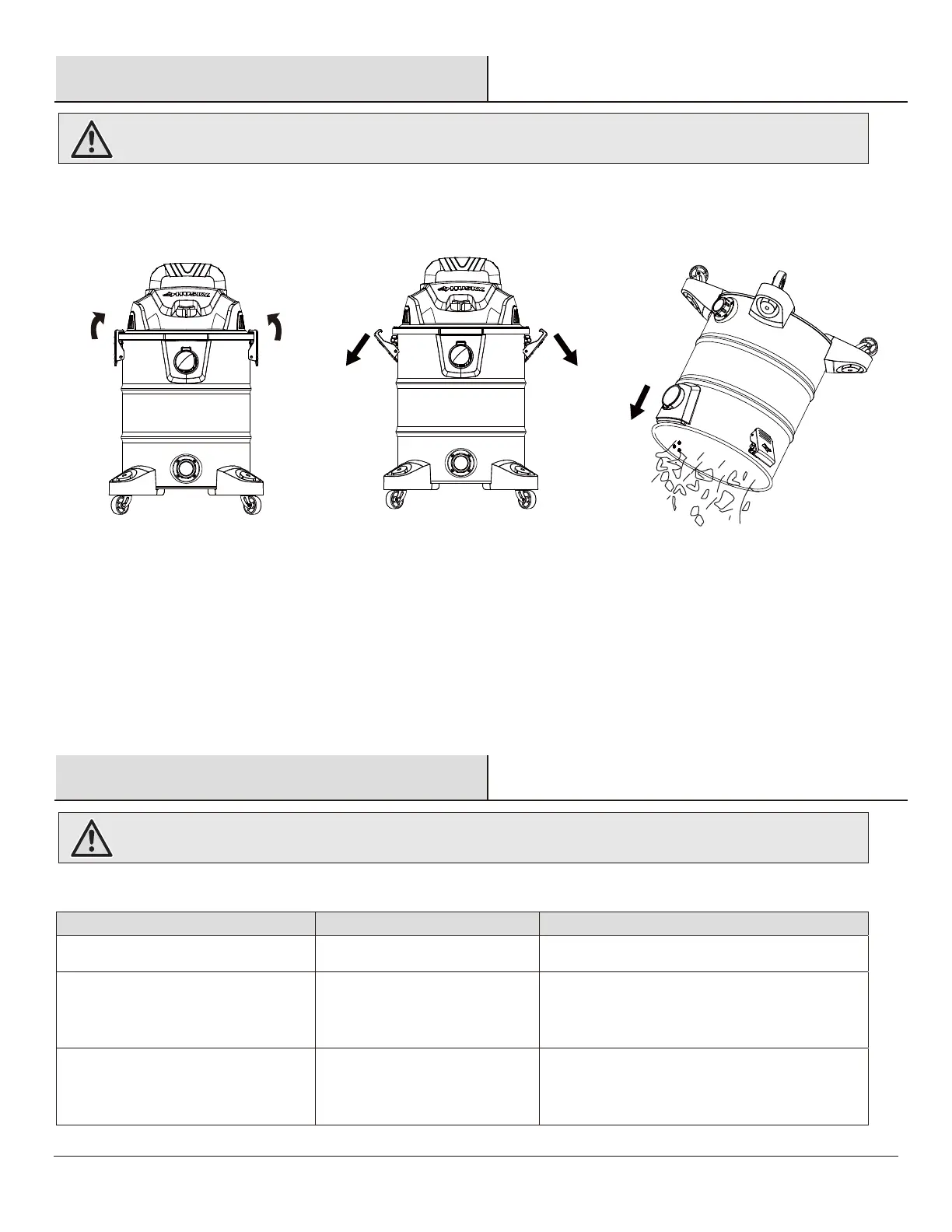
To clean the tank:
Dump out debris.
Wash the tank thoroughly with warm water and mild soap.
Wipe with a dry cloth.
□
□
□
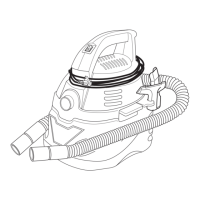
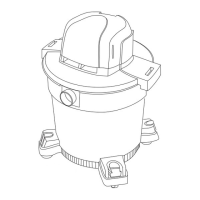
Remove the power head assembly of the wet/dry vacuum by pulling outward on the lid clips located on each side of the vacuum. Lift off
the power head assembly.
Dump the tank contents into the proper waste disposal container.
□
□
No electricity.
Make sure electrical outlet has voltage
(a qualied electrician may need to be contacted).
□
□


 To Next Page
 Loading...