lens support or there is one.
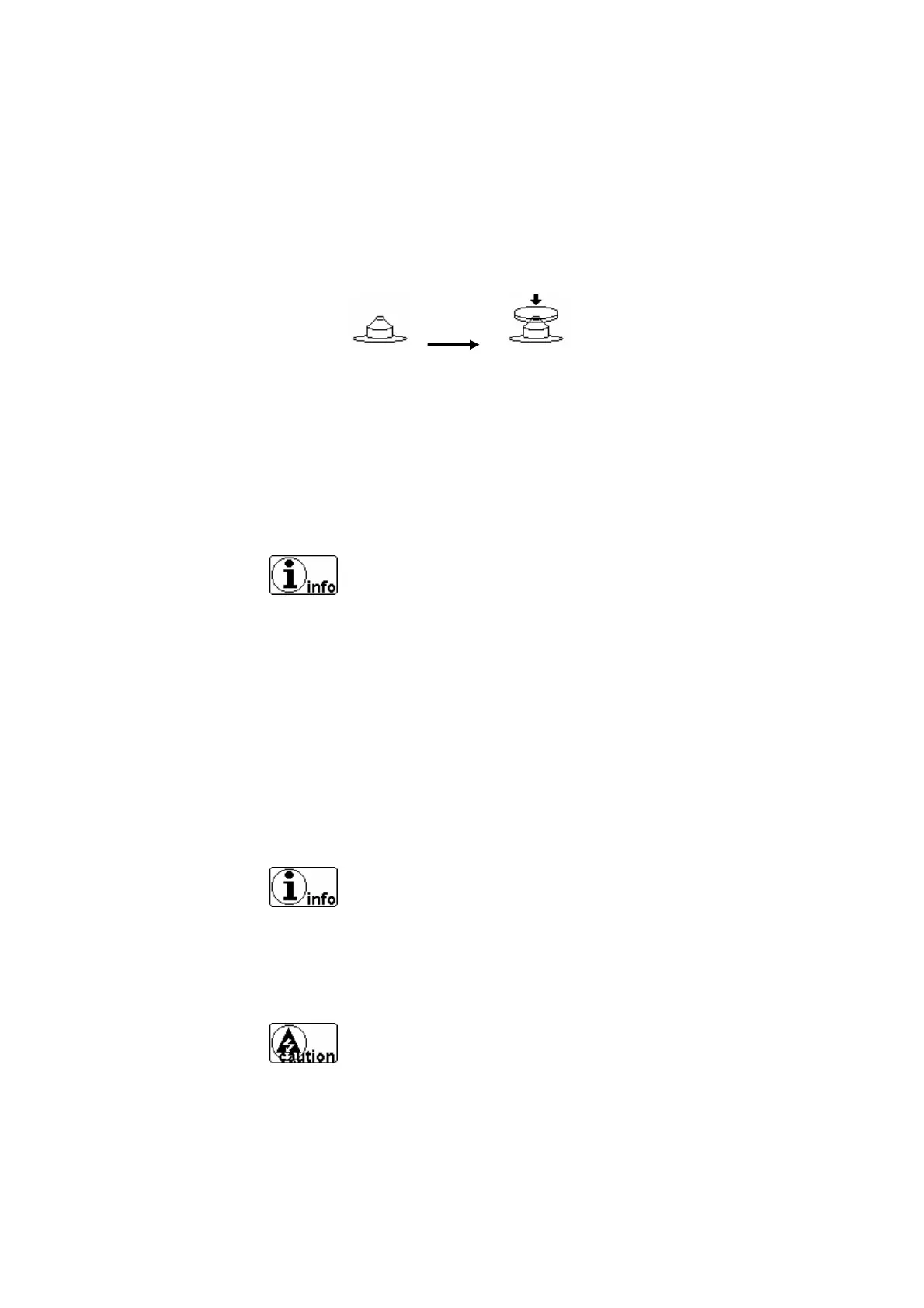
without lens with lens
Figure 13. Display the State of Measurement
When there is no lens, you will see the figure on the left-
bottom of the screen displaying lens support with no lens.
If the figure displays lens support with lens but there is no
one actually, consult your agent. It might be mechanic
disorder.
In case of a lens with power, the figure on the left bottom
of the screen will display lens support with lens.
Move lens gently and softly with care. After placing the
lens on the lens support, Lower-directed impact or sudden
38



 To Next Page