EasyManua.ls Logo

Huvitz HPE-410 - User Manual

Huvitz HPE-410
168 pages
Print Icon
To Next Page IconTo Next Page
Loading...
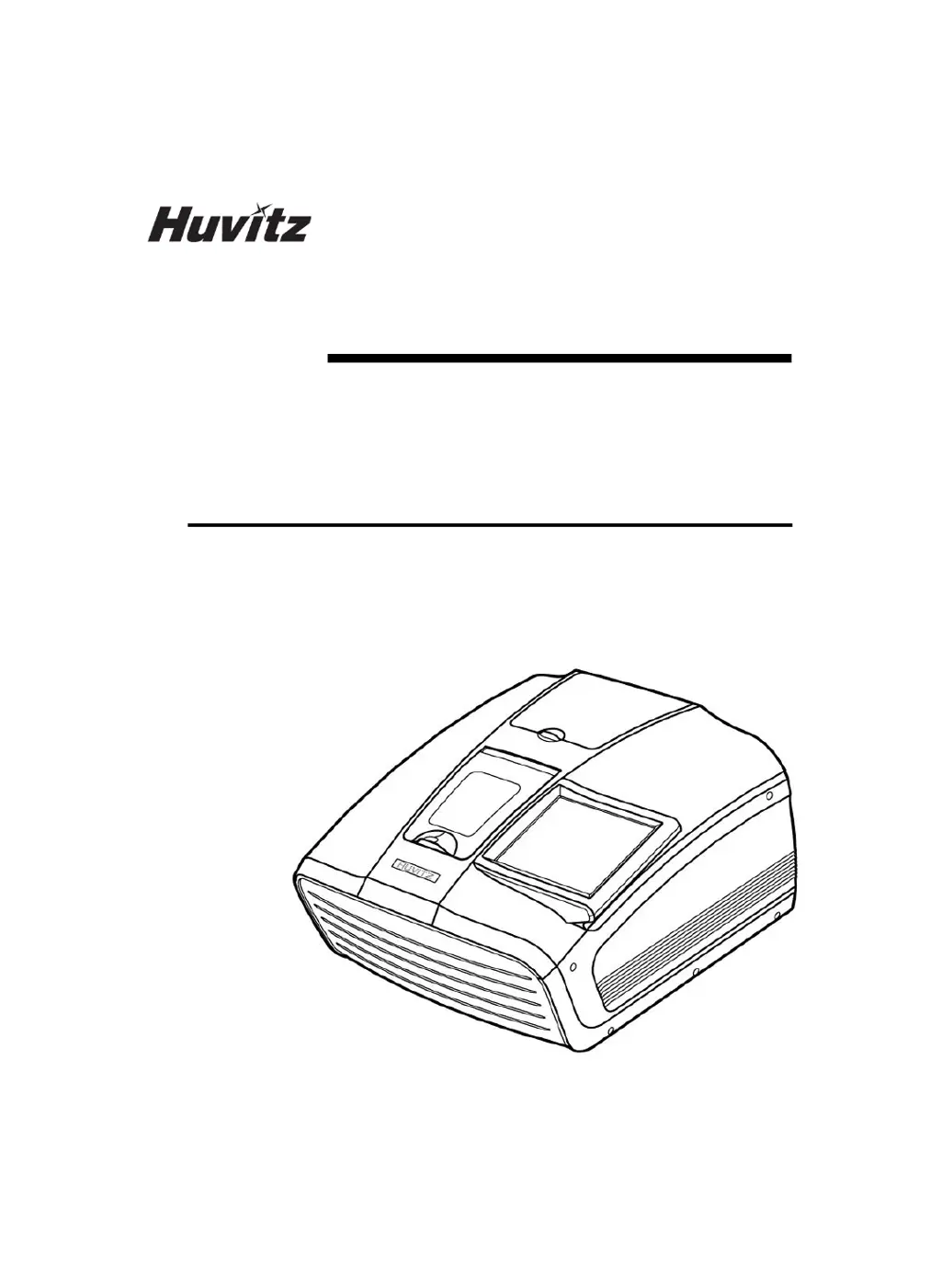
PATTERNLESS-EDGER
HPE-410
USER MANUAL

Table of Contents

Questions and Answers

  • M
    Michael MartinAug 14, 2025
    Why is my Huvitz HPE-410 R/L lens size different?
    • L
      Leslie RiveraAug 14, 2025
      The R/L lens size may differ on your Huvitz Edger due to: * A large diopter difference between the R/L lens. * Movement of the frame while the frame reader is reading it. To resolve this: * Edge the lens, considering the thickness of both the right and left lenses. * Ensure the frame is centered as much as possible during tracing.
  • M
    Michael HoffmanAug 18, 2025
    What to do if the edged lens size is large with my Huvitz Edger?
    • A
      Andrea HamiltonAug 18, 2025
      If the edged lens size is too large when using your Huvitz Edger, it could be due to several reasons: * The bevel cannot be mounted in the groove because the groove is too narrow. * The height of the mini bevel is lower than the groove. * The frame curve is less than the lens curve. * The bevel/groove position is not fitted for the frame curve. * The grooving depth/width is too low/narrow. Here are possible solutions: * Use mini bevel edging. * Ensure the mini-bevel height is well-fitted with the groove height during edging. * Use auto mode edging or select the lens that fits the frame curve. * Use auto mode edging or manually adjust the bevel/groove position to fit the frame curve. * Readjust the groove depth/width to fit the wire.
  • M
    Melissa MendozaAug 21, 2025
    What to do if the bevel or grooving position is biased or non-uniform safety beveling occurs with my Huvitz HPE-410?
    • A
      Antonio DyerAug 21, 2025
      If the bevel/grooving position is biased or non-uniform safety beveling occurs on your Huvitz Edger, it may be due to: * Feeler tip abrasion. * Modifying the lens by clamping after roughing. To address this: * Check the feeler tip and replace it if necessary. After replacement, perform feeler calibration. * Apply the feeling after roughing.
  • H
    hvegaAug 25, 2025
    What to do if the edged lens size is small with my Huvitz Edger?
    • T
      Todd WoodAug 25, 2025
      If the edged lens size is too small when using your Huvitz Edger, it could be due to: * The frame curve being greater than the lens curve. * The bevel/groove position not being fitted for the frame curve. * The grooving depth being too deep. To resolve this: * Use auto mode edging or select the lens that fits the frame curve. * Use auto mode edging or manually adjust the bevel/groove position to fit the frame curve. * Readjust the groove depth to fit the wire.
  • L
    lhallAug 28, 2025
    Why can't I select the auto bevel position on my Huvitz Edger?
    • M
      Matthew GouldAug 28, 2025
      You may not be able to select the auto bevel position on your Huvitz Edger because the information about the frame curve is missing. To resolve this, enter the R/L frame curve values in the job editor.
  • E
    Erica BlackwellAug 31, 2025
    What to do if the bevel or groove position is broken on my Huvitz HPE-410 Edger?
    • J
      jessica90Aug 31, 2025
      If the bevel/groove position breaks on your Huvitz Edger, it may be because a lens with a large diameter and high curve is interfering with instruments, causing an error when calculating the position. If interference occurs during feeling, apply the pre-roughing mode.
  • M
    Mrs. Kimberly ThompsonSep 3, 2025
    Why does the lens stop on the roughing wheel of my Huvitz HPE-410 Edger?
    • J
      jonathan51Sep 3, 2025
      The lens may stop on the roughing wheel of your Huvitz Edger if the main contact sensor has a foreign substance on it. Check the main contact sensor in the test mode.
  • D
    Dakota CarterSep 7, 2025
    Why does my Huvitz HPE-410 tracing size changed?
    • S
      smithwilliamSep 7, 2025
      The tracing size on your Huvitz Edger may change due to tip abrasion or gap occurrence. Perform a frame/pattern calibration to resolve this.
  • T
    tramseySep 10, 2025
    What to do if my Huvitz HPE-410 shows incorrect system time?
    • R
      robert81Sep 10, 2025
      If your Huvitz Edger displays an incorrect system time, it is likely that the battery has reached the end of its life (approximately 5 years, but may vary depending on usage). Replace the GUI board battery with a CR1210 type battery.

Summary

Introduction

Main Functions

Details the functions of the lens processing machine.

Safety Information

Introduction to Safety

Emphasizes the importance of safety and understanding instructions.

Safety Symbols Explained

Explains standard safety symbols used in the manual.

Environmental Considerations

Lists environments to avoid for operation or storage.

Essential Safety Precautions

Provides essential precautions for safe operation and handling.

System Overview

Main Body (HPE-410) Components

Describes the main components of the HPE-410 edger.

Blocker Types Overview

Details the different types of blockers (HMB-8000, CBK-4000).

Standard Accessories

Lists and illustrates the standard accessories provided.

Installation Procedure

Edger Installation Guide

Step-by-step guide for installing the edger unit.

Blocker Installation

Instructions for installing the HMB-8000 and CBK-4000 blockers.

Operation

Control Button Functions

Overview of control buttons available on the touch screen interface.

Frame Reader Operations

Explains the Frame Tracing and Pattern Tracing modes.

Blocker Operations

Details the Scale Plate and Lens Adapter Setter for blockers.

Blocking Mode Comparison

Compares Active Blocking vs. Passive Blocking.

Edger User Interface

Main Screen Overview

Overview of the main screen layout and its sections.

Job Management Features

Covers managing jobs, including new jobs, job numbers, and job manager functions.

Lens Pattern and Digital Modification

Modifying lens shape for rimless and semi-rimless fitting.

Hole Editor and Drilling

Screen for editing hole positions for drilling operations.

Edging Process Control

Steps to start and manage the lens edging process.

Configuration

Edger Configuration Settings

Settings and options for configuring the edger.

Built-in Frame Reader Configuration

Settings for the built-in frame reader.

System Maintenance

Frame Reader Calibration and Testing

Calibration and testing procedures for the built-in frame reader.

Edger Calibration and Testing

Calibration and test modes for the edger machine.

Wheel Dressing and Statistics

Procedures for wheel dressing and viewing machine statistics.

Configuration and Software Management

Managing system configuration, backups, and software upgrades.

Maintenance Tips and Procedures

Guidance on component replacement and regular upkeep.

Troubleshooting Guide

Specifications and Accessories

Standard Accessories List

Lists all standard accessories included with the product.

Technical Specifications

Details technical specifications for the edger, frame reader, and blocker.

System Drawings and Dimensions

Provides dimensional drawings of the edger and blockers.

SERVICE INFORMATION

Huvitz HPE-410 Specifications

General IconGeneral
CategoryEdger
ModelHPE-410
ManufacturerHuvitz
PolishingYes
BevelingYes
GroovingYes
Edging MaterialPlastic, CR-39, Polycarbonate, High-index lenses

Related product manuals