EasyManua.ls Logo

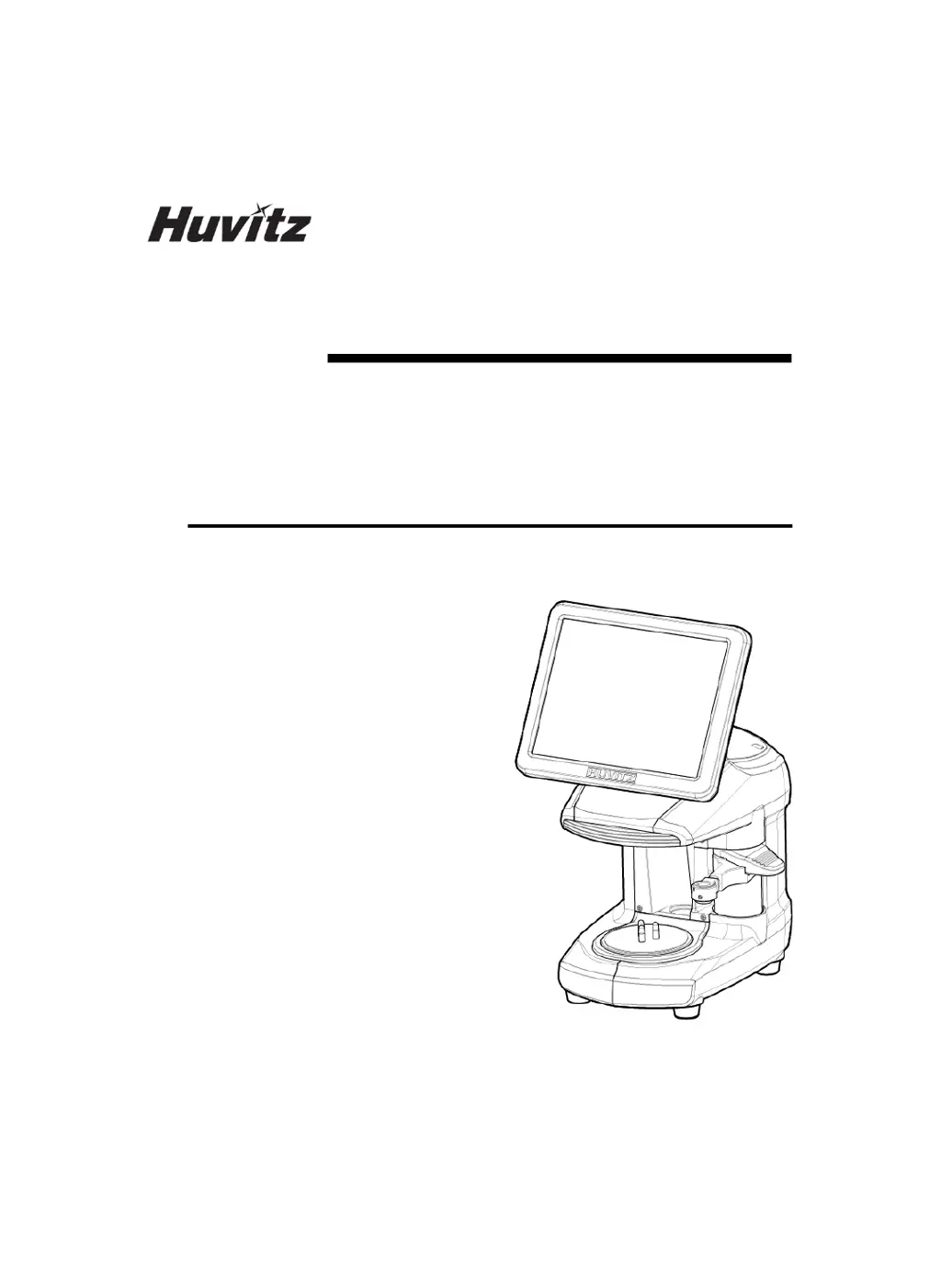
Huvitz SMART BLOCKER HBK-410 - User Manual

Huvitz SMART BLOCKER HBK-410
118 pages
Print Icon
To Next Page IconTo Next Page
Loading...
SMART BLOCKER
HBK-410
USER MANUAL

Table of Contents

Questions and Answers

  • C
    Candace SteeleAug 2, 2025
    Why is the lens adaptor not attaching to the lens on my Huvitz SMART BLOCKER HBK-410?
    • J
      Julie ConradAug 2, 2025
      If the lens adaptor isn't attaching to the lens during blocking with your Huvitz Laboratory Equipment, there are a few potential reasons. First, the leap tape might be losing its stickiness if you're reusing it; avoid reusing the tape, or try drying it with a heater. Another possibility is that the ball plunger is too tight. Try loosening it slightly to allow the lens adaptor to fall out more easily, but be sure to check that the center and axis are still correct afterward. Finally, if you're blocking a high-curve lens to the box center, try using a smaller lens adaptor instead of a longer one.
  • J
    Jill PerryAug 16, 2025
    What to do if the holder does not hold the lens adaptor securely on Huvitz Laboratory Equipment?
    • A
      April HendersonAug 17, 2025
      If the holder isn't securely holding the lens adaptor and it keeps falling off your Huvitz Laboratory Equipment during blocking, the ball plunger might be too loose. You should tighten the ball plunger to securely hold the lens adaptor. After tightening, make sure to check that the center and axis are still correct.

Summary

Safety Information

Safety Symbols

Explains the meaning of various hazard and warning icons.

Safety Precautions

Outlines rules and warnings for preventing accidents and damage.

Installation

Installation Procedure

Step-by-step instructions for setting up the HBK-410.

How to connect the device

Describes the process of linking the HBK-410 with other hardware.

Smart Blocker User Interface

Blocking Screen

Interface for performing the lens blocking process.

Digital Pattern

Modifies lens shapes for rimless and semi-rimless fitting.

Hole Editor

Tool for defining drilling hole positions on lenses.

Step Bevel Editor

Advanced editing for step bevel lens processing.

Bevel Height Editor

Professional editing for asymmetric/semi-U bevel heights.

Configuration

System Maintenance

Troubleshooting Guide

Huvitz SMART BLOCKER HBK-410 Specifications

General IconGeneral
BrandHuvitz
ModelSMART BLOCKER HBK-410
CategoryLaboratory Equipment
LanguageEnglish

Related product manuals