EasyManua.ls Logo

Hybrid Advantage - User Manual

Default Icon
32 pages
Print Icon
To Next Page IconTo Next Page
Loading...
Before using your air conditioner, please read this manual carefully and keep it for future reference.
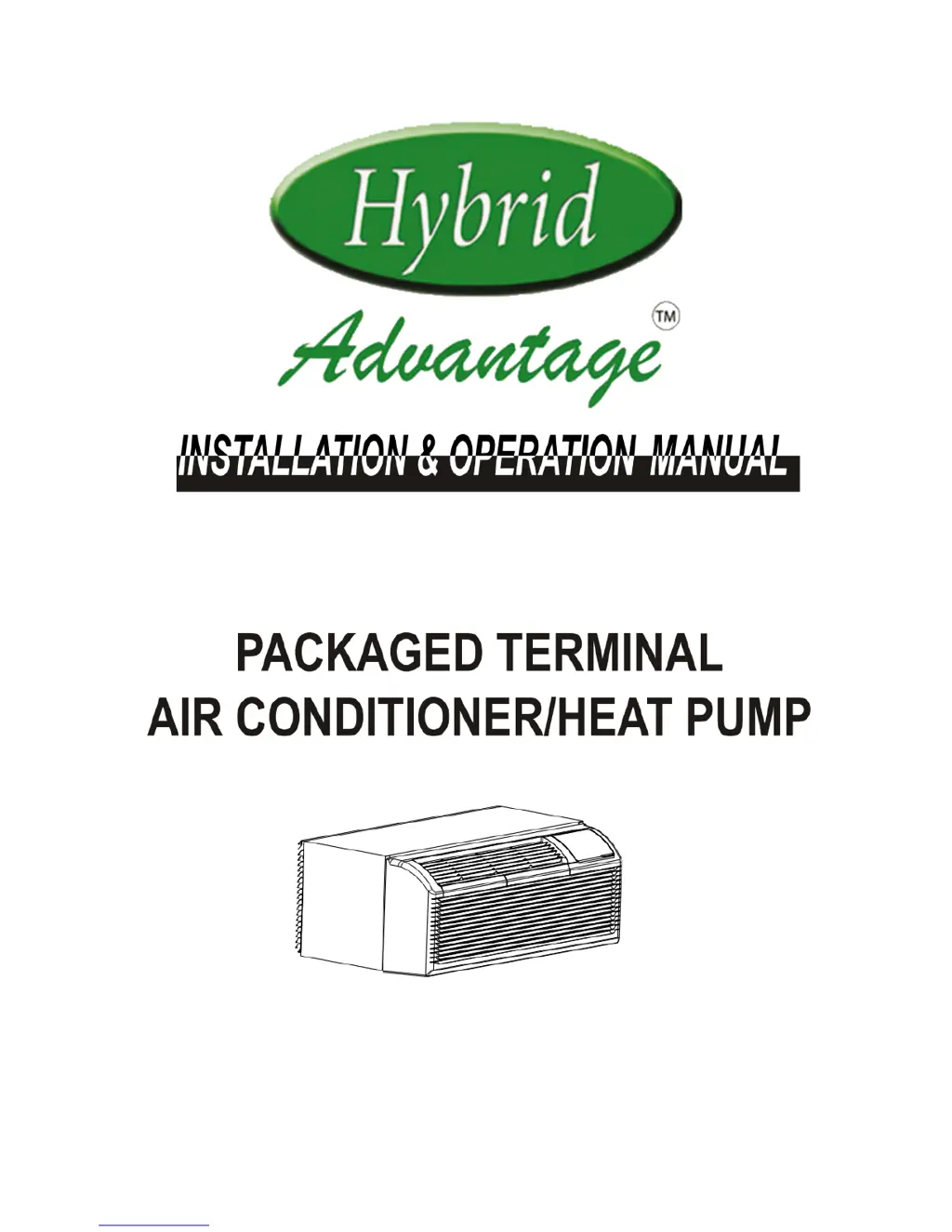
PACKAGED TERMINAL AIR CONDITIONER/HEAT PUMP

Questions and Answers

  • K
    Kayla RodriguezJul 26, 2025
    What to do if my Hybrid Advantage unit does not start?
    • T
      Thomas HallJul 27, 2025
      If your Hybrid Air Conditioner doesn't start, there are several possible causes: * The unit may be unplugged: Check that the plug is securely plugged into the wall receptacle and that the plug has not tripped (if it has a test/reset button). * A fuse may have blown: Replace the fuse. * The circuit breaker may have tripped: Reset the circuit breaker. * The unit may be off: Turn the unit on using the bottom right button on the keypad.
  • W
    Wanda NicholsAug 5, 2025
    Why does my Hybrid Air Conditioner have compressor protection?
    • M
      Meredith AndersonAug 5, 2025
      The compressor of your Hybrid Air Conditioner may have restart protection activated if the power cycled. Whenever the unit is plugged in, or power has been restarted, a random compressor restart will occur. After a power outage, the compressor will restart after approximately 3 minutes. To prevent short cycling, there is a random startup delay of 3 minutes and a minimum compressor run time of 3 minutes.
  • B
    Brian LopezAug 10, 2025
    What to do if water is dripping inside my Hybrid Air Conditioner?
    • K
      Kara WolfeAug 10, 2025
      If you notice water dripping inside your Hybrid Air Conditioner, it may be due to the wall sleeve not being installed level. The wall sleeve must be installed level for proper condensation drainage. Check the installation and make any necessary adjustments to ensure it is level.
  • T
    Tina SmithAug 15, 2025
    Why does ice or frost form on the indoor coil of my Hybrid Advantage?
    • K
      Kaitlyn MckinneyAug 15, 2025
      Ice or frost may form on the indoor coil of your Hybrid Air Conditioner due to: * Low outdoor temperature: When the outdoor temperature is approximately 55°F or below, frost may form when the unit is in cooling mode. Switch the unit to FAN operation until the ice or frost melts. * Dirty filters.
  • T
    Theresa PopeAug 20, 2025
    What to do if the display on my Hybrid Advantage Air Conditioner has strange numbers or characters?
    • C
      Cody CombsAug 20, 2025
      If the display on your Hybrid Air Conditioner shows strange numbers or characters, it could be due to: * The unit being in a protection mode. * The unit being set for Celsius instead of Fahrenheit.
  • R
    Richard CampbellOct 30, 2025
    Why is my Hybrid Air Conditioner not cooling or heating the room?
    • L
      Lauren MarshallOct 30, 2025
      If your Hybrid Air Conditioner is not cooling or heating the room effectively, consider the following: * Check if the unit's air discharge section is blocked by curtains, blinds, or furniture. * The temperature setting may not be high or low enough. Try resetting to a lower or higher temperature setting. Note that setpoint limits may prevent the unit from reaching the desired temperature. * Dirty air filters can restrict airflow. Remove and clean the filters. * If the room is excessively hot or cold when the unit is started, allow sufficient time for the unit to heat or cool the room. * Ensure the vent door is closed. * The unit may be in a protection mode. Check dipswitch and wall thermostat settings. * The compressor may be in a time delay. Wait approximately 3 minutes for...

Summary

SAFETY PRECAUTIONS

Warnings and Symbol Definitions

Explains hazard symbols, cautions, and warnings for safe operation.

IMPORTANT SAFETY INSTRUCTIONS

General User Safety Advice

Provides crucial safety advice for user protection, appliance longevity, and handling.

Electrical Safety Information

Details electrical precautions, grounding importance, and power cord safety guidelines.

AIR CONDITIONER FEATURES

Power Supply and Current Device

Discusses power supply requirements, outlet types, and optional current detection device.

DIP SWITCHES CONFIGURATIONS (Optional)

DIP SWITCHES CONFIGURATIONS Table

Provides a detailed table of dip switch settings (S1-S9) and their functions.

WALL THERMOSTAT TERMINAL (Optional)

UNIT DAMAGE HAZARD

Warns about potential equipment damage from improper wiring or airflow restriction.

INSTALLATION

Installation Caution

Warns about sharp edges and the need for multiple people to lift the unit.

How to Install the Unit

Provides initial steps for installation, like measuring wall sleeve dimensions.

Unit Installation Steps

Outlines initial steps like removing shipping tapes, front panel, and shipping screw.

Unit Installation (Continued)

Continues installation steps, focusing on vent control lever operation.

Securing Unit in Wall Sleeve

Details lifting and sliding the unit into the wall sleeve and securing it with screws.

CARE AND CLEANING

Unit Damage Hazard

Warns about equipment damage from improper operation or airflow restriction.

Air Filters Importance

Stresses the importance of using and cleaning air filters for unit efficiency and longevity.

TROUBLESHOOTING

Unit Does Not Start

Lists possible causes and solutions for the unit failing to start.

Unit Not Cooling;Heating Room

Addresses issues like blocked airflow, incorrect settings, or dirty filters affecting temperature.

Ice or Frost Forms on Indoor Coil

Identifies low outdoor temperature and dirty filters as causes for ice/frost formation.

Compressor Protection

Explains restart protection and delays to prevent compressor damage from short cycling.

OPTIONAL WIRED;WIRELESS DIGITAL WALL STATS AND EMS SYSTEMS

Hybrid Wired Thermostat Installation

Guides on how to plug the hybrid wired thermostat directly into the unit.

Controller for Hybrid Wired Stat

Shows how to hook up the wall stat connector to the digital stat controller.

Wall Stat Connector Hook-up

Details connecting the wall stat connector to the unit's CN11 RS-485 interface.

PRO1 WIRELESS & WIRED DIGITAL WALL STAT CONFIGURATION

Steps to Follow

Lists the sequence of actions for configuring the PRO1 wall stat.

Connecting Module to Controller

Provides a table for connecting wireless or wired modules to the controller.

Jump Connection for Heat 1 & Heat 2

Illustrates how to create a jumper connection between Heat 1 and Heat 2 terminals.

Set CO to b

Details the procedure to change thermostat setting from "CO 0" to "CO b".

Change CO Setting

Explains how to change the "CO" setting to "CO b" by pressing buttons.

Hybrid Advantage Specifications

General IconGeneral
BrandHybrid
ModelAdvantage
CategoryAir Conditioner
LanguageEnglish