PAGE 6PAGE 6
FRONT PANEL CONTROLS AND FEATURES
ROTATE TO EDIT
PRESS TO ENTER
21
4
3
1.
3.
4.
2.
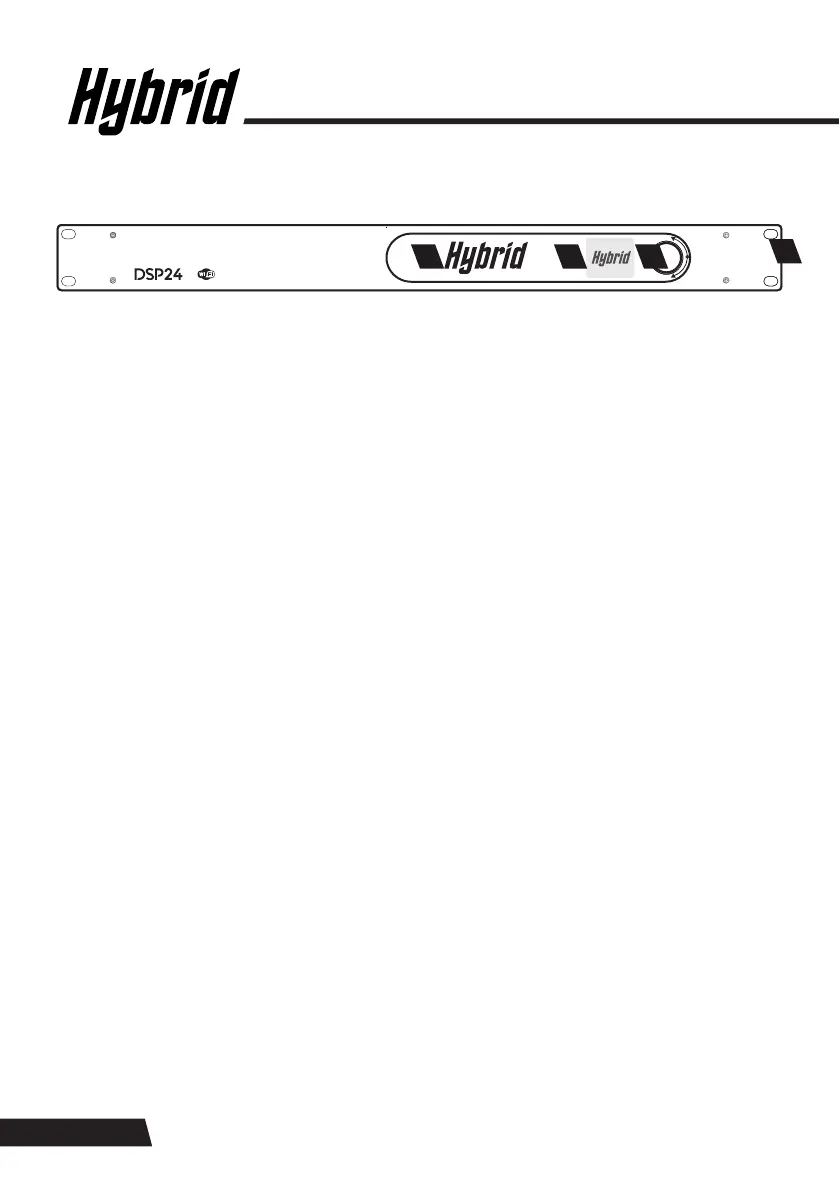
WI-FI AND LOGO WINDOW
JOG WHEEL
RACK MOUNT HOLES
LCD DISPLAY
The Hybrid logo is also the Wi-Fi aerial, enabling communication between the DSP24 and PC/smart
device. The colour and intensity of the LED Hybrid logo can be controlled using the DSP24’s software,
and the logo can also be configured to indicate the processor’s audio signal and whether the system is
overloading.
The jog wheel is used for onboard editing and loading presets 01 to 30. Presets 31 and 32 can only
be edited by users with the Wi-Fi software. Rotating the jog wheel will change the parameter value
displayed, a short press will skip to the next parameter/page and a long press will load or save a
preset/password.
There are four rack mount holes provided for installation in a 19” rack case.
TIP: Use the industry-standard M6 cage nuts, screws and plastic washers to avoid scratching the
front plate.
A full colour 1.5” LCD display used for setting up presets 01 to 03 and loading Hybrid amplifier and
speaker presets 04 to 30 in conjunction with the jog wheel. The Home Page of the display indicates
the loaded preset number. It also has six round LED indicators, two at the top for the inputs and four
at the bottom for the outputs. The Wi-Fi software is only used for setting up presets 31–32 as well as
firmware updates. The screen also indicates whether the Wi-Fi is on or off or linked to a device.


 To Next Page