29
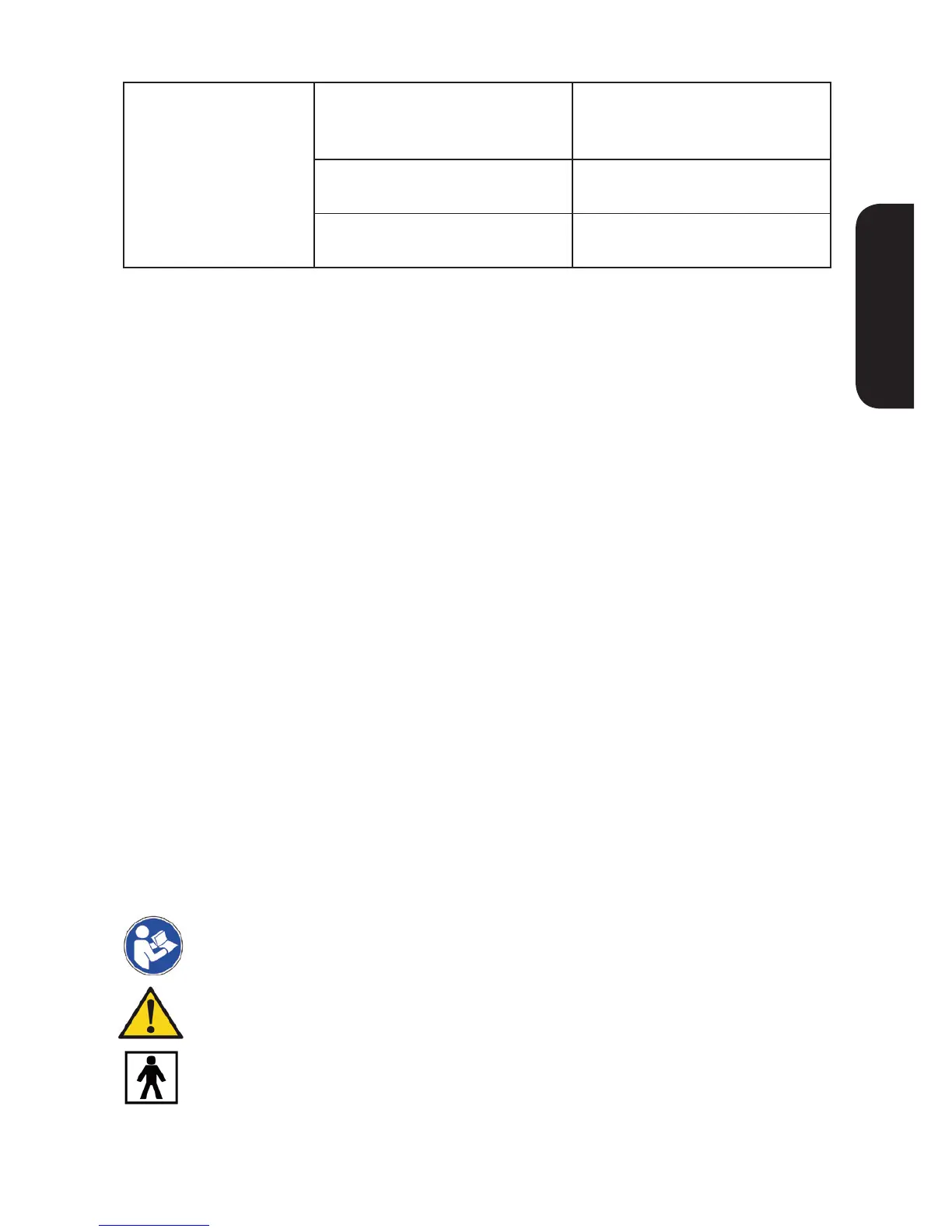
Power sources cut
o in the therapeutic
process.
Have the electrode pads come
o the skin?
Turn o the power and stick
the electrode pad rmly to
the skin.
Are the wires disconnected? Turn o the power and
properly connect the wire.
Have the batteries been
exhausted?
Please replace them with new
ones.
10 | Maintenance
• Do not drop this device subject it to strong impact.
• Avoid high temperature and direct sunlight. Do not immerse the device in
water.
• If this device is stored near freezing, allow it to acclimate to room
temperature before use.
• Do not attempt to disassemble this device.
• If you do not use the device for a long time, please remove the batteries. .
• If the device becomes dirty, please clean it with a soft dry cloth. Do not use
any abrasive or volatile cleaners.
• No component can be maintained by user in the device.
The circuit diagrams, component part lists, descriptions, or other information
which will assist the user‘s appropriately qualied technical personnel to
repair those parts of equipment which are designated as repairable can be
supplied by the manufacturer.
• In order to ensure that the electrodes adhere as long as possible, they
should be cleaned carefully with a damp, lint-free cloth.
• After use, stick the electrodes onto the backing lm.
• Electrode Pads are designed to be replaceable, so when the electrodes do
not adhere rmly, you must replace electrode-pads.
11 | Explanation of symbols
Symbol for «Consult Operation Guide»
Symbol for «WARNING!»
Symbol for «TYPE BF applied parts»


 To Next Page